EN
 FR
 DE
 IT
 PT
 ES


SQL Server 2025 on Linux: a practical deployment guide
Running SQL Server on Linux is no longer just an experiment. Many organizations already use Red Hat Enterprise Linux or Ubuntu. For them, SQL Server 2025 lets them keep their familiar database tools. It also fits into their existing Linux setup. The main benefit isn't just avoiding Windows. It's being able to use the same automation, monitoring, container platforms, security, and IT skills they already have for their other applications.
This flexibility doesn't remove the need for careful planning. A reliable production setup still requires important choices. You need to pick a supported Linux version, apply the right updates, and size storage and memory carefully. You also need to protect sensitive information, test recovery plans, and match your setup to the correct SQL Server edition and license. This guide will walk you through these steps, from the first design meeting to the final operational checklist.

Start with a Precise Version
SQL Server 2025 (version 17.x) became generally available on November 18, 2025. As of July 31, 2026, the latest update is CU7, released on July 16, 2026, with build number 17.0.4065.4. These dates are important because "SQL Server 2025" alone isn't specific enough for production. Your installation records, configuration management, and problem reports should always name the exact edition, build, Linux version, kernel, and container image (if used).
Microsoft updates are cumulative. This means a new installation can usually go straight to the latest update without applying older ones first. However, you should always test an update in a non-production environment first. Check application connections, SQL Agent jobs, backup and restore, availability group behavior, extensions, drivers, and monitoring. Always have a plan to roll back or recover if needed. The official SQL Server 2025 Linux release notes are the best place to confirm current builds and known issues before any maintenance.
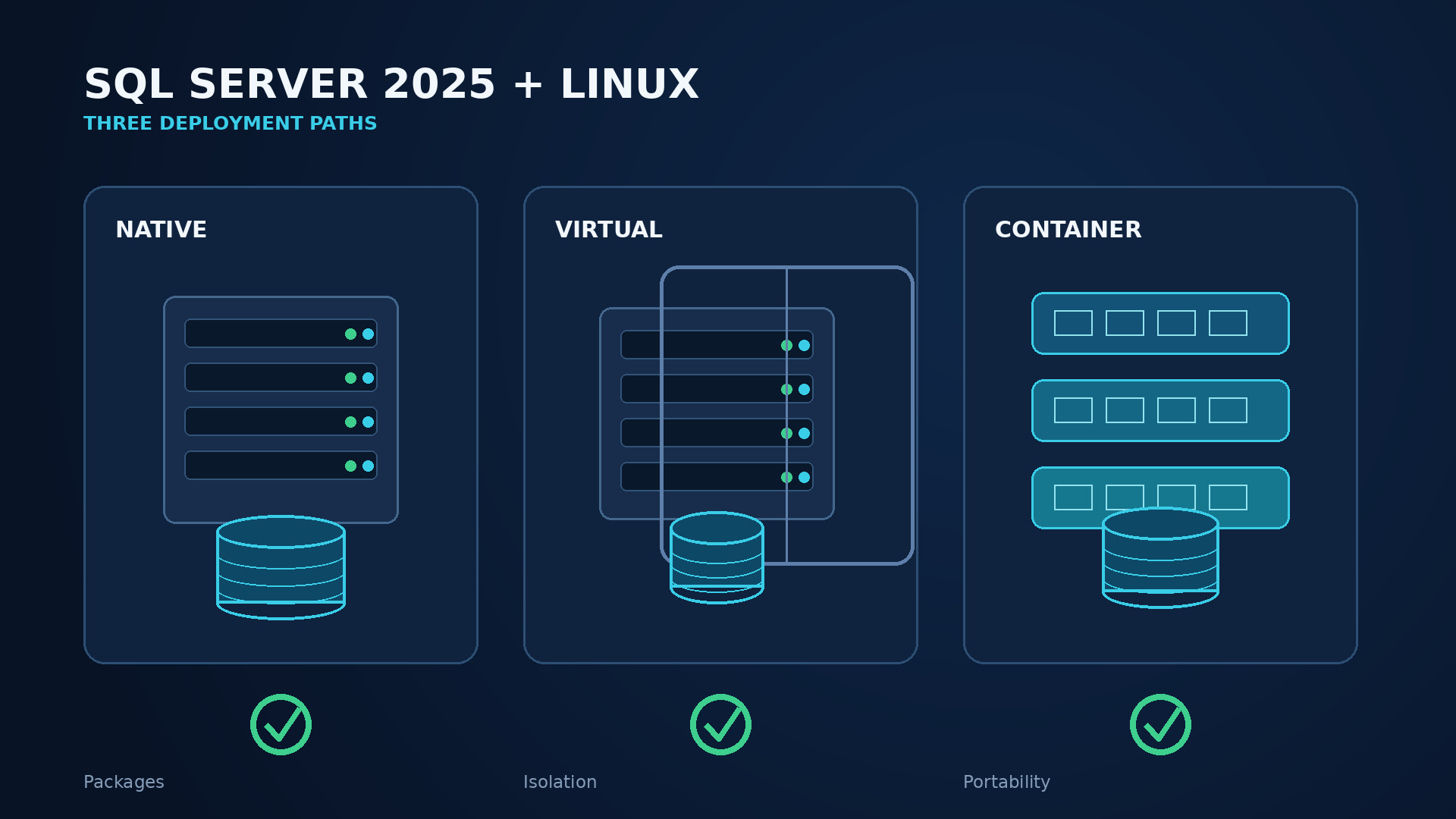
Choose Your Operating Model First
There are four common ways to run SQL Server on Linux:
Native Package Installation: SQL Server is installed directly on a supported Linux server or virtual machine. This often works best for stable, long-running databases and integrates well with systemd.
Virtual Machine (VM): A VM adds isolation and snapshots for infrastructure tasks. It also offers familiar disaster recovery options. However, the database still needs its own SQL-aware backup and recovery plan.
Container: The database engine and its needs are packaged into a repeatable unit. Storage, sensitive information, and how containers are managed are handled by the platform.
Managed Cloud Database: A cloud provider handles more of the operational tasks. Note that this is not the same product or control as a self-managed Linux instance.
Don't choose containers just because your application team uses Kubernetes. Databases need data to last, specific recovery goals, and fast response times. On the other hand, don't avoid containers just because they are temporary. The container itself can be replaced, as long as the data, logs, backups, and settings are saved correctly. Your decision should be based on your team's skills, standardization, high availability needs, storage integration, update process, and how much control you need over the host server.
| Model | Best fit | Main design burden |
|---|---|---|
| Native host or VM | Predictable, long-lived database service | OS lifecycle, patching and host HA |
| Container | Repeatable deployment with mature platform engineering | Persistent storage, secrets, scheduling and recovery |
| Managed service | Teams that prefer provider-operated infrastructure | Service constraints, migration fit and recurring model |
Supported Linux Platforms: A Short List
For a direct SQL Server 2025 installation, Microsoft supports RHEL 9 and 10, and Ubuntu 22.04 and 24.04. You should use XFS or ext4 file systems. RHEL 10 and Ubuntu 24.04 were preview options at launch and became fully supported with CU1 on January 29, 2026. SUSE Linux Enterprise Server (SLES) is not supported for SQL Server 2025. If you have an older SQL Server instance on SLES, you cannot upgrade it in place to 2025. Instead, plan to move it to a new, supported server, usually by backing up and restoring your databases.
The list of supported platforms is a strict rule, not just a suggestion. A Linux version that can technically install a package or run a process is not automatically a supported production platform. Make sure to record the exact major version of your chosen Linux distribution in your architecture documents. Always check it against Microsoft's current Linux setup guidance. Also, confirm that your virtualization layer, storage driver, clustering tools, and backup agent are supported. The database might be supported, but a key surrounding component might not be.
Plan Capacity and Setup Before Installation
Start by understanding your workload. This includes peak transactions per second, how many users are connected at once, database growth, how much data is read versus written, the size of active data, the largest queries, batch processing times, and how quickly you need to recover. Minimum installation requirements do not describe a healthy production server. SQL Server shares CPU, memory, and I/O with the operating system, security tools, backup software, and monitoring tools. Always leave extra capacity instead of giving every resource to the database.
Think about capacity and availability separately. A large virtual machine isn't highly available just because it has many processing cores. A two-node cluster isn't strong against failures if both nodes, their storage, and their quorum all depend on one single point of failure. Draw out all the dependencies: server hosts, racks or zones, DNS, user accounts, time service, network paths, storage, witness servers, backup targets, and management tools. Then, mark which failures your design can handle and how it recovers from others.
For SQL Server Standard, remember the processing power limit: one Database Engine instance can use a maximum of four sockets or 32 cores, whichever is less. The licensing guide also states the Standard limit as 32 licensed cores. Adding more virtual CPUs beyond this limit does not turn Standard into Enterprise. It can also make licensing costs and compliance more complex. If your workload truly needs more processing power, advanced online operations, or broader high availability features, compare it with Enterprise Edition before finalizing your platform choice.
Native Installation on RHEL or Ubuntu
A production setup should be automated, but administrators should still understand what the automation does. The typical steps are:
- Set up a supported operating system.
- Apply updates.
- Configure DNS and time synchronization.
- Mount data volumes.
- Add Microsoft's signed package repository.
- Install the
mssql-serverpackage. - Run the initial setup.
- Select the edition.
- Accept the terms.
- Set the system administrator password securely.
- Start the systemd service.
Client tools like sqlcmd can be installed separately on administrative hosts.
Never put a real administrator password in shell history, cloud-init logs, or a configuration repository. Use your organization's secret manager and a controlled setup process. After setup, check systemctl status mssql-server, review the SQL Server error log, connect locally with encryption, and query SERVERPROPERTY('ProductVersion'), SERVERPROPERTY('Edition'), and the configured data paths. Apply the approved cumulative update before adding production data.
Only move default data and log directories using documented SQL Server configuration methods, not by creating symbolic links yourself. Set ownership and permissions strictly for the mssql account. Open TCP port 1433 only where necessary; exposing a default port to an entire network is not a good security practice. Clearly define firewall sources, management routes, and application connection strings. Finally, record every custom mssql-conf setting in your version-controlled infrastructure documentation.
Containers: Repeatable Doesn't Mean Disposable Data
Microsoft supports SQL Server 2025 container images on x86-64 Linux hosts with Intel or AMD processors. Translation and emulation environments like Rosetta 2, Prism, and QEMU are not tested or supported. For production, pin your image to an approved update tag and, ideally, a fixed identifier. Using a floating tag makes it hard to know what changed between restarts.
The container should run as a non-root user. It should get its sensitive information through the orchestrator or a secret store. It must use persistent storage for /var/opt/mssql or a specially designed data layout. Validate your storage type for speed, data transfer, how it saves data, failover connections, and snapshots. A volume that works for a web cache might not be suitable for a transaction log that handles many writes. Set CPU and memory requests and limits with extra space based on tests. SQL Server 2025 understands cgroup v2, which helps it better recognize resources assigned by modern Linux and container platforms. However, bad limits will still lead to slow performance.
Health checks should tell the difference between "the process is running" and "the database is actually working." Allow enough time for crash recovery during startup. Avoid restart loops that interrupt recovery. Stop applications from sending data before planned container replacements. Backups must be stored outside the container's failure area. Test restoring them to a clean instance built from the same documented image and configuration.
Performance: Focus on I/O First
Database performance on Linux usually depends on three main factors: how well queries are written, memory availability, and storage speed. Separate data, transaction logs, tempdb, and backups if your storage setup can truly provide independent performance or failure characteristics. Just creating four directories on the same overloaded device only looks neat; it doesn't create four separate I/O paths. Measure read and write speed at both the SQL Server and operating system levels, especially during backups, checkpoints, and maintenance peaks.
Set the SQL Server maximum server memory so that the operating system, drivers, and agents still have enough memory. Watch for swapping (using virtual memory) and constant memory issues, rather than just relying on a single "free memory" number. Align your virtual CPU setup and NUMA design with the hypervisor and your workload. Virtual machines that are too wide can have processing delays, while undersized systems create tasks waiting to run and unpredictable slowness. Use actual wait statistics, Query Store, and execution plans to tell the difference between CPU, I/O, locking, memory, and query design problems.
SQL Server 2025 supports placing tempdb on tmpfs. This can be useful for certain temporary tasks because tmpfs uses memory. However, it is temporary, uses memory, and can increase memory pressure elsewhere. Only tempdb is supported this way; never put user databases or permanent system databases there. Size it carefully, set file growth intentionally, consider how it behaves after a restart, and test it under the worst-case scenarios for temporary data overflow. Microsoft's tmpfs configuration guidance should be followed exactly.
Maintenance needs vary by workload. Update statistics regularly, manage index health based on proven improvement, keep Query Store data for a useful time, and review expensive query plans after upgrades. Standard ODBC connections for PolyBase expand options for external data sources on Linux. However, remote scans still depend on driver quality, network speed, sending filters to the source, and the source system's capacity. Think of connecting to other data sources as a design task, not just getting more storage.
Security: Use Linux Tools Without Creating Weaknesses
SQL Server 2025 on Linux uses TLS 1.3 by default. This is a good starting point, but encryption isn't complete until clients check the server certificate and administrators manage who is trusted. Use a certificate issued for the service name, protect its private key, renew it automatically and securely, and test older drivers before rules change. Don't fix certificate errors by setting every client to trust any server certificate.
If your application architecture supports it, prefer user accounts managed in one central place. Use separate service accounts and grant only the minimum database permissions needed. SQL Server 2025 adds custom password policies for SQL logins, which is helpful when SQL authentication must be used. A policy should define password length, complexity, history, lockout rules, and rotation in line with your organization's risk model. It should not encourage easy-to-guess monthly password changes. Keep emergency administrative access stored securely, checked, and tested.
At the host level, minimize installed software, limit who can log in directly, keep sudo access narrow, enforce file permissions, and monitor changes to settings and certificates. Use firewall rules that only allow specific connections between applications, administrators, cluster nodes, and monitoring systems. Keep SELinux or your distribution's required security features in their supported configuration. Do not turn off security just to get an installation "working." Send SQL audit information, failed login attempts, systemd events, and host security logs to a central platform with retention appropriate for your business.
Patching is important for both security and reliability. Maintain a regular schedule for the Linux kernel, SQL Server updates, drivers, command-line tools, backup software, and container base images. Define which updates require a restart or failover, who checks the service afterward, and what evidence confirms the change. Vulnerability scanning should understand the difference between an image layer, an installed package, and a running, patched database process.
High Availability: Define the Problem You Are Solving
SQL Server on Linux supports failover cluster instances (FCIs) and availability groups (AGs) with Pacemaker. However, they solve different problems. An FCI protects a SQL Server instance and usually relies on shared storage. An availability group copies selected user databases between replicas. It can provide copies for reading or disaster recovery, depending on the edition and setup. Neither replaces backups. Neither protects an application if DNS, user accounts, quorum, or a shared network path can still fail on their own.
First, write down your recovery goals. RTO (Recovery Time Objective) is how fast you need service back. RPO (Recovery Point Objective) is how much data loss you can accept. Synchronous replication can prevent data loss during expected failures, but it can slow things down and still needs the right failover rules. Asynchronous replication is often better for disaster recovery sites that are far away, as it allows for some potential data loss. Document whether failover is automatic or manual, which databases move together, how logins and jobs are synchronized, and how applications find the new primary server.
Pacemaker needs quorum, fencing, and tested tools for managing resources. Fencing is not just an extra feature; it stops two servers from thinking they own the same service or storage. Place servers and witnesses across different failure areas. Keep time synchronized. Practice what to do if a server, network part, storage path, or witness fails. Standard Edition has fewer availability group features than Enterprise, so check the exact feature limits before deciding on your setup. Microsoft's Linux availability-group overview is a guide, not a complete plan for how to run things.
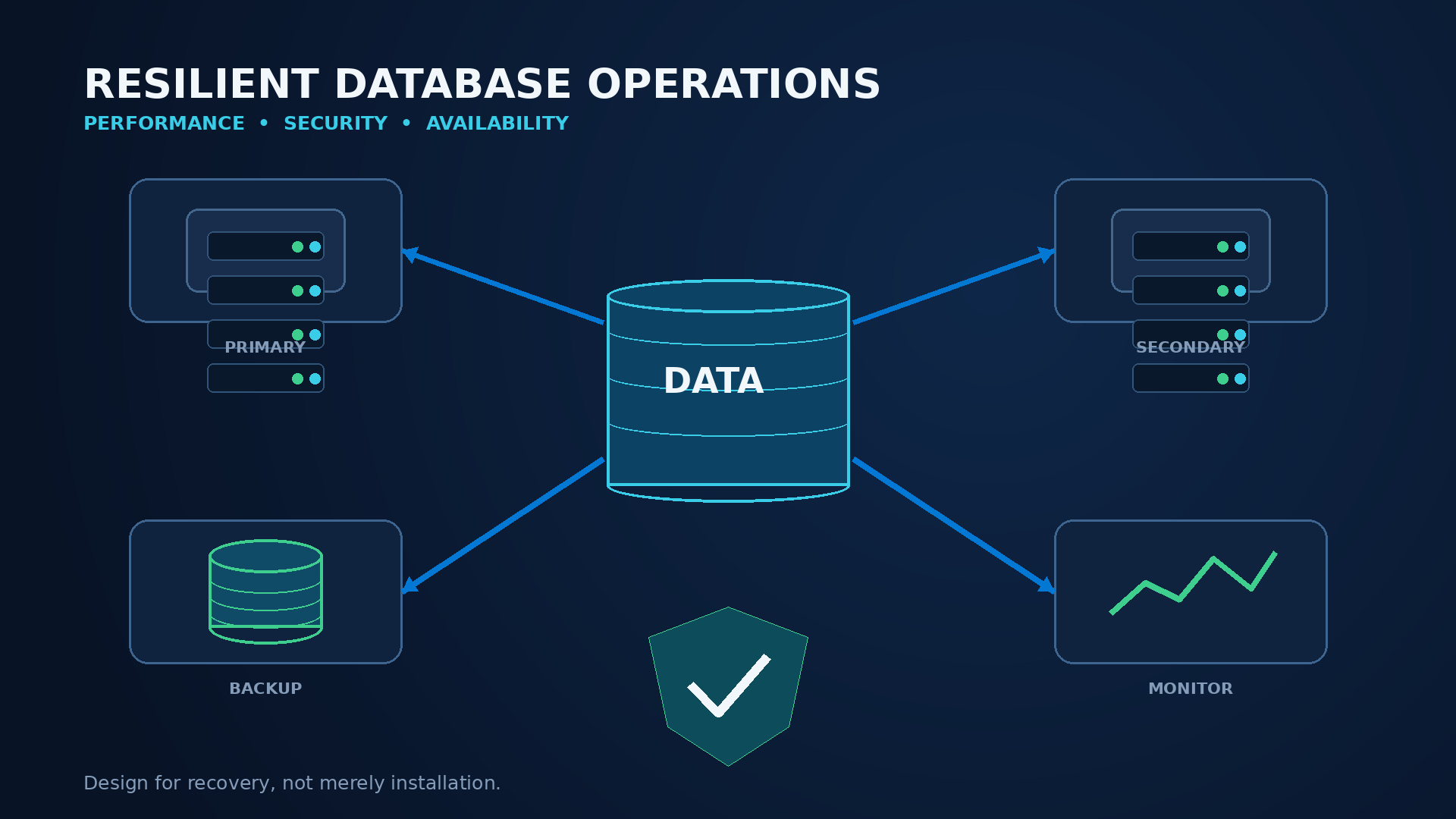
Backups: Recovery is the Goal
A backup job that reports success is only one part of being able to recover. Define full, differential, and transaction log schedules based on your RPO (how much data loss you can accept). Choose how long to keep backups based on business, contract, and legal needs. Encrypt backups. Store copies outside the database server and outside the main area of risk. Protect backup passwords separately from database admin passwords so one security breach doesn't wipe out both live data and backups.
Use native SQL Server backups for database-consistent recovery. Infrastructure snapshots can help when coordinated and supported, but a disk copy that might not be fully consistent is not automatically a replacement for a tested database backup chain. Monitor backup age, duration, data transfer speed, and failures. Check checksums where appropriate, run integrity checks, and keep enough free space for emergency restores.
Schedule, measure, and document restore tests. Restore to a clean environment, recover to a chosen point in time, run integrity checks, verify users and application access, and compare the actual recovery time with your goal. Also, test encrypted backup key and certificate recovery. The Microsoft backup and restore guide for Linux covers how to do it. Your organization must decide who is responsible, how long to keep backups, and practice restoring them.
Monitoring: Connect Database and Linux Information
Monitor from the user's actions down. Service-level indicators might include successful requests, response time, and error rate. SQL Server signals include waits, blocking, deadlocks, compilations, Query Store regressions, log usage, database state, Availability Group queues, backup age, and job failures. Linux signals include CPU strain, tasks waiting to run, low memory, swap usage, disk space, slow input/output, network problems, and system restarts. Container deployments add resource limits, removal of containers, storage issues, and scheduling problems.
Use baselines (normal performance levels) rather than one-size-fits-all limits. Eighty percent CPU can be healthy for a server that processes batches, but disastrous for a service that needs to be fast and has no extra capacity. Alert on ongoing problems and how they affect users. Ignore alerts during planned maintenance. Every alert needs a clear action. Each critical alert needs a first troubleshooting step, who to contact next, and a link to the relevant guide.
Centralize the SQL Server error log and relevant system logs, but don't collect sensitive information or full query text without thinking. Keep time synchronized so events can be matched across applications, proxies, SQL Server, Pacemaker, and storage. Review monitoring after every incident. If responders had to figure out a new command during a crisis, add it to the dashboard or guide.
Migrating to SQL Server 2025 on Linux
Moving to a new server (side-by-side migration) is usually safer than treating an operating system change as a routine in-place upgrade. Before you start, list everything:
- Databases
- Compatibility levels
- Language rules (collations)
- SQL Agent jobs
- Linked servers
- CLR components
- File paths
- Certificates
- Passwords
- Replication
- Outside data sources
- Drivers
- Operational scripts
Identify things that only work on Windows, such as drive letters, local Windows user accounts, files that don't care about capitalization, PowerShell-only jobs, or parts that aren't supported. Decide if each item can be moved, replaced, needs a new design, or can be removed.
Perform a test restore on the new system early in the process. Run checks to ensure data is good, use upgrade tools if needed, perform application tests, and establish performance benchmarks. Keep the old compatibility level at first if it makes things simpler. Then, check how the 2025 optimizer works using Query Store data. Carefully check how language rules and capitalization work, as Linux paths are case-sensitive even if a database collation is not.
For small databases with acceptable downtime, backing up, copying, restoring, and redirecting might be enough. For larger migrations or those needing low downtime, you can use methods like log shipping, availability groups, replication, or other approved ways to move data, depending on your source version and edition. Every approach needs a plan to switch over. This plan should include stopping writes, a final sync, checking everything, changing connection details, getting business approval, and a way to go back if needed. Do not remove the old system until backups, monitoring, and a stable period confirm the new service is working well.
Licensing SQL Server 2025 Standard Responsibly
First, understand the difference between choosing an edition, its technical limits, and your license rights. Standard Edition can be a good fit for many departmental and medium-sized workloads. However, its 32-core per-instance processing limit and feature restrictions must fit your design. Microsoft offers different licensing models and virtualization rules. The correct calculation depends on physical cores, virtual machines, how it's accessed, and the rights attached to the license. Review the current Microsoft SQL Server licensing guidance and Product Terms for the final decision.
Licendi offers a legitimate second-hand SQL Server 2025 Standard license for organizations looking for a perpetual licensing option. A smart purchase means keeping the invoice, product details, license papers, and proof of transfer for the deal. Confirm that the number, edition, measurement, and setup match your technical design before buying and again before using it in production.
Second-hand licensing can be a valid procurement option where legal and license-transfer conditions are met. However, it's not a reason to guess. Complicated setups like clusters, hosting, moving between clouds, frequent VM changes, or mixed physical/virtual systems need expert advice. Keep license records with your setup inventory. This way, infrastructure changes will automatically trigger a license check, instead of finding a spreadsheet during an audit.
Practical Deployment Checklist
Architecture and Support
- Record the business owner, technical owner, data classification, RTO (Recovery Time Objective), and RPO (Recovery Point Objective).
- Choose native host, VM, or container based on operations and recovery—not just trends.
- Select RHEL 9/10 or Ubuntu 22.04/24.04 and XFS or ext4.
- Record SQL Server edition, update build, OS build, kernel, and image identifier.
- Confirm every critical driver, extension, cluster component, and backup agent is supported.
- Verify Standard Edition's 32-core processing limit fits the instance.
Build and Security
- Automate repository setup, package installation, and approved settings.
- Retrieve sensitive information from a vault; keep it out of scripts, images, and shell history.
- Install a service certificate and test TLS 1.3 with production client drivers.
- Restrict firewall rules, sudo access, file ownership, and direct login.
- Enable required auditing and forward database and host security events centrally.
- Document the regular OS, update, driver, and container-image patch cycle.
Performance and Data
- Size based on measured workload, growth, and maintenance peaks.
- Reserve memory and CPU headroom for Linux and operational agents.
- Validate the speed and durability of data, log, tempdb, and backup storage.
- Set max server memory and file growth intentionally.
- Use tmpfs only for tempdb, with a tested capacity and restart plan.
- Capture a pre-production Query Store and operating-system baseline.
Availability and Recovery
- Map failure areas and remove accidental shared dependencies.
- Configure quorum, fencing, listener/DNS, and failover policy clearly.
- Test server, network, storage, witness, and replica failure scenarios.
- Encrypt backups and keep copies outside the primary failure area.
- Perform and time a clean restore, including keys and point-in-time recovery.
- Write application reconnect, failover, escalation, and rollback guides.
Operations and Licensing
- Alert on user impact, SQL waits, blocking, capacity, Availability Group health, and backup age.
- Connect SQL, systemd, OS, container, cluster, and storage telemetry.
- Assign an owner and first action to every critical alert.
- List jobs, logins, certificates, drivers, and dependencies before migration.
- Validate license model, measurement, quantities, evidence, and setup.
- Schedule a post-launch review of performance, security, recovery, and compliance.
Conclusion
SQL Server 2025 on Linux works best when it's run as a full database service, not just installed like any other program. Supported platforms, an exact update baseline, storage that keeps data safe, smart management of resources, certificate validation, practiced recovery, and helpful monitoring are all part of the same design. Linux gives teams strong foundations for automation and monitoring. SQL Server adds its own responsibilities for data, transactions, and licensing.
Build your operational model before setting up the production server. Test failure paths before promising availability. Connect license purchases to your actual setup. This careful approach makes the platform easier to update, understand, fix, and check. It also gives SQL Server 2025 a stable place in an environment that primarily uses Linux.
Frequently asked questions
Which Linux distributions support SQL Server 2025?
Microsoft supports direct installations on RHEL 9 and 10, and Ubuntu 22.04 and 24.04, using XFS or ext4. RHEL 10 and Ubuntu 24.04 are fully supported from CU1.
Does SQL Server 2025 support SLES?
No. SLES is not a supported SQL Server 2025 platform. If you have an older instance on SLES, move it to a supported RHEL or Ubuntu server. This is usually done by backing up and restoring your databases.
What is the latest SQL Server 2025 Linux update?
As of July 31, 2026, it is CU7, build 17.0.4065.4, released on July 16, 2026. Always recheck the release notes before deployment.
Can SQL Server 2025 run in a Linux container?
Yes, on supported x86-64 Linux hosts using Intel or AMD processors. Make sure to use durable storage, pin the image version, protect sensitive information, and test backup and recovery outside the container.
Can I put SQL Server databases on tmpfs?
Only tempdb is supported on tmpfs. It is temporary and uses memory, so size and test it carefully. User databases and permanent system databases must remain on durable, supported storage.
Does Standard edition use more than 32 cores?
One Standard Database Engine instance is limited to the lesser of four sockets or 32 cores. You still need to check licensing and virtualization rules for your specific deployment.
Do availability groups replace backups?
No. Replication can improve availability, but it can also copy deletions or corruption. Keep independent, encrypted backups and perform scheduled restore tests.
Is a second-hand SQL Server licence legitimate?
It can be a legitimate way to buy software if the legal and license-transfer conditions are met. Keep transaction and proof-of-origin documents, and validate the edition, measurement, and setup for your intended deployment.