 EN
 FR
 DE
 IT
 PT
 ES



Bitdefender




Buying guide
Which Bitdefender edition do I need?
Buy Bitdefender from Licendi and choose the level of protection that fits your devices and online activity. Our range starts with antivirus protection for a Windows PC and extends to multi-device security, a full VPN and identity-focused tools. We make the differences clear so you can choose without paying for features you will not use.
After your order, we send the licence details and official download link by email. Delivery is instant during office hours and takes no more than 24 hours outside them. You also receive a PDF invoice with VAT shown, plus help by email and chat if you need it.
- Key and download by email
- Invoice with VAT shown
- Licence term shown on each product
- Support by email and chat
Start with the devices you want to protect. Then decide whether you need only core antivirus, controls for a family, protection across different operating systems, or privacy and identity tools. The prices below are starting prices, so check the selected duration and number of devices on the product page before ordering.
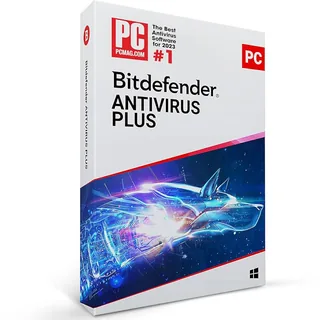
One or more Windows PCs needing essential protection
Antivirus, web attack prevention, anti-phishing and ransomware remediation
from 17,00 €
Buy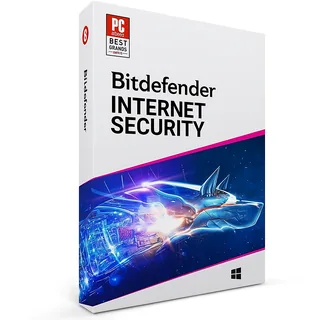
Windows households wanting privacy and family controls
Firewall, parental controls, and webcam and microphone protection
from 25,00 €
Buy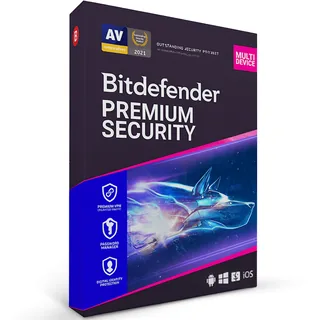
People who want security and privacy in one package
Multi-device protection, unlimited VPN and a password manager
from 40,00 €
Buy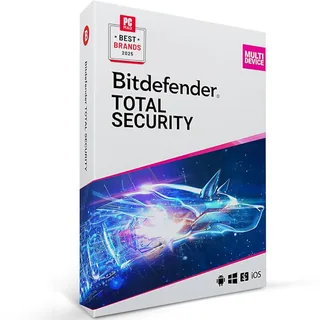
Homes with Windows, macOS, Android or iOS devices
Multi-platform protection, device optimisation and anti-theft tools
from 45,00 €
Buy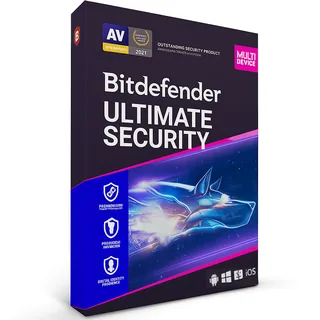
People wanting broader identity and scam protection
Premium security tools plus digital identity monitoring and scam protection
from 54,00 €
Buy6 of 10 Bitdefender orders at Licendi are for Bitdefender Premium Security (last 12 months).
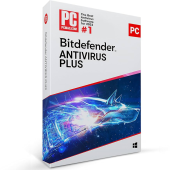
Bitdefender Antivirus Plus: essential Windows protection
Choose Antivirus Plus when your priority is protecting Windows PCs against viruses, ransomware, malicious websites and phishing attempts. It is the lowest-priced route into this range. If you need a firewall, parental controls or protection for phones and Macs, move to a broader edition.
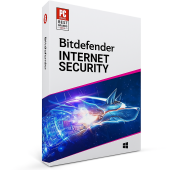
Bitdefender Internet Security: more control on Windows
Internet Security suits a Windows household that wants more than antivirus alone. Its added firewall, parental controls and webcam and microphone protection make it the practical step up for shared family computers. It remains a Windows-focused choice rather than a package for mixed devices.
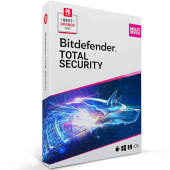
Bitdefender Total Security: protection across your devices
Total Security is designed for homes that use several types of device. It covers Windows and macOS computers as well as Android and iOS mobiles, with features adapted to each operating system. Device optimisation and anti-theft tools add value when you want one product for a mixed household.
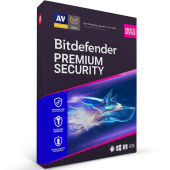
Bitdefender Premium Security: security with unlimited VPN
Premium Security combines multi-device protection with an unlimited VPN and password manager. Choose it if you regularly use public Wi-Fi, want to reduce tracking of your connection or need a secure place for passwords. Confirm the device allowance of the selected variant before buying.
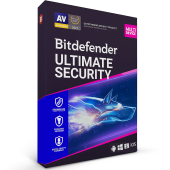
Bitdefender Ultimate Security: identity-focused protection
Ultimate Security is the broadest option in this category. It builds on the premium package with tools intended to monitor digital identity exposure and help detect scams. It fits buyers who want device, privacy and identity protection under one licence.
Compare Bitdefender antivirus editions
This quick comparison shows the practical differences between the editions. A feature can operate differently by platform, and the exact device allowance may vary by the variant you select.
| Edition | Windows | Mac and mobile | Firewall | Parental controls | Unlimited VPN | Password manager | Identity monitoring |
|---|---|---|---|---|---|---|---|
| Bitdefender Antivirus Plus | ✓ | — | — | — | — | — | — |
| Bitdefender Internet Security | ✓ | — | ✓ | ✓ | — | — | — |
| Bitdefender Total Security | ✓ | ✓ | ✓ | ✓ | — | — | — |
| Bitdefender Premium Security | ✓ | ✓ | ✓ | ✓ | ✓ | ✓ | — |
| Bitdefender Ultimate Security | ✓ | ✓ | ✓ | ✓ | ✓ | ✓ | ✓ |
Antivirus Plus and Internet Security make sense for Windows-only use. Total Security is the natural comparison point for a mixed-device household. Premium Security is the stronger fit when unlimited VPN access and password management matter, while Ultimate Security adds an identity-focused layer.
Why can Bitdefender cost less at Licendi?
We sell online and deliver the licence details digitally, so there is no physical box or shipping charge to add to your order. The listed amounts are starting prices for the available variants. Compare the duration, number of protected devices and included features on the product page rather than comparing the headline price alone.
A lower price does not mean you are left alone after checkout. Licendi provides an official download link, a PDF invoice with VAT shown, and support by email and chat. You also have a one-month activation guarantee: if the key does not activate on the first installation, write to us and we will fix it.
Is it legal to buy a Bitdefender licence online?
Legal basis
Yes. You buy a Bitdefender licence for the term shown on the product page and activate it with the manufacturer. Bitdefender's licence terms apply.
Licendi provides a PDF invoice and a one-month activation guarantee for the first installation. Check the duration shown for the variant you order and keep your invoice and delivery email.
Bitdefender system requirements: check before buying
- Your exact operating system and version must be supported by the edition you choose.
- Your device needs enough free storage and memory for installation and updates.
- You need an internet connection to download the installer, activate the licence and receive protection updates.
- Remove or disable conflicting antivirus software before installing the new product.
- Check the number of devices and licence duration included in the selected variant.
Tip: check the operating system on every computer, phone and tablet you want to cover. If your household mixes Windows, Mac and mobile devices, compare Total Security, Premium Security and Ultimate Security before placing the order.
How to buy, download and activate Bitdefender
- Choose your edition. Match the operating systems, number of devices, duration and features to your needs, then complete the order with the correct billing details.
- Receive the email. We send your licence details and official download link instantly during office hours, or within 24 hours outside them. Your PDF invoice shows VAT.
- Download and activate. Follow the installation instructions on the first device, then add the other permitted devices. If the key does not activate on the first installation, contact us by email or chat within the one-month activation guarantee.
Support, renewals and changing edition
Licendi supports your purchase by email and chat. Keep the delivery email, invoice and licence details together. If you need activation help, tell us which edition you bought, the operating system and the exact message shown on screen.
Before the licence period ends, decide whether the same edition still fits. A new Windows-only device may need only Antivirus Plus or Internet Security. A household adding a Mac, phone or tablet may benefit from Total Security. Choose Premium Security when unlimited VPN and password management have become important, or Ultimate Security when you also want identity-focused tools. The period and device allowance come from the selected variant, so verify both before renewing or changing edition.
Bitdefender for business purchases
Businesses can order Bitdefender licences from Licendi and receive a PDF invoice with VAT shown. Before buying for several people or devices, list the operating systems, number of endpoints, required duration and whether staff need VPN or identity tools. Contact us by email or chat if you need help matching the available consumer editions to a small team. For centrally managed business security, ask for the appropriate business option rather than assuming a household edition provides central administration.
Frequently asked questions about Bitdefender
Which Bitdefender should I buy for a Windows PC?
It depends on the features: choose Antivirus Plus for core protection or Internet Security for a firewall, parental controls and webcam and microphone protection. Compare the device allowance and duration of the available variant before ordering.
Can I use Bitdefender on Windows, Mac, Android and iOS?
Yes, with a multi-platform edition such as Total Security, Premium Security or Ultimate Security. Features vary by operating system, so check that every device and version is supported.
Does every Bitdefender edition include an unlimited VPN?
No. Premium Security and Ultimate Security are the choices in this range for an unlimited VPN; check the current product details before purchase.
Does Bitdefender include a password manager?
It depends on the edition: Premium Security and Ultimate Security include password management in this comparison. Confirm the exact package contents for the selected variant.
How quickly will I receive my Bitdefender licence?
Instantly during office hours; outside them, delivery takes no more than 24 hours. We send the licence details and official download link by email.
What happens if my Bitdefender key does not activate?
Write to us: with our one-month activation guarantee, if the key does not activate on the first installation we fix it. Support is available by email and chat.
Will I receive an invoice with VAT?
Yes. Licendi sends a PDF invoice with VAT shown for your purchase.
Is a Bitdefender licence permanent?
No. Bitdefender is a subscription for the period shown on the product page.
Can I buy Bitdefender for several devices?
Yes, when you select a variant that covers the required number and types of device. Count your Windows PCs, Macs, Android devices and iPhones or iPads before ordering.
Can I install two antivirus products at the same time?
No, you should avoid running two active antivirus products together. Remove or disable the old antivirus before installing Bitdefender to reduce conflicts.