EN
 FR
 DE
 IT
 PT
 ES


NPU and Copilot+ PC Buying Guide
You are comparing two new laptops. Both promise excellent battery life, one carries an “AI PC” sticker, and the other costs noticeably less. The salesperson points to an NPU and says the Copilot+ model is future-ready. But will that premium make your documents, meetings, research, creative work, or everyday browsing meaningfully better? In 2026, that is the useful question. The label matters only when the hardware, Windows features, software compatibility, and price fit the work you actually do.

This guide explains what an NPU does, what Microsoft’s Copilot+ PC category requires, which Windows AI features may be useful, and where compatibility can still cause trouble. It also separates the computer purchase from Microsoft Office licensing, a distinction that can prevent an unpleasant surprise after setup. The goal is not to sell you on AI hardware. It is to help you decide whether an NPU-equipped PC earns its place in your budget.
Table of contents
- Start with the buying decision
- What an NPU actually does
- CPU, GPU and NPU compared
- Copilot+ PC requirements
- What the headline features do
- Local AI versus cloud AI
- Choosing a processor platform
- The Windows on Arm checklist
- Privacy and security questions
- Business and productivity value
- Office licensing is separate
- Which buyer profiles benefit
- How to compare models
- First-day setup checklist
- Limitations and common myths
- Frequently asked questions
Start with the buying decision, not the badge
A sensible PC purchase begins with tasks and constraints. Write down the applications you use every week, the peripherals you cannot replace, the battery life you need, and the maximum price you are willing to pay. Then classify your workload. Office documents, browser tabs, video calls, accounting software, image editing, engineering tools, and local AI experiments stress different parts of a computer. An NPU can help with some of them, but it does not rescue a dim display, a cramped keyboard, insufficient storage, or an incompatible driver.
The most common mistake is treating “AI PC” as a universal performance tier. It is not. A machine can have a capable NPU yet be a poor fit because its screen, memory configuration, ports, repairability, or software support misses your needs. Conversely, a conventional laptop at a good price may remain the better purchase for someone whose work stays in Word, Excel, email, and browser-based services. Use Copilot+ eligibility as one column in your comparison, not as the whole spreadsheet.
Ask a concrete question for every promised feature: “How often would I use this, and what would it replace?” If live translation helps you understand several international calls each week, local caption processing has obvious value. If you never create images, Cocreator is not a reason to spend more. If your employer blocks preview features, the theoretical feature list matters less than approved applications and support policy.
What an NPU actually does
An NPU, or neural processing unit, is a specialized accelerator designed for deep-learning inference. In plain language, it handles certain trained AI models efficiently after software has been written to use it. It is especially suited to repeated operations such as recognizing visual elements, removing background noise, applying camera effects, or running supported language and image models locally. Microsoft’s developer documentation describes NPUs as purpose-built hardware for these neural-network workloads; see the official Windows NPU overview for the technical foundation.
The phrase “software has been written to use it” is crucial. An NPU does not automatically accelerate every application or every task. Your spreadsheet does not become twice as fast merely because an NPU is present. A developer must target a compatible framework and execution provider, Windows must expose the hardware correctly, and the model must suit the available memory and supported operations. Unsupported work may run on the CPU, GPU, cloud, or not at all.
Efficiency is the NPU’s central appeal. A CPU can run many AI operations, but sustained inference may consume more power. A GPU offers broad parallel performance, yet it can also draw considerable energy and compete with graphics workloads. The NPU aims to process suitable models with lower power demand, helping a thin laptop maintain effects or local inference without leaning continuously on its main processors. That can support battery life and responsiveness, although the final result depends on the device design and application.
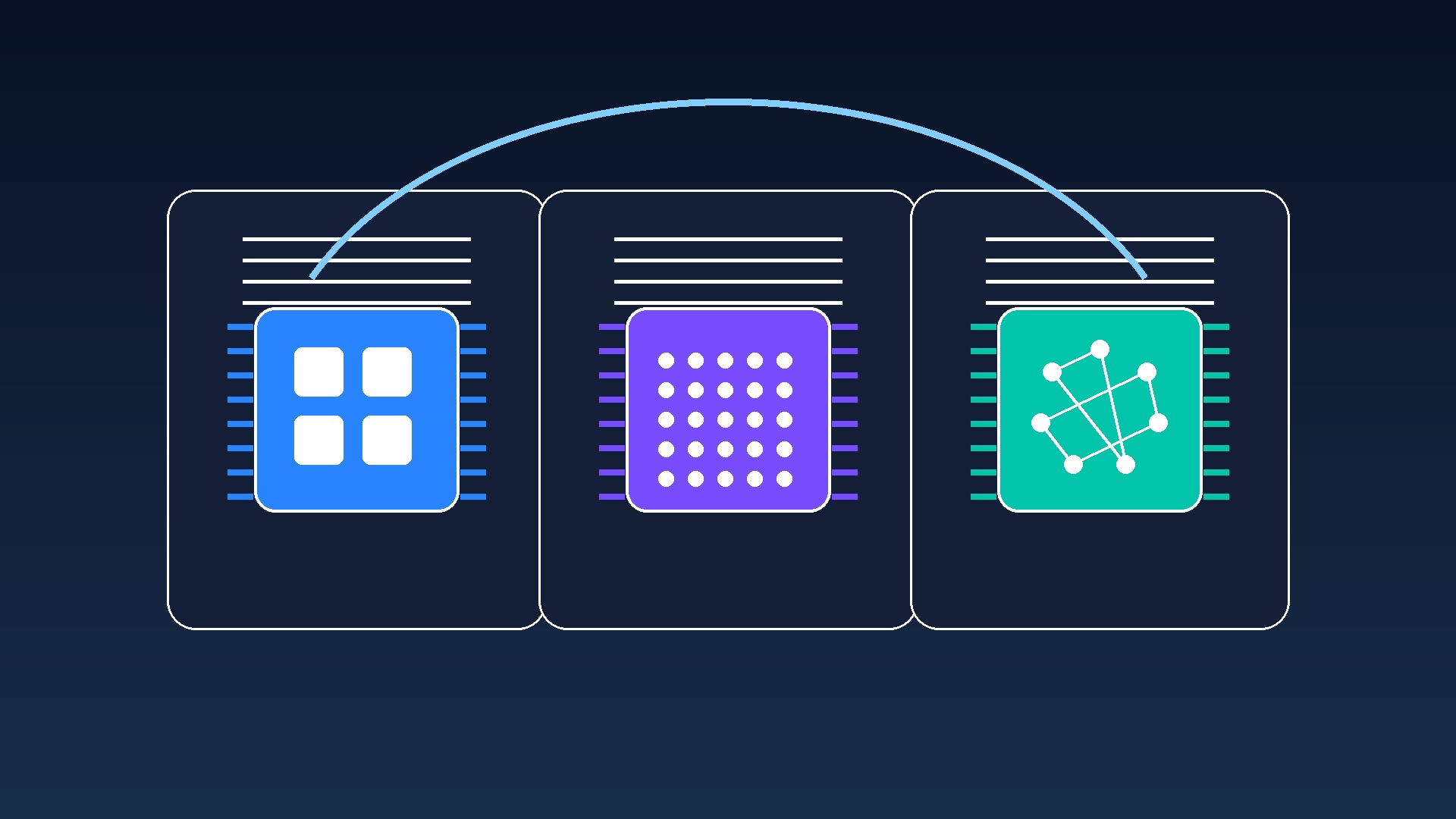
CPU, GPU and NPU: three different jobs
Think of the CPU as the coordinator and flexible problem-solver. It handles operating-system logic, application control, serial work, and the countless short tasks that make a PC feel responsive. Strong single-core performance still matters for general use, and enough CPU cores matter for multitasking and demanding productivity software.
The GPU is built for highly parallel work. It draws graphics, accelerates effects, supports games, and can run substantial AI or creative workloads. A discrete GPU is still important for high-end 3D rendering, professional visualization, many engineering applications, and serious gaming. An NPU does not replace it. Integrated GPUs have also improved considerably, but their performance and shared-memory limits vary.
The NPU occupies a narrower, efficiency-focused role: sustained AI inference that the software can route to it. It can keep camera framing, background treatment, transcription assistance, or small local models away from the CPU and GPU. The best system uses each processor for the job it handles well.
| Component | Best understood as | Typical strengths | What it does not prove |
|---|---|---|---|
| CPU | General-purpose engine | Control, responsiveness, broad compatibility | Fast graphics or efficient AI |
| GPU | Parallel compute engine | Graphics, games, rendering, heavy parallel work | Long battery life |
| NPU | AI inference accelerator | Efficient supported local AI tasks | Faster performance in every application |
You will often see TOPS, or trillions of operations per second, used to describe an NPU. It helps indicate theoretical AI throughput under particular conditions, but it is not a universal score for the whole PC. Different precision formats, memory systems, drivers, model optimizations, and workloads can produce different outcomes. A higher TOPS figure does not guarantee a better keyboard, faster Excel calculation, better model output, or even faster performance in an application that does not support that NPU.
What makes a PC a Copilot+ PC?
Copilot+ PC is Microsoft’s defined Windows 11 device category, not simply a marketing synonym for any computer with AI features. Microsoft identifies these machines as Windows 11 PCs with an NPU capable of at least 40 TOPS. Its consumer guidance also lists 16 GB of RAM, 256 GB of storage, and Windows 11 version 24H2 or later among the baseline requirements. Check the current category on Microsoft’s official Copilot+ PC page and confirm broader requirements through the Windows 11 specifications.
Those minimums deserve context. Sixteen gigabytes is adequate for mainstream productivity, but users who keep large datasets, virtual machines, development environments, heavy creative projects, or dozens of demanding browser tabs open may benefit from 32 GB or more. Likewise, 256 GB can feel restrictive once Windows, applications, local files, synced folders, and creative assets accumulate. Because memory and storage are often soldered or difficult to upgrade in thin laptops, buy for the useful life of the machine rather than the first month.
Eligibility also does not mean identical experiences. Copilot+ PCs span Qualcomm Snapdragon X, Intel Core Ultra, and AMD Ryzen AI platforms. Feature delivery can vary by processor, model, region, display language, application version, and Windows update channel. Some functions arrive in stages or remain previews for particular configurations. Before buying for one feature, check the exact model and the Microsoft support page describing its current availability.
What the headline Copilot+ features do
Recall is designed to help you find things you previously saw on the PC by saving and analyzing snapshots locally. It is optional and opt-in, can be removed, uses Windows Hello to protect access and settings, and allows filtering or deletion. You can exclude supported apps and websites and control storage. Microsoft states that it does not record audio or continuous video. Because the feature handles a potentially sensitive visual history, review Microsoft’s current Recall privacy and control guidance, then decide whether its convenience suits your risk policy.
Live Captions can transcribe audio and, on supported Copilot+ hardware, translate from supported languages into available output languages. Processing audio and captions on the device can reduce dependence on an internet connection and keep the immediate workflow local. This is useful during calls, recordings, lectures, or travel, but language support changes over time. Verify the languages you need in Microsoft’s Live Captions documentation instead of assuming every language pair is available.
Click to Do recognizes text and images displayed on screen and offers relevant actions. The promise is fewer steps between seeing information and doing something with it: copying text, searching, editing an image, or starting another supported action. Its usefulness depends on the actions available on your device, the apps involved, and your Windows release. Availability may be staged or previewed, so treat demonstrations as examples rather than a guaranteed menu.
Cocreator supports AI-assisted image creation and editing in compatible Windows experiences. It can be helpful for quick concepts, presentation visuals, and experimentation, but it does not replace a professional creative workflow. Windows Studio Effects can apply supported camera and audio effects such as framing, eye-contact adjustments, background treatment, and voice enhancements. These are among the clearest NPU use cases because they may run continuously during a call without occupying the CPU or GPU as heavily.
The practical lesson is to separate “available somewhere in the Copilot+ ecosystem” from “available today on the exact laptop I am buying.” Ask the retailer to show the feature on that model, check Windows Update status, and note whether the capability is generally released or still in preview. Do not base an urgent business workflow on a feature whose rollout, language, or administrator policy remains uncertain.
Local AI versus cloud AI
Local AI runs the relevant model and data processing on your device. It can improve latency because information does not need a round trip to a remote server. It can keep working without an internet connection, reduce data transfer, and use the NPU’s energy efficiency. Examples include supported camera effects, caption processing, screen recognition, and compact models designed for the device.
Cloud AI remains valuable because remote data centers can run much larger models, draw on current online information, and support demanding tasks that exceed a laptop’s thermal, memory, or storage limits. A sophisticated research request, broad web search, or large generative model may still require a connection and a service account. The Copilot+ concept is therefore hybrid. It does not mean that every Copilot prompt or AI feature works offline.
For buyers, the distinction affects privacy, reliability, cost, and expectations. Ask where the model runs, what leaves the device, whether an account is required, whether usage is metered, and what happens offline. “AI-powered” alone answers none of those questions. A local feature may still synchronize outputs through another application, while a cloud service may offer strong contractual protections. Architecture and policy matter more than slogans.
Choosing Snapdragon, Intel or AMD
The Copilot+ category includes Windows devices built around Snapdragon X, Intel Core Ultra, and AMD Ryzen AI processors. All can meet the NPU threshold in qualifying configurations, but platform choice changes more than the badge. Compare CPU and graphics performance, battery behavior, fan noise, ports, display, memory options, application support, and price for the exact model.
Snapdragon X systems use Arm architecture. They can deliver an attractive combination of efficiency, standby behavior, and capable everyday performance, but compatibility deserves deliberate checking. Intel and AMD systems use the familiar x86-64 ecosystem, which can be simpler for organizations with older Windows applications, specialized drivers, or established deployment tooling. That does not make every Intel or AMD machine automatically compatible, nor every Arm machine problematic. It means the risk profile differs.
A creative user should inspect GPU acceleration and plugin support. A developer should check virtualization, containers, local databases, command-line tools, and architecture-specific packages. A mobile professional may prioritize battery life, webcam quality, weight, and quiet operation. A buyer using only modern browser and Microsoft 365 workflows may have far fewer platform concerns than a workshop controlling an older cutting machine through a proprietary USB driver.
Windows on Arm compatibility checklist
Windows 11 on Arm can emulate x86 and x64 applications, and Microsoft’s Prism technology improves x64 emulation in Windows 11 24H2. This greatly widens the software available to Arm users. However, native Arm64 applications generally offer the best combination of performance and battery efficiency. Microsoft explains the model in its official app emulation documentation and answers broader questions in the Windows on Arm FAQ.
Drivers are the firm boundary: they must be built for Arm64. Emulation cannot make an x86 driver work. Before buying, inventory anything that installs a driver or integrates deeply with Windows:
- Printers, scanners, label makers and specialist cameras
- Audio interfaces, industrial controllers and measurement equipment
- VPN, endpoint security, disk encryption and network-filtering tools
- Smart-card readers, authentication tokens and accessibility hardware
- Virtualization products, emulators and kernel-level utilities
- Legacy line-of-business applications, Office add-ins and creative plugins
Check the vendor’s support page for the exact product and version. “Works with Windows 11” is not specific enough; look for Arm64 or Windows on Arm support. If the vendor is unclear, request written confirmation or test during a return period. For business deployments, pilot with real users and accessories before ordering a fleet. A five-minute launch test is insufficient: print, scan, connect the VPN, open historical files, run add-ins, and complete the full workflow.
Privacy and security: ask precise questions
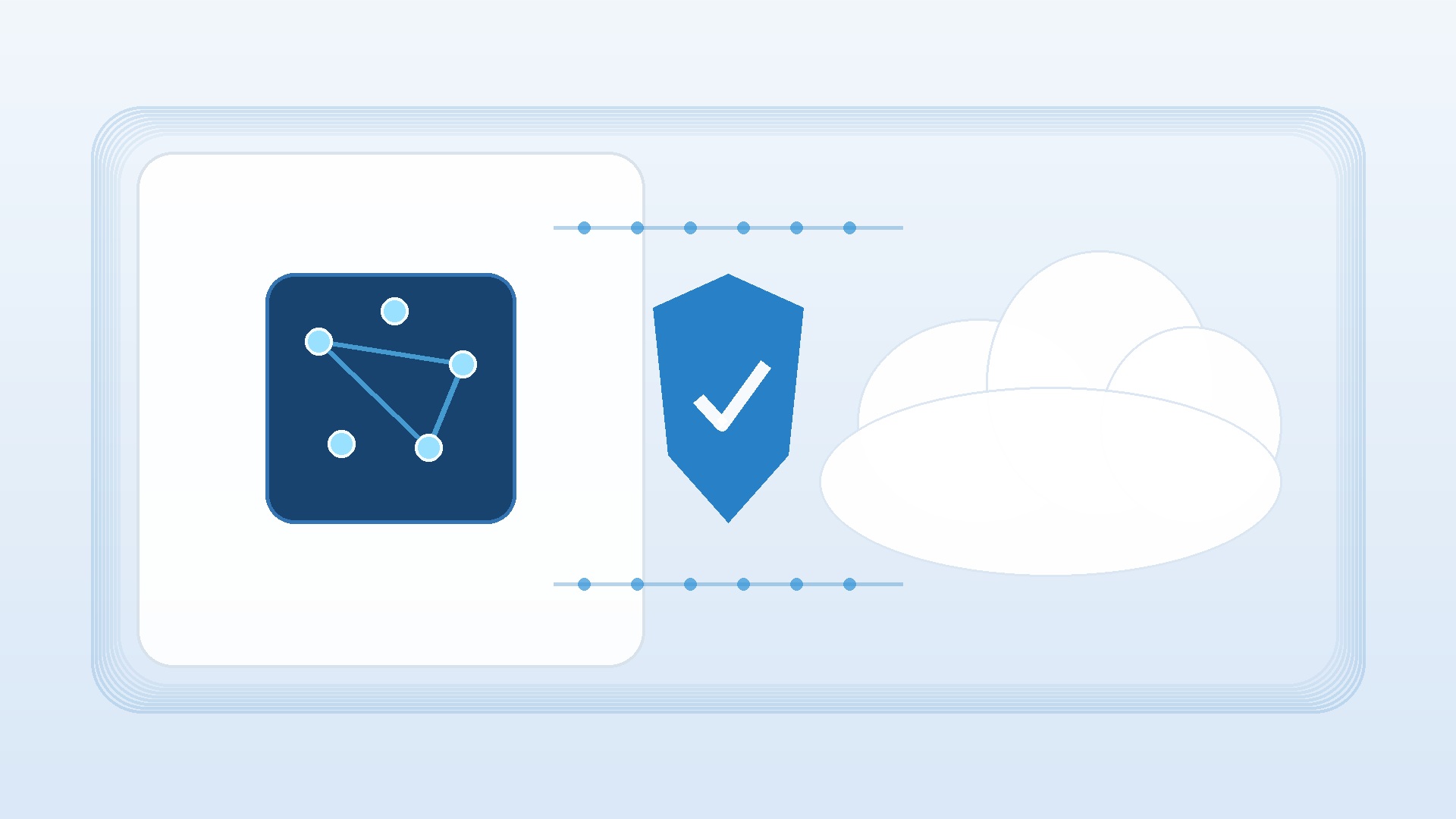
On-device processing can reduce the amount of data sent to a cloud service, but “local” is not a complete privacy guarantee. The PC still stores information, applications may synchronize files, administrators may collect telemetry, and someone with account access may see outputs. Evaluate the whole data path: input, temporary processing, saved history, backups, synchronization, account permissions, retention, and deletion.
Recall deserves particular attention because its purpose is to make a visual history searchable. Microsoft provides controls for opting in, pausing, filtering, deleting snapshots, changing storage allocation, and removing the feature. Windows Hello protects access and sensitive content filtering can limit some captures. Even so, each person or organization should decide whether the benefit justifies retaining that history. Regulated workplaces should involve security, privacy, legal, and records-management teams before enabling it.
Keep Windows, firmware, drivers, and security software current. Use device encryption where appropriate, a strong sign-in method, multifactor authentication for online accounts, and separate user profiles. Review permissions after major feature updates. If a laptop is shared, lent, repaired, or reassigned, understand what local AI histories and model data remain. The NPU may process information efficiently, but good access control still determines who can reach the device and its files.
Where businesses may find real value
For many organizations, the strongest early use cases are modest rather than dramatic. On-device video effects can improve calls without consuming as many general resources. Local captions may help accessibility and multilingual communication. Efficient inference can support software that classifies images, recognizes text, summarizes limited local content, or assists staff in repeatable tasks. Benefits compound when a feature is used every day by many employees.
That does not justify an automatic fleet refresh. Build a pilot around roles. Give a small number of suitable devices to people who travel, attend many calls, need captions, or use an application with verified NPU support. Measure task completion, battery behavior, support tickets, compatibility issues, and user satisfaction. Compare those outcomes with a current standard laptop. Avoid artificial benchmarks that never appear in normal work.
IT teams should also examine manageability. Confirm firmware and driver servicing, Windows edition, identity integration, deployment images, endpoint security, remote support, repair options, and warranty terms. If a feature is unavailable under company policy, do not count it in the business case. If an application vendor plans NPU acceleration but has not shipped it, treat that as potential future value rather than a current return.
A Copilot+ PC does not include perpetual Office
Windows hardware and Microsoft Office licensing are separate purchase decisions. Buying a Copilot+ PC does not automatically provide a perpetual Office licence, and the presence of a Copilot key or Windows AI features does not change that. A retailer may bundle a trial, a subscription, a web shortcut, or a specific Office product, but you must read the offer rather than assume Word, Excel, PowerPoint, and Outlook are permanently licensed.
If you prefer a one-time-purchase edition for a compatible PC, Licendi offers legitimate second-hand and perpetual Microsoft Office licences. A second-hand licence can offer strong value when it comes from a reputable seller and the transfer complies with applicable terms and law. Match the edition to the applications you need, the number of devices, operating system, and processor architecture. Also check whether you need database or publishing applications, commercial-use rights, or compatibility with a specific add-in.
This separation can improve budgeting. You may spend more on memory and display quality while selecting an appropriate perpetual Office edition instead of an ongoing subscription. Or your organization may already supply Microsoft 365, making another licence unnecessary. In either case, treat hardware, Windows edition, Office, cloud storage, and AI subscriptions as distinct line items. That produces a realistic first-year and multi-year cost.
Who should pay extra for an NPU?
The mobile meeting-heavy professional
A consultant or manager who spends hours in video calls may benefit from efficient Studio Effects, captioning, good standby behavior, and longer unplugged use. The premium makes sense only if the laptop also has a strong webcam, microphones, display, keyboard, and enough ports. An NPU cannot compensate for poor fundamentals.
The accessibility-focused user
Live Captions and supported on-device translation can be genuinely valuable for someone who is deaf, hard of hearing, learning a language, or working across language barriers. Confirm the required audio sources, input languages, and output languages. Accessibility needs are specific, so test rather than infer from a generic feature list.
The creative or technical early adopter
A user experimenting with local models, image tools, development frameworks, or NPU-aware applications has a clearer reason to buy capable hardware now. Choose sufficient memory and storage, and investigate each framework’s processor support. A discrete GPU may still matter more for large models, rendering, or established creative software.
The mainstream Office user
If your routine is Word, Excel, email, browser tabs, and occasional calls, an NPU may provide useful conveniences but need not dominate the decision. Prioritize comfort, battery life, screen quality, reliability, and price. A well-balanced non-Copilot+ PC can remain excellent, while a competitively priced Copilot+ model may offer welcome longevity.
The legacy-software-dependent organization
Compatibility comes first. An Arm model may be perfectly workable after testing, but specialized drivers or plugins can make an x86 system the safer choice. Even then, verify the exact Windows version and security requirements. “We have always bought this brand” is not a compatibility test.
How to compare Copilot+ PC models
Create a weighted scorecard instead of comparing one specification at a time. Give the largest weights to requirements that affect every hour of ownership. For most buyers, that means display, keyboard, battery life, application compatibility, memory, storage, weight, ports, support, and total price. Give the NPU and specific AI features a weight that reflects actual use.
- Verify Copilot+ eligibility. Confirm a 40+ TOPS NPU, supported Windows release, memory, and storage.
- Check the exact configuration. Retail names often cover several displays, batteries, processors, and memory tiers.
- Review repair and upgrade options. Find out whether storage is replaceable and whether memory is soldered.
- Test ergonomics. Type, use the touchpad, inspect glare, and connect your normal accessories.
- Validate software. Check native support, emulation status, plugins, drivers, and security tools.
- Compare realistic battery tests. Brightness, calls, browser workload, and sleep behavior matter more than one headline figure.
- Price the complete setup. Include dock, adapters, warranty, Office licence, subscriptions, and migration time.
Do not overpay for TOPS alone. Once a machine clears the Copilot+ threshold, the fastest advertised NPU is not automatically the best laptop. Memory bandwidth, cooling, model optimization, CPU and GPU capability, and vendor software all influence the experience. Buy a complete computer, not a benchmark label.
First-day setup checklist
- Install Windows updates, firmware updates, and vendor drivers.
- Confirm Windows activation and the edition you expected.
- Review privacy, diagnostic data, cloud synchronization, and location settings.
- Decide whether to enable Recall; configure filters, storage, and deletion controls if you do.
- Set up Windows Hello and multifactor authentication for online accounts.
- Install applications from official sources and confirm architecture compatibility.
- Test printers, scanners, docks, VPN, security software, plugins, and external displays.
- Activate the Office licence or sign in with the organization-provided account.
- Try Copilot+ features with real tasks and verify required languages.
- Create a recovery plan and confirm important files are backed up.
Run these checks during the return window. Do not wait until a trip or deadline to discover that a dock drops displays, a VPN client lacks an Arm64 driver, or a critical Office add-in will not load. Keep the packaging until the full workflow passes.
Limitations and common myths
“An NPU makes the entire PC faster.” It accelerates supported AI workloads. General speed still depends on the CPU, GPU, memory, storage, cooling, software, and workload.
“All Copilot+ features work offline.” Some features process locally, but cloud AI remains important. Accounts, internet access, regional availability, and service terms may still apply.
“Every Copilot+ PC has the same features.” Rollouts vary by hardware, region, language, Windows update, and application. Confirm the exact configuration.
“Arm cannot run normal Windows software.” Windows 11 on Arm runs native Arm64 apps and can emulate many x86 and x64 apps. Drivers must be native Arm64, and specialized software still needs checking.
“40 TOPS tells me which laptop is fastest.” It identifies qualifying NPU capability, not total system performance or AI output quality.
“Copilot+ includes Microsoft Office.” It does not automatically include a perpetual Office licence. Read the bundle and budget software separately.
Verdict: buy for verified usefulness
A Copilot+ PC is a sensible choice when you want a modern Windows 11 machine, value efficient local AI features, and have verified that your applications and accessories work. The category provides a useful hardware baseline, and its NPU can enable experiences that ordinary PCs may not offer as efficiently. It is especially compelling when the price difference is modest and the rest of the laptop is already excellent.
It is not a requirement for everyone. If the premium forces you to accept less memory, a worse screen, too little storage, or uncertain compatibility, choose the better-balanced system. The most future-ready computer is the one that reliably completes your work today while leaving enough capacity for tomorrow.
Frequently asked questions
What is an NPU in a laptop?
An NPU is a neural processing unit, specialized hardware for efficiently running supported deep-learning inference. It can handle tasks such as compatible camera effects, recognition, captions, and local AI models. Applications must be designed to use it; its presence does not accelerate every program.
How many TOPS does a Copilot+ PC need?
Microsoft defines Copilot+ PCs around an NPU capable of at least 40 TOPS, together with other Windows, memory, and storage requirements. TOPS measure a form of theoretical AI throughput, not overall laptop speed or the quality of an AI model’s answers.
Do Copilot+ PCs work without the internet?
Windows and supported local AI features can work offline, depending on the application. However, many Copilot services and larger models use the cloud, require an account, or need current online information. Copilot+ is a hybrid local-and-cloud category.
Is Recall mandatory on a Copilot+ PC?
No. Recall is optional and opt-in, and Microsoft provides controls to pause, filter, delete, or remove it. It stores and analyzes snapshots locally and requires Windows Hello for access and settings. Review its controls before choosing whether to enable it.
Can a Snapdragon Copilot+ PC run x86 software?
Windows 11 on Arm can emulate many x86 and x64 applications, with Prism improving x64 emulation in version 24H2. Native Arm64 apps generally offer the best efficiency. Drivers must be native Arm64, so peripherals and deeply integrated software require verification.
Should I choose 16 GB or 32 GB of RAM?
Sixteen gigabytes meets the Copilot+ consumer baseline and suits mainstream productivity. Choose 32 GB or more if you use large creative projects, development tools, virtual machines, substantial datasets, or heavy multitasking, especially when memory cannot be upgraded later.
Does a Copilot+ PC include Microsoft Office?
No perpetual Microsoft Office licence is included automatically just because a computer is a Copilot+ PC. Check the seller’s bundle. You may need a subscription, an organization-provided account, or a compatible perpetual licence purchased separately.
Is local AI always more private than cloud AI?
Local processing can reduce data transmission and work offline, but privacy depends on storage, synchronization, permissions, retention, and application behavior. Evaluate the complete data path rather than relying only on the word “local.”
Will an NPU improve battery life?
For supported sustained AI tasks, an NPU can perform inference more efficiently than relying entirely on the CPU or GPU. Actual battery life still depends on display, battery size, processor design, workload, wireless use, power settings, and manufacturer tuning.
Is a Copilot+ PC worth it in 2026?
It can be worth it when its local AI features match frequent tasks, the price premium is reasonable, and compatibility is verified. It is less compelling when you would sacrifice core laptop quality or rely on unsupported legacy software merely to obtain the badge.
Conclusion: choose the whole system
The right question is not whether NPUs are real or whether Copilot+ features are impressive in a demonstration. It is whether a particular computer improves your recurring work without introducing unacceptable compromises. Verify applications, drivers, languages, privacy controls, battery behavior, and total cost. Then choose the platform and configuration that fit your next several years, not just the newest sticker.