EN
 FR
 DE
 IT
 PT
 ES


Microsoft Office for macOS: Complete Guide
In this guide you will find everything you need to know about Office for Mac. The core applications -- Word, Excel and PowerPoint -- are essential tools for businesses, students and personal use alike.
Below, we cover how to download and install Office for Mac, how to keep your licence for life, and how students can get Office for free.
Mac OS versions of Office
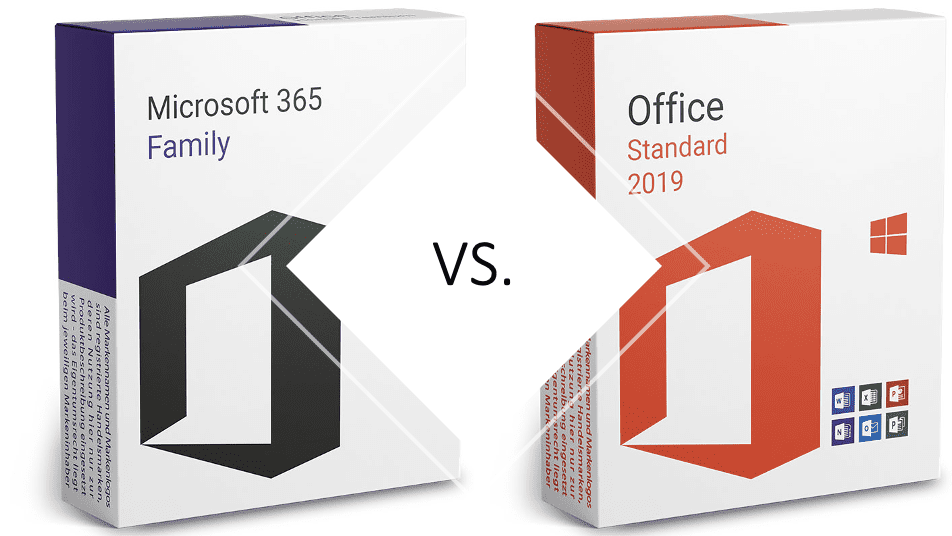
There are various licences and options to bring Microsoft Office applications to your Mac computer. The most common is the Office 365 for Mac subscription, which allows you to use Word for Mac, Excel for Mac and PowerPoint for Mac, among others.
The alternative is Office Standard for Mac. The main difference between Office 365 and the standard version is that you pay once and own it forever. The trade-off is that cloud storage is not included and Microsoft does not release feature updates for perpetual editions.
For a detailed comparison, see our guide to Microsoft Office 365 vs Office 2019 Standard for Mac.
Other subjects to consider

Operating system, download and students
Which macOS version do you need? If you opt for Microsoft Office 365, compatibility is rarely an issue -- Microsoft supports a wide range of macOS versions and provides technical assistance during setup.
If you prefer to buy a perpetual version, make sure the edition you choose is compatible with your current macOS version. The Licendi team is always happy to help you find the right match.
Students can purchase Office 2019 Standard for Mac at the link above. To activate it, you may be able to take advantage of Microsoft's partnerships with universities and educational institutions worldwide. Check the Microsoft Office for Students page to see whether your institution qualifies.
If you already have your product key, you can start the download from the Office 2019 Standard Mac download page. If you have any questions, feel free to leave a comment or give us a call.
Best regards,
The Licendi Team
Frequently Asked Questions
Does Office for Mac include the same applications as Windows?
Office for Mac includes Word, Excel, PowerPoint, Outlook, and OneNote. However, Access and Publisher are Windows-only applications and are not available on Mac.
Can I use the same Office license on both Mac and Windows?
It depends on the license type. Microsoft 365 subscriptions work on both platforms. Perpetual licenses (Office 2019/2021) are platform-specific — you need a Mac-compatible version.
Is Office for Mac compatible with files created on Windows?
Yes, Office for Mac uses the same file formats (.docx, .xlsx, .pptx) as Windows. Documents created on either platform are fully cross-compatible.