EN
 FR
 DE
 IT
 PT
 ES


Boost Business Productivity with Microsoft 365

A key element of successful digital transformation is adopting new technologies and platforms that help employees work more effectively. Microsoft 365 is purpose-built to deliver exactly that kind of productivity improvement.
The advanced capabilities that employees can develop through the platform will improve business efficiency, agility, communication, and organisation — particularly in today's mobile, hybrid workplace.
Seven ways Microsoft 365 boosts business productivity
If you are considering buying Microsoft 365 for your business — or still weighing up whether it is a smart investment — read on. Below, we highlight seven ways Microsoft 365 can move your business forward and improve the productivity of your team.
Familiar tools with Office ProPlus
Microsoft 365 includes the familiar, well-established Office business applications your team already knows. Staff can get up to speed quickly with little or no additional training.
Work collaboration with SharePoint Online
SharePoint Online allows employees to co-author the same document, and to store and share files easily and securely. It provides a reliable environment for team collaboration.
Work from your mobile device
Microsoft 365 lets you install the full Office applications on tablets, phones, and desktops. This brings a mobile-first culture to the workplace, so employees can access files and complete tasks faster from any device — whether on the move, working remotely, or sitting at their office desk — without compromising quality or deadlines.
Cloud-based shared storage with SharePoint Online
Build stronger teams with Microsoft 365
Microsoft 365 tools enable team members to work on the same document, share files, and communicate from anywhere in the world.
This means you can build virtual teams and engage freelancers, contractors, and consultants with ease. Tools like SharePoint Online make it simple to collaborate and share documents regardless of location.
Reduced downtime
Using Microsoft 365 does not require physical installation of servers, special on-premise software licences, or dedicated IT engineers. There is no maintenance or manual monthly updating to worry about. This eliminates the downtime typically associated with those activities and helps your business run smoothly.
A secure working environment with Enterprise Mobility and Security
Protecting business and customer data is a top priority. Data is the new currency, so cyber security must be a core part of your strategy. Microsoft 365 provides additional layers of protection through Enterprise Mobility + Security (EM+S), reducing the likelihood of a data breach and shielding your organisation from cyber attacks.
What is Microsoft 365?
Microsoft 365 is a subscription-based suite of business productivity tools that combines Office 365, Enterprise Mobility + Security, and Windows 10.
Microsoft brought together all the applications and tools of Office 365 with EM+S and the operating system in a single subscription package — giving you everything you need in one place.
Microsoft 365 also caters to the expectation that the modern workforce can be productive from anywhere. Its cloud-based deployment lets employees access Office tools on a variety of mobile devices, delivering a consistent experience as users switch between smartphones, tablets, and desktops throughout the day.
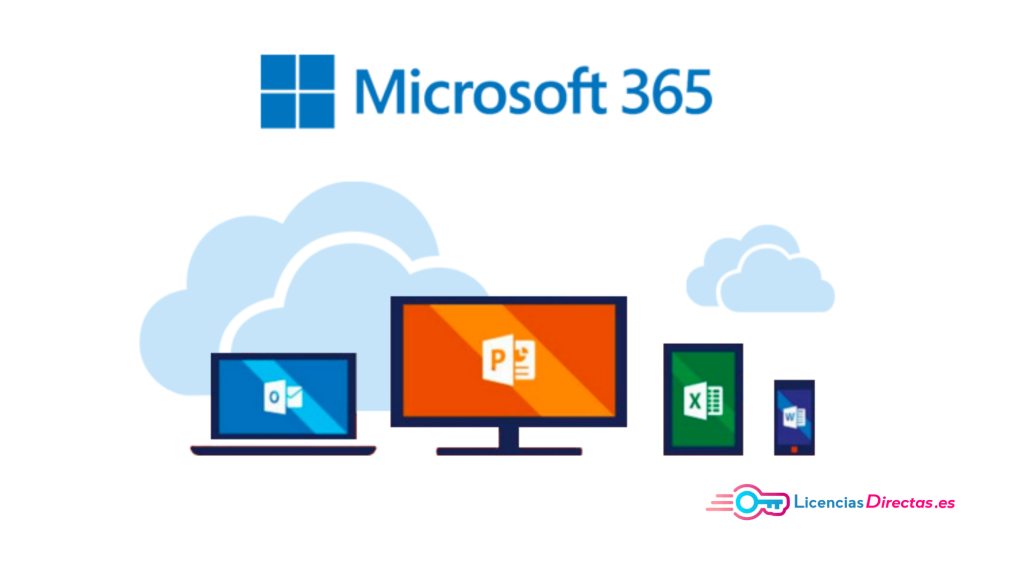
Office 365 tools
Microsoft 365 will be your go-to solution for business tasks. Here are some of the key tools available to boost your productivity.
Exchange Online
Exchange Online is your email server, hosted in the cloud. Your emails are managed securely for a monthly subscription fee.
SharePoint Online
SharePoint Online is Microsoft's cloud storage and collaboration platform for businesses. It provides secure cloud storage with data protection, sharing, and co-authoring capabilities.
Microsoft Teams
Teams is more than a video-conferencing, chat, and calling tool — it is a full collaboration platform with features like persistent chat that enhance communication and workflow across your organisation.
Office ProPlus
This includes all the familiar desktop applications: Microsoft Word, Outlook, PowerPoint, Excel, OneNote, and Access.
Enterprise Mobility + Security
EM+S provides additional layers of data protection for your organisation, including identity management and mobile device management features.
These tools, together with the operating system and additional apps such as Yammer and Planner, make up the complete Microsoft 365 package.
In summary
These are just some of the many productivity benefits that Microsoft 365 delivers. Sometimes the most valuable things in business are the hardest to quantify — like the freedom to operate knowing that a single monthly subscription covers all your essential tools.
The internet makes business faster and more efficient every day. Collaboration and communication are seamless, and cloud-based storage and file sharing are more secure and faster than ever. All you need to enjoy these benefits is a subscription.
With Microsoft 365, you get a complete package that simplifies data organisation and enables effective reporting. Considering the choice between a subscription and a one-time purchase? Our comparison of Office 2021 vs. Microsoft 365 can help you decide.
Are you planning to migrate your business to Microsoft 365? Explore which Microsoft Office licence is most economical for your business and get started today.
If you still have questions, leave a comment below!
Best regards,
Your Licendi Team