EN
 FR
 DE
 IT
 PT
 ES


Acronis vs EaseUS Todo Backup: Which Should You Choose in 2026?
Your backup application has one job that matters: bring your data back when the comfortable assumptions are gone. Windows may not boot. The replacement drive may be different. Your normal account may be locked. The backup disk may have been connected when ransomware arrived. A polished dashboard means very little at that moment.
That is the real frame for Acronis vs EaseUS Todo Backup. Both can protect files, partitions and complete Windows systems. Both can schedule image backups, clone drives and create recovery media. Yet they are not interchangeable. The current Acronis True Image is a broader backup-and-cybersecurity product with Windows and macOS coverage, multi-device plans and integrated cloud options in higher tiers. EaseUS Todo Backup is a Windows-focused backup suite with a simpler path from free to paid editions and a choice of annual, perpetual or lifetime-upgrade licensing.
Our short verdict: choose current Acronis True Image when you want one polished protection layer across PCs, Macs and mobile devices, or when integrated ransomware and malware defenses matter. Choose EaseUS Todo Backup Home when your priority is practical Windows imaging, cloning and recovery with flexible license models. Neither is universally better. Your platform mix, recovery target, storage plan and willingness to test restores should decide.

Table of contents
- The quick decision
- What we are comparing in 2026
- Feature comparison table
- Backup types and automation
- Recovery and cloning
- Security and ransomware resilience
- Licensing and real cost
- Use-case verdicts
- A backup strategy that survives failure
- How to test restoration
- Licendi options and compatibility
- Frequently asked questions
The quick decision: Acronis or EaseUS?
If you want the least ambiguous answer, start with the boundary between the products rather than their overlapping checkboxes.
- Pick current Acronis True Image for mixed Windows and Mac households, protection of several computers under one plan, integrated local and Acronis Cloud workflows, or a backup product that also brings active anti-ransomware and higher-tier anti-malware features.
- Pick EaseUS Todo Backup Home for a Windows-only PC, straightforward system imaging and disk migration, a lower-friction free edition, or the option to buy a perpetual license rather than remain on an annual subscription.
- Pick neither yet if you have not chosen a second storage location, made bootable rescue media or planned a restore test. Software cannot compensate for keeping one untested backup beside the PC it protects.
Acronis is the more complete protection ecosystem. EaseUS is often the more direct Windows utility. That distinction is more useful than calling either one “best.” It also explains why a user with a MacBook and two family PCs can reasonably prefer Acronis, while a user replacing the SSD in one Windows desktop can reasonably prefer EaseUS.
What exactly are we comparing in 2026?
Product naming creates a trap here. The current consumer product is again called Acronis True Image; for a period it was sold as Acronis Cyber Protect Home Office. Acronis currently offers Essentials, Advanced and Premium subscriptions. The official Acronis plan comparison says all tiers include core backup, cloning, recovery and anti-ransomware capabilities. Advanced and Premium add cloud storage and broader security features, with capacity and entitlements varying by plan.
EaseUS separates home backup into Free and Home editions, then offers Workstation and server-oriented products for commercial environments. This article focuses on EaseUS Todo Backup Home, while noting where the Free edition changes the value calculation. The official EaseUS edition comparison should be checked before purchase because cloning, Outlook backup, universal restore and other capabilities can depend on edition.
This is not a comparison between the latest Acronis and Acronis True Image 2020. The latter is a historical release with a different compatibility window and feature set. It can still be relevant to a specific licensed, supported setup, but it must not be treated as the 2026 Acronis release. We return to that distinction in the Licendi section.
Acronis vs EaseUS Todo Backup feature table
The table describes the current home products at a practical level. Exact plan entitlements, operating-system support, promotions and cloud allowances can change, so confirm them on the vendor pages before paying.
| Decision factor | Current Acronis True Image | EaseUS Todo Backup Home |
|---|---|---|
| Desktop platforms | Windows and macOS, subject to current version requirements | Windows-focused; current product page lists Windows 11, 10, 8 and 7 |
| Core imaging | Full-machine, disk, partition, file and folder backup | System, disk, partition, file and supported mail backup |
| Backup methods | Full, incremental and differential | Full, incremental and differential, plus Smart Backup for changing files |
| Disk cloning | Active disk cloning and migration tools | Disk, partition and system cloning in qualifying editions |
| Bare-metal recovery | Bootable media, Survival Kit and recovery to similar or dissimilar hardware | WinPE emergency media, Pre-OS environment and System Transfer in qualifying editions |
| Cloud approach | Integrated Acronis Cloud in Advanced and Premium; Essentials is local-only | EaseUS Cloud for cloud plans plus support for several authorized public-cloud targets; workload support varies |
| Cybersecurity | Anti-ransomware across plans; broader anti-malware and security tools in higher tiers | Backup encryption, Security Zone and backup-protection controls; not positioned as a full antivirus replacement |
| Mobile protection | Android and iOS backup support; plan page states unlimited mobile devices | The home comparison centers on Windows PCs rather than a unified mobile backup plan |
| License model | One-year subscription | Annual, perpetual current-version, and lifetime-upgrade options shown by EaseUS |
| Best fit | Users seeking broad, integrated cyber protection | Windows users seeking capable backup and migration tools with flexible purchasing |
Backup types, destinations and automation
Both products cover the foundation well. A system image captures what you need to rebuild a machine: operating system, applications, settings and data on the selected volumes. A file backup is narrower and usually quicker to browse when you only need yesterday's spreadsheet. Disk and partition backups sit between those use cases. Sensible users often combine them rather than choosing one forever.
Acronis supports full, incremental and differential chains. Its official backup-method documentation makes the trade-off clear: a full backup is self-contained but consumes more time and storage; an incremental stores changes since the latest backup and depends on its chain; a differential stores changes since the last full backup and can simplify recovery at the cost of growing larger. Acronis can send backups to local disks, external drives, NAS and, with an eligible plan, Acronis Cloud.
EaseUS covers the same three methods and adds detailed schedule types, retention rules and Smart Backup for frequently changing files. Smart Backup monitors selected file or folder changes on a frequent cycle; it is not a replacement for full-system imaging. EaseUS also offers image mode, which creates compressed proprietary backup files, and native-format file backup, which leaves copied files directly browsable but gives up image-mode compression and encryption. That choice can be genuinely useful when transparency matters more than storage efficiency.
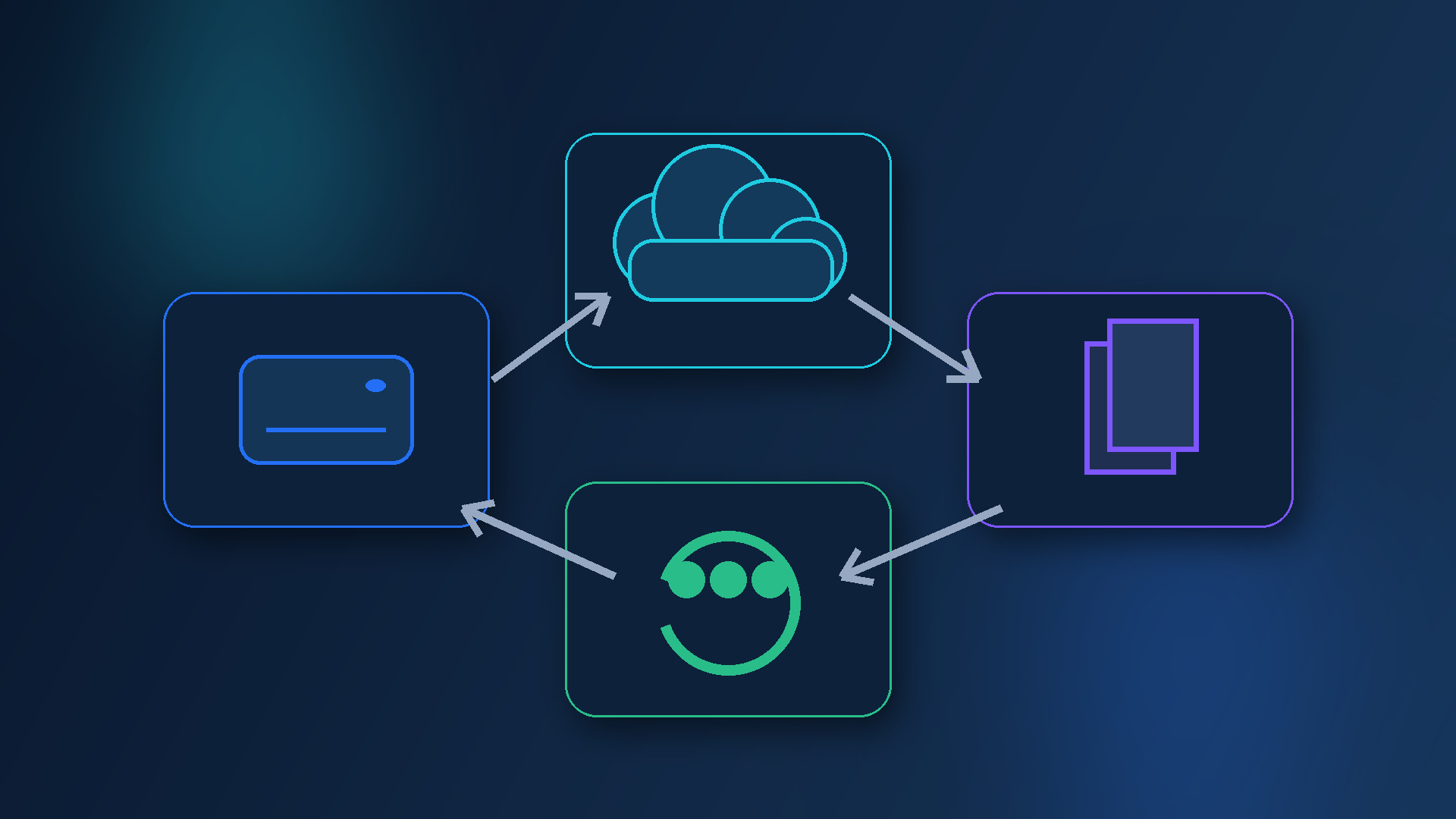
Where Acronis feels stronger is cohesion. Local, cloud, mobile and security status live inside one protection model. Where EaseUS can feel more flexible is destination choice and task-level control, especially for a Windows user who already has NAS, FTP or public-cloud storage. EaseUS documentation lists authorized public-cloud services, but not every backup type can use every cloud destination. Check the exact workload-to-destination combination instead of assuming a cloud logo means complete machine recovery from that service.
Whichever product you choose, avoid a schedule that runs only when you remember. Use automatic daily protection for active files, a regular system image, retention rules that preserve multiple recovery points and notifications or log checks for failure. A silent failed backup is not protection.
Recovery, rescue media and disk cloning
Recovery is where Acronis earns much of its premium positioning. It can restore an entire machine, a disk or partition, or individual files. The current product includes recovery to similar or dissimilar hardware, subject to the selected workflow and drivers. Its Rescue Media Builder creates bootable media for a PC that cannot start, while Survival Kit can place recovery components and a backup on suitable external storage. For users who want one guided disaster-recovery path, that integration is compelling.
EaseUS is not lightweight here. Todo Backup Home can recover complete systems, disks, partitions and files; mount supported image backups; create WinPE emergency media; and use System Transfer to restore Windows to different hardware in eligible editions. Its official online help also documents adding storage, RAID or network drivers to emergency media. That detail matters: the best rescue environment is useless if it cannot see the source backup or destination disk.
Both offer cloning, but cloning and backup solve different problems. A clone is ideal when moving from an old SSD to a new one because it creates an immediately usable copy of the disk layout. It is a weak version-history strategy: if damaged or encrypted data is cloned, the destination faithfully receives the damage. Image backups retain recovery points and are therefore better for rolling back in time. For a drive upgrade, clone. For ongoing protection, image. For an important PC, do both at the appropriate moments.
Our recovery verdict is narrow. Acronis wins for the more unified, cross-platform recovery ecosystem. EaseUS remains a strong choice for Windows imaging, SSD migration and hands-on recovery, especially when you prefer its licensing. Neither wins if you never boot the emergency USB.
Security and ransomware resilience
This is the largest strategic difference. Acronis does not present True Image as backup alone. Current plans include behavioral anti-ransomware protection, while Advanced and Premium add broader anti-malware capabilities. The Acronis feature overview also lists backup encryption, active protection, security monitoring and other plan-dependent cyber features. For a home office that wants fewer separate agents and dashboards, this can justify the higher total cost.
There is an important caveat: combining backup and security does not remove the need for layered defenses. A product bug, account takeover or configuration mistake can affect multiple functions inside one ecosystem. Keep an offline or otherwise isolated copy. Protect the Acronis account with strong authentication. Record the backup-encryption password somewhere secure and separate, because encryption that blocks the attacker can also block you.
EaseUS focuses more tightly on protecting the backup process. Todo Backup supports AES-256 password encryption for image backups, with vendor documentation warning that EaseUS cannot decrypt an image if you lose the password. It also provides Security Zone and backup-protection functions intended to make backup storage harder to tamper with. These are useful resilience features, but Todo Backup Home should not be confused with a complete endpoint antivirus suite.
If you already trust and manage another endpoint-security product, EaseUS plus that security stack may be perfectly rational. If you want backup and active cyber protection designed together, Acronis has the clearer advantage. Do not run overlapping real-time security products blindly, however. Confirm compatibility, exclusions and performance guidance from both vendors.
Licensing and the real cost of ownership
Sticker-price comparisons age badly, so focus on structure. Acronis True Image is currently subscription-only in Essentials, Advanced and Premium tiers, with choices for one to five computers. Essentials is the local-backup entry point. Advanced adds cloud storage and security capabilities; Premium increases cloud capacity and adds further services. Renewing keeps you on supported versions and current feature updates, but it creates an ongoing cost.
EaseUS Todo Backup Home currently offers annual, perpetual and lifetime-upgrade options for one computer. The annual plan includes upgrades during its term and may bundle cloud storage. The perpetual option keeps the purchased version but does not promise future major-version upgrades. The lifetime-upgrade license costs more upfront in exchange for ongoing upgrades under the stated terms. Promotions change frequently, so compare the final checkout, renewal basis, tax and device count rather than a temporary headline.

Add the costs that do not appear in the software cart:
- an external drive large enough for several versions;
- offsite or cloud capacity and future growth;
- a second removable drive for rotation;
- time to monitor jobs and investigate failures;
- a spare USB drive for bootable recovery media;
- the business cost of a slow or failed restore.
EaseUS usually presents the stronger purchasing flexibility for one Windows PC. Acronis can offer better consolidated value when its cloud, multi-device and cybersecurity features replace services you would otherwise buy separately. Price the architecture, not the download.
Use-case verdicts
One Windows laptop with ordinary home files
Verdict: EaseUS has the value edge. Todo Backup Free may be sufficient for basic file and system protection, while Home adds the features many serious users want. Put the backup on an external drive, add a second offsite copy and test file recovery. Choose Acronis instead if integrated ransomware protection is a priority or you want its cloud workflow.
A home office with Windows PCs, a Mac and phones
Verdict: Acronis is the cleaner fit. Its current plan structure covers PCs and Macs and states support for unlimited mobile devices. One console and one protection model reduce fragmentation. Verify the number of licensed desktop machines, required cloud capacity and current macOS support before purchase.
A Windows SSD upgrade this weekend
Verdict: either can work; EaseUS is often the direct choice. Both have established cloning tools. EaseUS pairs naturally with its wider disk-utility ecosystem, while Acronis Active Disk Cloning is equally relevant. Read the vendor's restrictions for USB connections, disk layout, encryption, sector sizes and boot modes before starting. Keep a system image as the fallback; do not let the clone be your only copy.
Protection against ransomware
Verdict: Acronis leads at the product level. Its active anti-ransomware capability is integrated into current plans, with broader security in higher tiers. Still use an isolated backup. EaseUS can form a robust design with encryption, protected storage and a separate endpoint-security product, but that is a multi-product strategy.
A user who dislikes subscriptions
Verdict: EaseUS. Its perpetual and lifetime-upgrade choices give you alternatives to annual renewal. Read the distinction carefully: perpetual use of the purchased version is not the same as lifetime access to future versions. An old backup application can become incompatible with future Windows builds or storage hardware, so budget for eventual maintenance even when the license does not expire.
A small company with servers and centralized administration
Verdict: do not buy the home edition by habit. Compare Acronis business offerings with EaseUS Workstation, Server and centralized-management products. Home-product licensing, operating-system support and support scope may not fit commercial servers. Inventory workloads and recovery-time requirements before choosing a vendor.
The backup strategy matters more than the brand
A good tool inside a weak design still produces weak protection. Start with the 3-2-1 principle: keep at least three copies of important data, on two kinds of storage, with one copy offsite. For ransomware resilience, improve it to 3-2-1-1-0: add one offline or immutable copy and aim for zero unverified backup errors. The numbers are a design prompt, not a magic certificate.
For a typical home office, a workable plan looks like this:
- Daily: back up active folders automatically, keeping enough versions to reverse accidental edits or encryption.
- Weekly: create or update a complete system-image chain to an external drive or NAS.
- Offsite: replicate important data to an independent cloud account or rotate a second encrypted drive away from the computer.
- Monthly: review job logs, storage capacity, retention and failed or missed runs.
- Quarterly: boot rescue media, restore sample files and perform a deeper system-recovery test where practical.
Do not leave every backup drive permanently mounted with the same credentials as the source PC. Do not treat synchronization as backup when deletions instantly propagate. Do not keep the only encryption password inside the machine being protected. And do not erase the old drive immediately after a clone appears to boot.
How to test restoration before you need it
Validation and restoration are related, not identical. Acronis can validate backup data, and EaseUS provides Check Image. Those checks help detect corruption. They do not prove that firmware settings, storage drivers, network access, credentials and replacement hardware will cooperate during a real emergency.
Use this progressive test:
- Restore one file to a different folder. Open it and confirm that its contents, date and permissions are usable.
- Restore a folder version from an earlier recovery point. This tests navigation through history rather than only the latest backup.
- Boot the rescue USB. Confirm that mouse, keyboard, display, network and storage devices appear.
- Locate the backup from rescue mode. If it is encrypted, prove that the password is available. If it is on NAS or cloud storage, test authentication.
- Inspect the target selection carefully. Stop before overwriting a live disk unless you have prepared a safe test target.
- Perform a full test restore to a spare drive or isolated machine when the data or downtime risk justifies it. Boot the restored system and open representative applications and files.

Create a one-page recovery note with the product edition, license account, encryption-password location, rescue-media location, backup destinations and restoration order. Keep a protected copy outside the PC. When stress is high, a tested checklist beats memory.
How the Licendi products fit this decision
Licendi offers Acronis True Image 2020 1D/1Y. This is an older 2020 release sold as a one-device, one-year option; it is not the current 2026 Acronis True Image subscription discussed throughout this comparison. The Licendi page lists Windows 10, 8.1, 8, 7 SP1 and Vista SP2. That can suit a specific legacy setup, but buyers should verify activation, operating-system compatibility, update rights and available vendor support before purchase. Do not assume compatibility with a newer Windows release merely because the current Acronis product supports it.
Licendi also offers EaseUS Partition Master Professional. It is complementary disk and partition software, not EaseUS Todo Backup. Partition Master is designed for jobs such as resizing, creating, formatting, merging and managing partitions, with cloning capabilities depending on the product version. It can be useful before a storage reorganization or drive migration, but partition operations are not a substitute for versioned backups. Make a verified backup before changing partitions.
These products may make sense when their specific versions match your machine and task. They should not be used as shorthand for the vendors' latest 2026 offerings. Compatibility and support are moving targets: check the Licendi listing, the manufacturer's requirements, your exact Windows build, processor architecture, disk controller and intended hardware before purchase.
Final verdict
The decisive difference in Acronis vs EaseUS Todo Backup is scope. Current Acronis True Image is the stronger choice when backup, cross-platform coverage, cloud services and active cyber protection need to live together. EaseUS Todo Backup Home is the stronger choice when you want focused Windows backup and cloning, a usable free entry point or freedom from subscription-only licensing.
Then make the decision earn its keep. Choose two independent destinations. Encrypt sensitive backups. Create rescue media. Keep an isolated copy. Restore something this week. The product you test is safer than the “better” product you merely install.
Frequently asked questions
Is Acronis better than EaseUS Todo Backup?
Acronis is better for many users who want integrated cyber protection, Windows and macOS support, multi-device plans and a unified cloud option. EaseUS Todo Backup can be better for a Windows-only user who values straightforward imaging, cloning and annual or perpetual purchasing choices. Neither product is universally better; the right answer depends on platforms, storage, security tools and recovery requirements.
Can EaseUS Todo Backup clone a Windows system drive?
Yes. Qualifying EaseUS Todo Backup editions provide disk, partition and system cloning for migrations such as moving Windows to a new SSD. Check the current edition comparison before purchase because cloning capabilities differ between Free, Home and business editions. Keep a separate image backup before cloning and verify that the new drive boots before erasing the old one.
Does Acronis True Image include antivirus protection?
Current Acronis True Image plans include anti-ransomware protection, while broader real-time anti-malware, scanning and web-security features depend on the subscription tier. Review the current Acronis plan table for exact entitlements. Avoid enabling overlapping real-time security products without checking vendor compatibility and recommended exclusions.
Does EaseUS Todo Backup work on macOS?
The Todo Backup Home product compared here is Windows-focused. EaseUS markets a separate Todo Backup for Mac product, so do not assume a Windows Home license covers macOS or offers identical features. Current Acronis True Image supports both Windows and macOS under eligible plans, subject to version and hardware requirements.
Can either product restore a PC that will not boot?
Yes. Acronis can create bootable rescue media, and EaseUS can create WinPE emergency media or use its Pre-OS environment. Create the media before a failure, boot it on the protected computer and confirm that it can see the keyboard, network, backup location and destination disk. Image validation alone does not prove the complete recovery path.
Is disk cloning the same as making a backup?
No. A clone is a current replica designed mainly for drive replacement or migration. A versioned image backup preserves recovery points, making it possible to return to a state before deletion, corruption or ransomware. Cloning is useful, but it should not be your only backup strategy.
Should I choose cloud backup or an external drive?
Use both when the data matters. An external drive can support fast full-system recovery, while an offsite cloud or rotated-drive copy protects against theft, fire and local hardware loss. Keep at least one copy isolated from the source system and test recovery from each destination.
Is Acronis True Image 2020 the current Acronis version?
No. Acronis True Image 2020 is an older release and should not be represented as the current 2026 product. A legacy license may fit an older supported computer, but compatibility, activation, updates and support must be verified before purchase. Current Acronis True Image uses separate subscription plans and current system requirements.