EN
 FR
 DE
 IT
 PT
 ES


What Is Microsoft Outlook? Your Complete Guide for 2026
Microsoft Outlook is far more than an email client. It combines email, calendar, contacts, tasks and notes into a single productivity hub that millions of professionals rely on every day. Whether you know it as Outlook, Outlook Mail or Hotmail, this guide explains exactly what it does, how the different versions compare and how to get the most out of it in 2026.
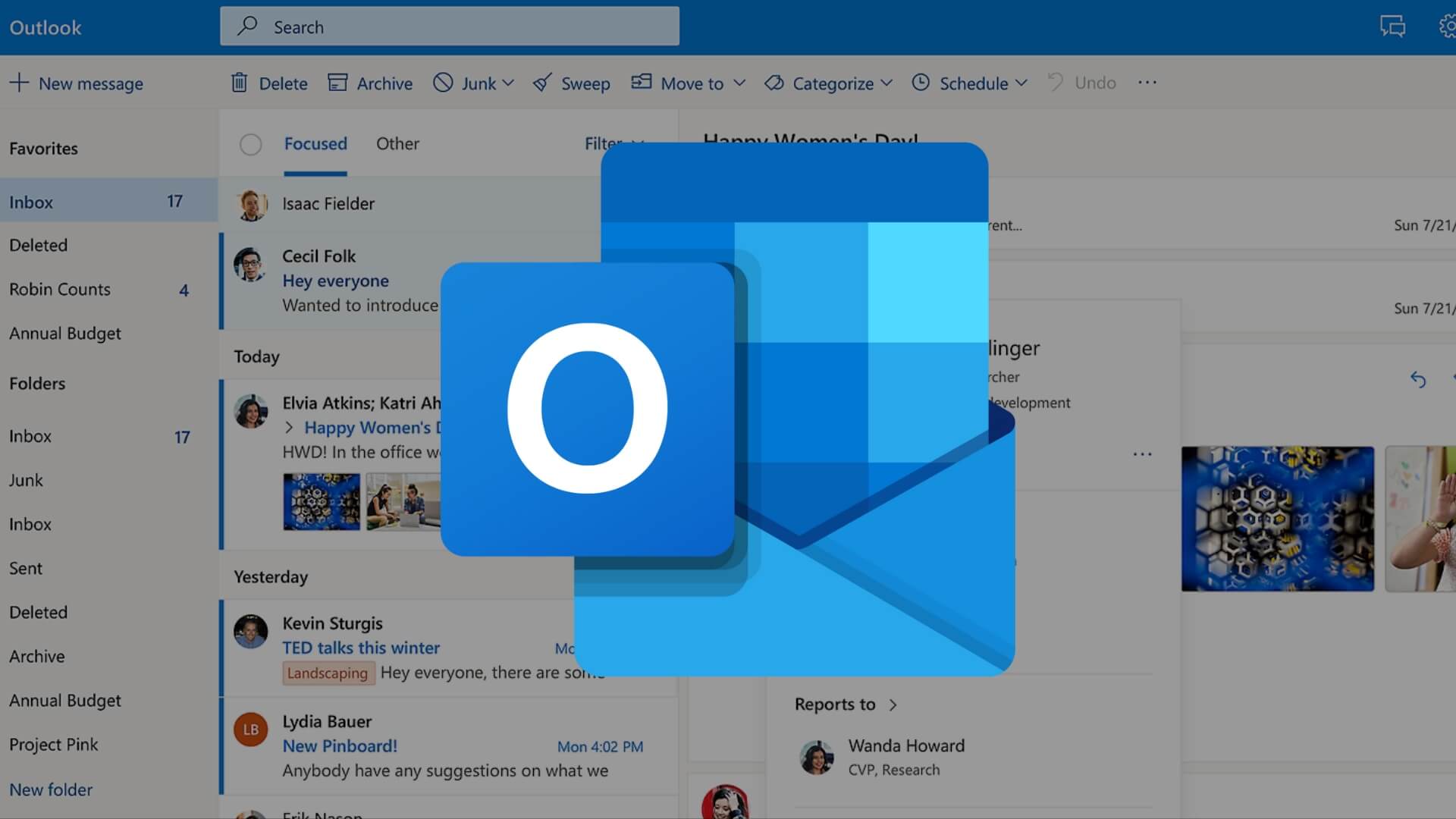
Outlook at a Glance
Outlook is included in every edition of Microsoft Office and in every Microsoft 365 subscription. It is available as a desktop application for Windows and macOS, a web app at outlook.com, and mobile apps for iOS and Android. Your inbox, calendar and contacts sync seamlessly across every device, so a message you read on your phone during the commute is already marked as read when you sit down at your desk.
Outlook also connects to third-party mail accounts, including Gmail, Yahoo and any IMAP or POP server. That makes it a genuine central hub: you can manage several mailboxes, multiple calendars and a shared address book without juggling tabs or apps.
Key Features You Should Know
- Focused Inbox — automatically separates important messages from newsletters and less urgent mail so you never miss what matters.
- Calendar integration — schedule meetings, set reminders, check colleagues' availability and share calendars across your team.
- Rules and Quick Steps — automate repetitive actions such as moving, flagging or forwarding messages with a single click.
- Powerful search — find any email, attachment or contact instantly, even across years of archived history.
- Tasks and To Do — turn emails into tasks, set deadlines and track progress without leaving the inbox.
- Third-party add-ins — extend Outlook with tools for CRM, project management, e-signatures, Zoom, Teams and much more.
- Enterprise-grade security — encrypted connections, two-factor authentication and advanced anti-phishing protection keep your correspondence safe.
Outlook vs Hotmail vs Outlook.com
This is where many people get confused. Hotmail was Microsoft's original free webmail service, launched in 1996 and rebranded to Outlook.com in 2013. The underlying service is the same; only the name changed, and legacy @hotmail.com addresses continue to work without any action from the user.
The desktop Outlook app included in Office is a separate, far more feature-rich application that connects to Outlook.com, Microsoft Exchange, Microsoft 365 mailboxes and third-party providers. It works offline, offers deeper customisation and is the version most businesses standardise on. If you would like to understand how Outlook fits into the wider suite, our article on which Microsoft Office programme you need is a helpful next read.
How to Sign In to Outlook
- Open outlook.com in your browser, or launch the desktop app from your Start menu or Applications folder.
- Enter your Microsoft account email address and password.
- If you use two-factor authentication, approve the sign-in request on your phone or enter the code from your authenticator app.
- Choose whether to stay signed in on shared devices — we recommend declining on any computer that is not exclusively yours.
Tips to Maximise Your Productivity
A handful of small habits can transform Outlook from a passive inbox into a true productivity engine. Use categories and colour codes to organise messages by client or project, and create search folders so frequently used queries are always a click away. Set quiet hours in the mobile app to silence notifications outside working time, and enable Schedule Send to write emails when it suits you while delivering them at a more appropriate moment.
Learning a handful of keyboard shortcuts is probably the single biggest time-saver. Our guide to keyboard shortcuts for Word, Excel and Outlook on Windows walks you through the combinations professionals use every day. If you share a computer with colleagues or family, take a few minutes to compare Office 2021 against Microsoft 365 so everyone is on the edition that best suits their workflow.
Keeping Outlook Up to Date
Outlook receives regular security and feature updates, and keeping it current is essential for protecting your data. On Windows, updates arrive automatically through Office's built-in updater. On macOS, use Microsoft AutoUpdate from the Help menu. For a complete walkthrough, see our how to update Outlook on Mac guide, which covers common pitfalls and how to resolve them.
Get Outlook with a Genuine Licendi Licence
Outlook is included in every Office licence sold by Licendi, from Home and Student editions through to Professional Plus. Browse our Office 2021 Professional Plus licence for the most complete perpetual edition, or explore the full range of Microsoft Office licences to find the right fit for your household or business. Every key is genuine, delivered instantly by email and backed by our customer support team.
Best regards,
The Licendi Team