EN
 FR
 DE
 IT
 PT
 ES


Windows 10 Home vs Pro: Which Do You Need?
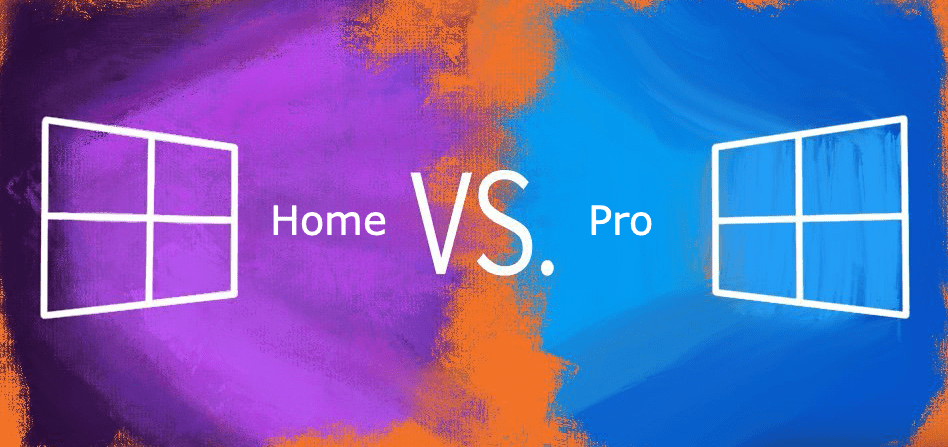
What is the difference between Windows 10 Home and Pro? If you are buying a new PC without a pre-installed operating system, you will need to choose. If you are not planning to use Linux, it comes down to Windows 10 Home or Pro.
Buying directly from Microsoft, a Windows 10 Home licence costs around 145 euros whilst the Pro version is around 259 euros. That is a difference of over 110 euros, but only if you do not need the extra features of Windows 10 Pro. You can save even more by buying from a trusted reseller like Licendi.
Key features in Windows 10 Pro
Microsoft has offered a Pro version of Windows since XP, providing additional features for power users that Home lacks. Many of these are clearly designed for business use, such as Group Policy management and domain joining.
Here is a breakdown of the most useful Pro features and their free alternatives:
Remote Desktop

With Windows 10 Home, you can initiate Remote Desktop Protocol (RDP) sessions but cannot remotely control your PC from another device on your network. Free alternatives such as TigerVNC and TeamViewer offer similar functionality.
BitLocker

If you are concerned about security and want to protect your data from unauthorised access, BitLocker is a compelling reason to choose Pro. It offers full disk encryption and, in the latest version, also supports encrypting individual files. Similar encryption is available through third-party software, but BitLocker is built directly into the operating system.
Trusted Boot
Trusted Boot protects your PC from rootkits and works alongside Secure Boot to keep your system malware-free by verifying every component of the boot process before it loads.
Windows Sandbox

Windows Sandbox allows you to run suspicious files in an isolated test environment. If you have Windows Pro, this feature is built into the operating system, so there is no need for a separate virtualisation solution.
Hyper-V
Hyper-V is a Windows-only hypervisor that enables virtual machines on CPUs that support virtualisation. If you plan to run virtual machines frequently, this feature alone may justify the cost of Pro. For occasional use, free tools like VirtualBox are a solid alternative.
Storage and business features

Windows 10 Home supports a maximum of 128 GB of RAM, whilst Pro supports up to 2 TB. Additional business features include Group Policy management, Assigned Access and domain joining, which may not be particularly useful outside an office environment.
Windows Update for Business also allows administrators to control when systems are updated and defer updates that may cause compatibility issues.
Our verdict
For most users, Windows 10 Home is more than sufficient. If you use your PC exclusively for personal tasks, gaming or general work, the upgrade to Pro is not necessary. The Pro features are primarily aimed at business and security-focused users. Since free alternatives exist for many of these features, the Home edition likely has everything you need.
If you are interested in the best price for Windows 10 Pro, browse our offers. At Licendi, you can also purchase Windows 10 Home at competitive prices.
Considering an upgrade to Windows 11? Read our guide on Windows 11 release date, requirements and features, or compare Windows 11 Pro vs Home.
Also see our article on the difference between Windows 10 OEM and Retail licences.
If you have any questions, leave a comment or give us a call.
Best regards,
The Licendi Team