EN
 FR
 DE
 IT
 PT
 ES


Cheap Windows Keys: A Safe Buying Guide for 2026
Cheap Windows keys can be a sensible purchase, but price alone tells you almost nothing about the licence you are receiving. A code may activate today while leaving unanswered questions about its edition, origin, permitted user, transfer rights or long-term validity. For a home user, that uncertainty can mean wasted time and another purchase. For a business, it can also create weak procurement records, interrupted devices and avoidable compliance risk.
The practical goal is not to find the lowest number on a marketplace listing. It is to buy the correct Windows edition through a traceable channel, receive usable documentation and understand what happens when hardware changes. This 2026 guide explains how to compare offers without drifting into grey-market shortcuts or confusing successful activation with a properly licensed copy.

- Activation confirms a technical state; it does not by itself prove legitimate provenance or complete licence rights.
- Choose Home or Pro before buying, because a Home entitlement will not activate Windows Pro.
- Ask whether the offer is retail, OEM/preinstalled or volume licensing, and require a clear answer in writing.
- Keep the invoice, seller identity, product description and transfer records for the life of the device.
- Windows 10 standard support ended on October 14, 2025, so most new deployments should be planned around Windows 11 compatibility.
1. What a cheap Windows key price really means
Windows offers vary because sellers may be supplying different products and rights. A promotion from an established software retailer, a stand-alone retail licence, a licence supplied with a refurbished computer and a key taken from an organisation's volume agreement are not interchangeable simply because each listing contains the word “Windows”. The visible code is only one part of the transaction.
A low price is not automatic proof of wrongdoing. Legitimate discounts can result from competition, older stock, regional pricing, refurbished-device programmes or the lawful resale of eligible perpetual licences where applicable law and the original agreement permit it. Nevertheless, a price far below normal market expectations should trigger more verification, not less. The seller should be able to identify the product, edition, licence channel, previous-use status and documents supplied.
Microsoft describes genuine Windows as software published by Microsoft, properly licensed and supported by Microsoft or a trusted partner. Its activation guidance also makes an important distinction: activation associates a product key or digital entitlement with a device's hardware configuration, but it does not guarantee that the copy is genuine. Read our practical guide to checking whether Windows is genuine before treating an “Activated” screen as the end of due diligence.
The safest comparison therefore evaluates total purchase quality: correct edition, durable entitlement, seller support, evidence, refund terms and the time required to resolve a failure. A five-dollar key that is blocked or cannot be documented is more expensive than a reasonably priced licence that works throughout the planned device lifecycle.
2. Choose Windows 11 Home or Pro before shopping
The installed edition must match the licence. A Windows 11 Home entitlement does not activate Windows 11 Pro, and buying Pro does not automatically add value if the device will never use its business features. Check Settings > System > Activation on an existing PC, or define the required edition before a clean installation.
Home is usually suitable for personal productivity, browsing, entertainment and many sole-trader workloads. Pro becomes relevant when a professional or organisation needs features such as full BitLocker Drive Encryption, Remote Desktop hosting, domain join or Microsoft Entra ID join. Microsoft lists Device Encryption for supported Home and Pro hardware, so the distinction should not be simplified to “Home has no encryption”. Compare the exact functions in our Windows 11 Home versus Pro guide, then review the available Windows 11 Pro licences if those business controls are required.
Also confirm architecture and hardware eligibility. Modern Windows 11 deployments are 64-bit and must satisfy Microsoft's processor, TPM 2.0, Secure Boot, memory and storage requirements. A product key cannot make unsupported hardware compliant. For a fresh installation, obtain the installer through the official Windows 11 download route, not an image bundled by an unknown key seller.

3. Retail, OEM and volume keys are different products
Ask the seller to name the acquisition channel explicitly. Vague descriptions such as “global key”, “lifetime activation”, “digital OEM retail” or “100% working” do not explain the licence. The following comparison is a purchasing screen, not a substitute for the terms attached to the exact product and territory.
| Channel | Typical legitimate context | Transfer expectation | What to verify |
|---|---|---|---|
| Retail / stand-alone | Purchased separately for an eligible device, often with a unique key or digital licence. | May generally be moved under applicable terms after removal from the old device; conditions apply. | Exact edition, seller, proof of purchase, prior use and applicable transfer terms. |
| OEM / preinstalled | Windows supplied with a computer and commonly associated with that device's firmware. | Normally transferred with the licensed device, not separated as a floating key. | Eligible device, original supply, edition, refurbishment documentation and device invoice. |
| Volume licensing | Organisational deployment under an agreement, using methods such as MAK, KMS or Active Directory-based activation. | Governed by the organisation's agreement and any valid transfer framework; not automatically a consumer retail licence. | Seller's entitlement, agreement scope, transfer rights, quantities and complete chain of title. |
Microsoft's US-English Windows 11 terms state that software is licensed, not sold, and generally authorise one instance on one licensed device for one person at a time. The same terms distinguish stand-alone software from software acquired preinstalled on a device. Territorial terms and mandatory local law may differ, so avoid universal claims such as “retail is always transferable” or “every OEM key can never move”. Our guide to whether you should activate Windows 10 and Windows 10 OEM versus retail explanation provide a more detailed decision path.
4. How to vet a seller and the licence evidence
A trustworthy seller should make the transaction understandable before payment. Businesses should be able to identify the legal company, geographic address, tax details, contact route and applicable sales terms. Prosumers should apply the same standard even when the amount seems too small to justify paperwork: weak evidence is often discovered only after a hardware replacement or activation problem.
Ask these questions in writing:
- What exact product and edition will the invoice name?
- Is the licence retail, OEM/preinstalled, refurbished-device related or organisational volume licensing?
- Has it been previously activated or assigned, and if so, how was the prior installation retired?
- What usage and transfer rights are being conveyed, and which terms govern them?
- Will the seller provide an invoice, proof of origin and any required chain-of-title or transfer documentation?
- What remedy applies if the key fails immediately or is blocked later?
Red flags include anonymous marketplace accounts, payment methods with no meaningful buyer protection, contradictory channel labels, instructions to disable security controls, remote activation by an unknown party, account sharing, KMS emulators, unofficial activation scripts or claims that Microsoft support can never question the licence. Do not provide remote desktop access merely to let a seller “make the key work”.
5. Buy, install and activate without taking shortcuts
Before purchase, record the PC's current edition and activation status, confirm Windows 11 compatibility and back up important data. Buy only the required quantity: under typical end-user terms, one licence is not a pool for several simultaneous devices. For business orders, assign an internal asset owner and map each licence to a device or approved user.
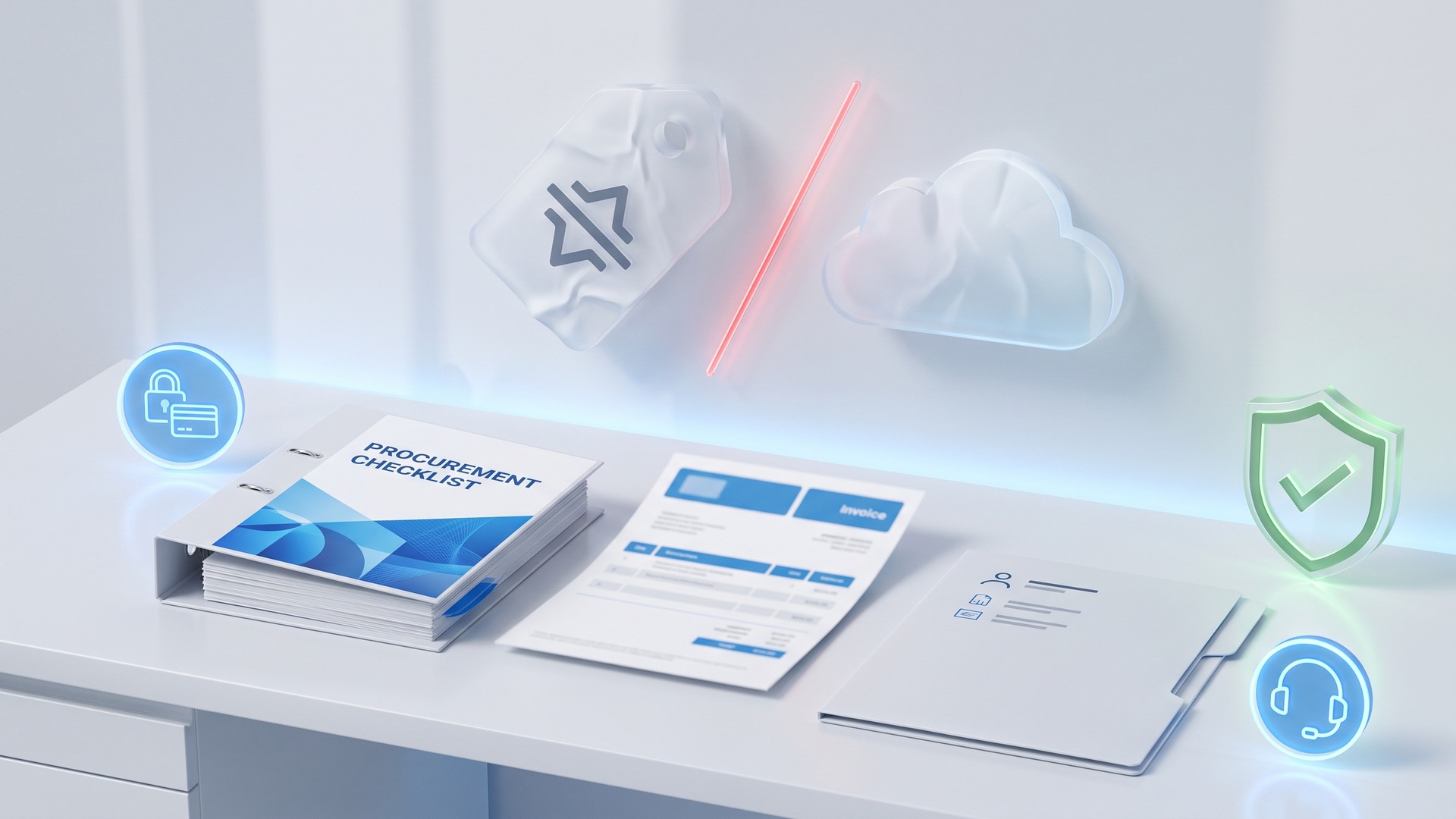
After purchase, save the invoice, order confirmation, seller page or product description, key-delivery message, licence terms and any transfer statement in a controlled repository. Do not keep the only copy in an employee's inbox. Download installation media from Microsoft or another verified official route, install the edition stated on the invoice and enter the key through Windows Settings or the supported setup process.
Then check Settings > System > Activation. The device may show activation with a digital licence, a digital licence linked to a Microsoft account or another supported state depending on acquisition method. If activation fails, use the Windows troubleshooter and the seller's documented support process rather than bypass tools. Our guide to downloading Windows 11 Pro or Home explains how to obtain the correct edition and official installation media.
For company devices, retain a simple register containing purchase date, supplier, invoice number, product, edition, channel, device serial number, activation date and retirement or transfer date. This turns a cheap purchase into a manageable software asset rather than an unexplained string of characters.
6. Factor Windows support and hardware lifecycle into the price
Buying Windows 10 in 2026 requires particular caution. Microsoft ended standard Windows 10 support on October 14, 2025. An ordinary Windows 10 key does not restore routine technical support, feature updates or standard security updates. Microsoft currently offers separate Extended Security Updates options for eligible devices, but ESU is a temporary programme with its own enrollment, eligibility and end dates; it is not included merely because a PC activates.
For most new purchases, compare Windows 11 compatibility and application readiness before investing in an older operating system. See the step-by-step guide to downloading genuine Windows 11 and our Windows 10 Home versus Pro comparison and upgrade guide. If essential hardware or software requires Windows 10, document the exception, isolation controls, ESU decision and replacement deadline.
Lifecycle planning also affects licence type. A lower-priced device-bound licence may be reasonable for a stable PC that will be retired intact. A properly documented stand-alone licence may offer better value where the user replaces hardware more frequently and the applicable terms permit reassignment. Compare cost over the expected three-to-five-year device cycle, not only at checkout.

7. A practical purchase workflow for businesses and prosumers
- Define the use case. List device count, users, applications, encryption, remote access and directory-join requirements.
- Select the edition. Choose Home or Pro from required features, not status or marketing language.
- Check the device. Verify Windows 11 hardware compatibility and the edition already embedded or activated, if any.
- Identify the licence channel. Require the seller to state retail, OEM/preinstalled or volume rather than accepting a hybrid label.
- Assess provenance. Confirm seller identity, prior use, origin, entitlement and transfer conditions.
- Compare full value. Include documentation, support, refund rights, transfer limitations and expected hardware life.
- Purchase and archive evidence. Store every record against the relevant asset.
- Install from a trusted source. Never use cracks, emulators, shared organisational servers or modified images.
- Verify and monitor. Record activation, retain the key securely and revisit the licence when hardware or ownership changes.
Organisations buying multiple devices should standardise this workflow and authorised suppliers. Occasional bargains are not valuable if each purchase creates a different licence story that nobody can reconstruct later. For related reading, see our guide to what happens if you do not activate Windows 10 and request clarification before ordering whenever a channel or right is unclear.
Frequently asked questions
Are cheap Windows keys legal?
A low price alone does not determine legality. The answer depends on the key's origin, the applicable licence terms, the seller's entitlement, previous use, transfer conditions and local law. Buy from an identifiable supplier that provides an invoice and explains the licence channel.
Does successful activation prove that Windows is genuine?
No. Microsoft states that activation links a product key or digital entitlement to a device's hardware configuration, but activation does not itself guarantee that the copy is genuine or properly licensed. Provenance and documentation remain important.
Should I buy Windows 11 Home or Pro?
Choose Home for normal personal use unless you need a Pro-specific capability. Pro is usually appropriate for features such as BitLocker Drive Encryption, Remote Desktop hosting, domain join or Microsoft Entra ID join. The installed edition must match the entitlement.
Can I move a Windows key to a new PC?
It depends on the licence channel and applicable terms. Stand-alone retail software may permit reassignment after removal from the previous device, subject to conditions. Preinstalled OEM software is generally transferred with the licensed device. Keep proof of purchase and verify the exact terms.
Is it worth buying a Windows 10 key in 2026?
Usually not for a new general-purpose deployment. Standard Windows 10 support ended on October 14, 2025. A key does not extend support, and ESU is separate. Buy only for a documented compatibility need with a security and migration plan.
Your Licendi team
This article provides general purchasing and licensing guidance, not legal advice. The terms for the specific product, acquisition channel and territory, together with mandatory local law, prevail.
Official references: Microsoft Windows activation guidance, Microsoft safer shopping guidance, and Microsoft Windows 10 support information.