EN
 FR
 DE
 IT
 PT
 ES


Is Microsoft Office 2016 Professional Plus Worth Buying?
What is Microsoft Office 2016 Professional Plus?
Microsoft Office 2016 Professional Plus was released on 22 September 2015 and remains one of the most capable office suites ever produced. Microsoft Office is far more than Word, PowerPoint, Excel and Outlook, even though those are the applications most people think of first.
The suite now encompasses a whole range of services, from cloud-based tools to mobile apps for iOS and Android, along with Skype for Business, Dynamics and Power BI. The cross-platform approach means Office 2016 Professional Plus delivers the right version of Office for each platform, whether that is Windows 10 or macOS.
How does it work?
Windows still receives the lion's share of tools and features, simply because it has benefited from the most development over the years. While adding significant features to an already powerful suite is challenging, there have been welcome improvements since launch.
Key improvements and changes
Office 2016 Professional Plus for Mac introduced many new features and excellent OneDrive integration. Although it does not include every application or feature found in the Windows version, it offers both the feel of a genuine Mac application and the power of a true Office suite. Monthly updates have gradually introduced important capabilities that add up to significant improvements.
Outlook enhancements
Microsoft improved Outlook 2016's search, storage and email delivery performance, along with image insertion improvements in Word 2016 and Excel 2016. Importantly, Microsoft chose not to alter add-on or macro features in Office 2016, leaving existing documents fully compatible, a decision that pleased business users who rely on complex spreadsheets and macros.
Skype for Business
Alongside Office 2016 Professional Plus, Microsoft offered Skype for Business, replacing Lync as the main business communication tool. Skype for Business closely resembles the consumer version and integrates tightly with various Office applications.
Comparison with Office 2019 Professional Plus
Word
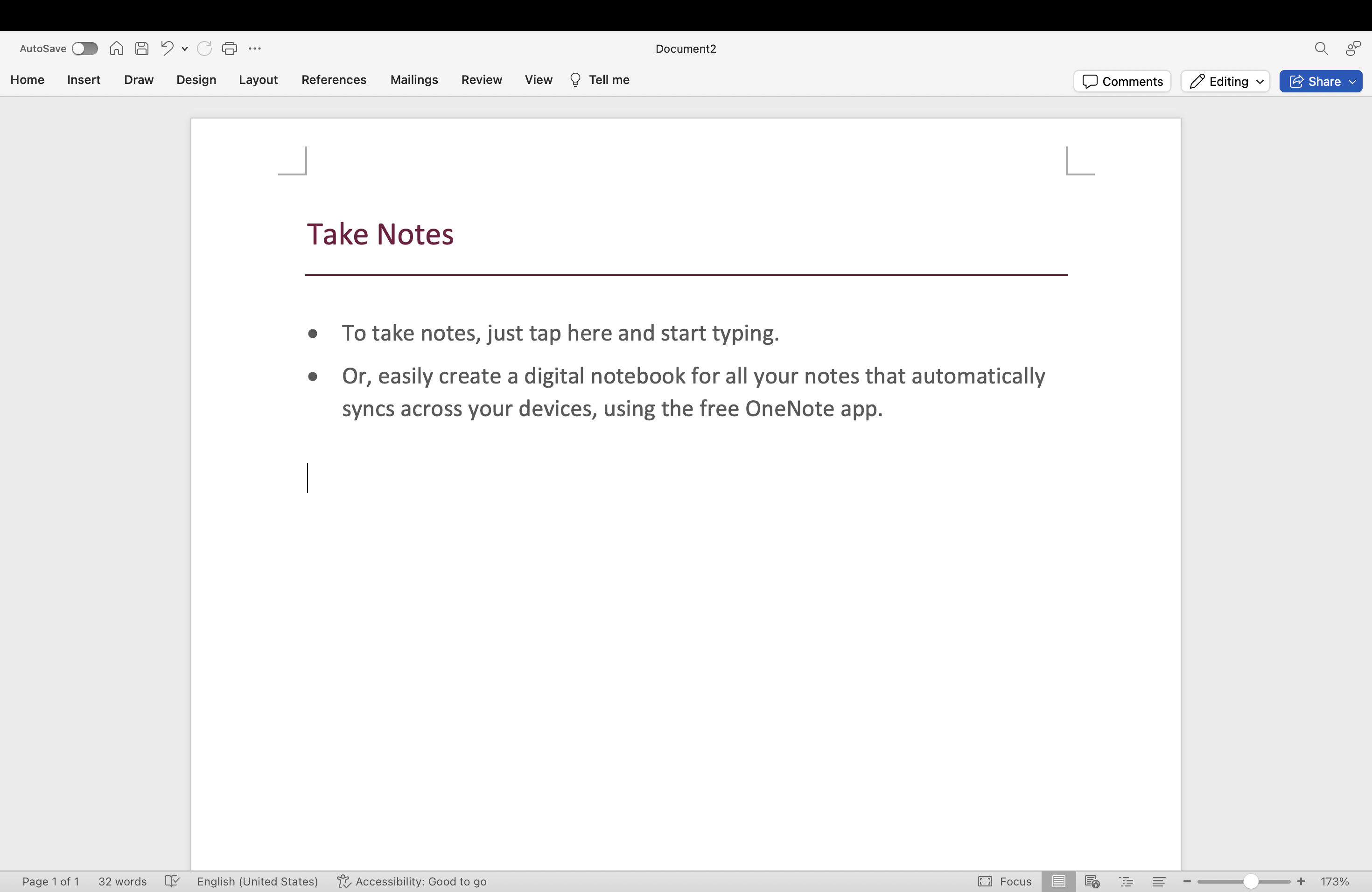
Features available in Office 2019 but missing from 2016 include:
- Text-to-speech
- Improved accessibility and colour options
- Focus mode
- Built-in translator
- Learning aids (subtitles and audio descriptions)
- Dark mode
- @Mentions
We tested the text-to-speech feature in several languages (English, Portuguese, Spanish and Dutch) and were impressed by the quality across all of them. The translator, while not perfect with gender-specific translations, performed well above typical web-based tools.
PowerPoint
New PowerPoint features in Office 2019 include:
- Zoom functions for organising slides within presentations
- Morph transition effects
- SVG and 3D model support
- Improved inking tools
Excel
Features in Office 2019 not available in 2016:
- Funnel charts, 2D maps and timelines
- New Excel functions and connectors
- Excel-to-Power BI publishing
- PowerPivot and PowerQuery extensions
- @Mentions
Outlook
Additional features in Outlook 2019:
- Updated contact cards
- Office 365 Groups (requires Exchange Online)
- @Mentions
- Focused Inbox
- Travel and delivery overview cards
OneNote
On Windows, the desktop application was replaced by OneNote for Windows 10. On Mac, OneNote installs as part of Office 2019 Professional Plus.
Our verdict
If text-to-speech, the built-in translator and the latest PowerPoint and Excel functions are not essential for your work, then Microsoft Office 2016 Professional Plus is an excellent choice. You will save money compared to the latest version, and at Licendi we can offer you great discounts.
Looking for the best price? Browse our Microsoft Office licences section. If you choose Licendi, you are buying a perpetual licence that is yours to keep. For a detailed comparison of newer versions, see our Office 2019 vs Office 365 guide or our Office 2019 Professional Plus vs Standard comparison.
If you have any questions, please get in touch.
Best regards,
The Licendi Team