EN
 FR
 DE
 IT
 PT
 ES


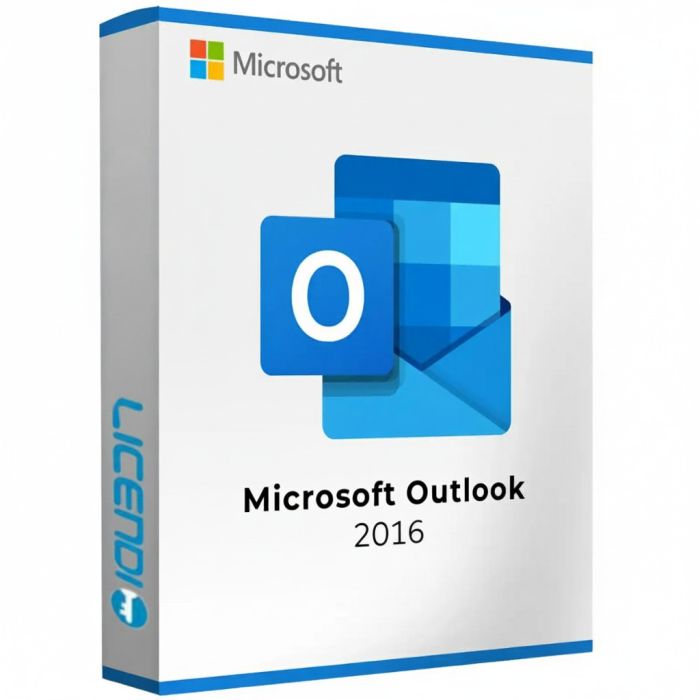
Microsoft Outlook 2016
- Permanent licence for Windows
- Single installation per PC
- Non-transferable
- Choose your preferred language during installation
- Digital delivery
Quantity discount
| Quantity | % discount |
|---|---|
| 2+ | 1% |
| 3+ | 3% |
| 5+ | 5% |
Microsoft Outlook 2016 – Proven Email Client for Windows
Microsoft Outlook 2016 is the well-established email client and personal organizer from Microsoft, trusted by millions of users worldwide. It offers a comprehensive set of tools for managing email, calendar, contacts, and tasks in one application. As a permanent license, Outlook 2016 gives you full access to all features without ongoing subscription costs.
Key Features of Outlook 2016
- Clutter feature – Automatically moves low-priority emails out of your inbox so you can focus on the messages that matter most.
- Integrated calendar – Schedule meetings, set reminders, share calendars, and manage appointments seamlessly integrated with your email.
- Contact management – Store and organize contacts with detailed profiles, groups, distribution lists, and quick search.
- Multiple account support – Manage several email accounts (Outlook.com, Gmail, Yahoo, IMAP/POP) from a single interface.
- Attachment preview – Preview Word, Excel, and PowerPoint attachments directly in the reading pane without opening separate applications.
- Rules and Quick Steps – Automate repetitive tasks with custom rules and Quick Steps to process emails faster.
- Offline access – Read, compose, and organize emails without an internet connection. Changes sync automatically when reconnected.
- Search and filter – Powerful search tools help you locate emails, attachments, and calendar entries instantly.
- Security – Built-in encryption, anti-phishing tools, and junk mail filtering to protect your communications.
- One-click archiving – Move old emails to an archive folder with a single click to keep your inbox clean.
Multi-Language Support
Outlook 2016 supports numerous languages. You can select your preferred language during the installation process for a fully localised interface.
License Details
This is a permanent, one-time purchase license for Windows only. The license allows a single installation on one PC and is non-transferable. Once activated, the software is yours to use indefinitely without recurring fees. The license key and download instructions are delivered digitally.
Support Lifecycle Note
Microsoft Outlook 2016 reached the end of extended support on 14 October 2025. The application remains fully functional after this date, but Microsoft no longer issues security updates or bug fixes. For organisations with active security or compliance requirements, we recommend upgrading to Outlook 2021 or Outlook 2024.
Looking for a newer version? Browse Microsoft Outlook 2019, Microsoft Outlook 2021, or Microsoft Outlook 2024.
Licence model
Microsoft Outlook 2016 is a perpetual, one-time purchase licence — you pay once and the application is yours permanently. It is installed on a single Windows PC and is non-transferable. Unlike Microsoft 365, it is not a subscription and does not renew.
Delivery and activation
Your licence key and download instructions are delivered to your inbox within minutes of purchase. To activate, visit setup.office.com, enter your key, and follow the on-screen steps. No disc, no courier.
System compatibility
Microsoft Outlook 2016 runs on Windows 10 and is compatible with earlier versions including Windows 7 SP1 and Windows 8.1 per the original system requirements. It has not been formally certified for Windows 11 by Microsoft. There is no Mac edition of Outlook 2016 as a standalone product — Outlook for Mac is available with a Microsoft 365 subscription.
Language and region
You choose your preferred display language during installation. The licence covers a single language and is not region-locked, so it activates from any country.
About Microsoft Outlook 2016
Outlook 2016 introduced the Clutter feature to automatically sort low-priority messages, and offered a polished interface for managing email, calendar, contacts, and tasks. Extended support ended 14 October 2025: the application continues to function after that date, but Microsoft no longer issues security patches or bug fixes. For organisations with compliance or security requirements, upgrading to Outlook 2021 or Outlook 2024 is recommended. It is not a Microsoft 365 subscription and does not include cloud storage, Teams, or other Microsoft 365 services.
System Requirements — Microsoft Outlook 2016
| Component | Requirement |
|---|---|
| Operating system | Windows 10 · Windows 8.1 · Windows 7 SP1 or later |
| Processor | 1 GHz or faster |
| Memory | 2 GB RAM (64-bit) · 1 GB RAM (32-bit) |
| Disk space | 3 GB available |
| Display | 1280 × 800 screen resolution |
| Graphics | DirectX 10 |
| Internet | Required for initial activation |
| .NET Framework | 3.5 or 4.6 and later |
Note: Microsoft Outlook 2016 is not available for macOS as a standalone product.
| Delivery | Digital |
|---|