EN
 FR
 DE
 IT
 PT
 ES


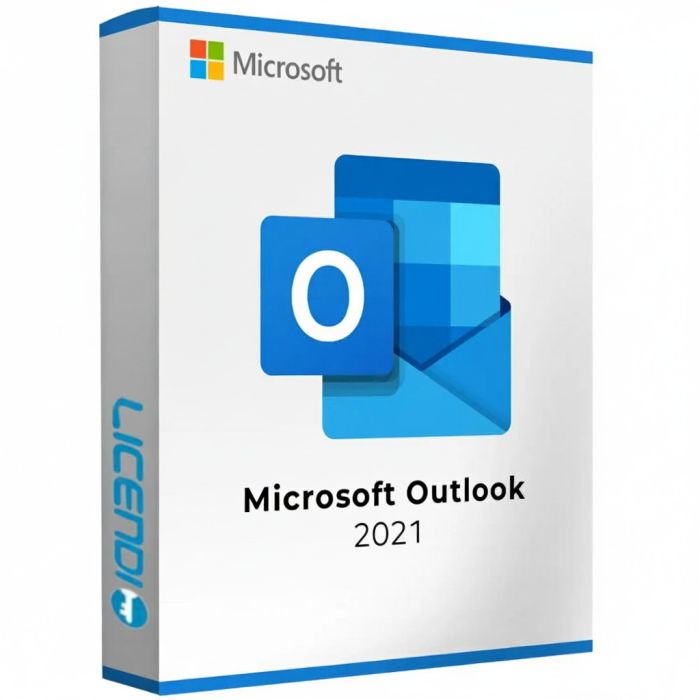
Microsoft Outlook 2021
- Perpetual licence (one-time purchase).
- For 1 PC only (single activation).
- Compatible with Windows 10 and Windows 11.
- Available in multiple languages.
- Instant digital delivery.
Quantity discount
| Quantity | % discount |
|---|---|
| 2+ | 1% |
| 3+ | 3% |
| 5+ | 5% |
Microsoft Outlook 2021
Microsoft Outlook 2021 is the trusted email client and personal information manager from Microsoft, designed for Windows users who need a dependable tool for managing their email, calendar, contacts, and tasks. As a one-time purchase licence, Outlook 2021 offers all the essential features without recurring subscription costs.
Key features of Outlook 2021
- Unified inbox management — Manage multiple email accounts from a single application, with support for Outlook.com, Gmail, Yahoo, and IMAP/POP accounts.
- Integrated calendar — Schedule appointments, set reminders, and organise your day with the built-in calendar that works seamlessly with your email.
- Contact management — Keep all your contacts organised with detailed information, grouping options, and quick search functionality.
- Focused Inbox — Automatically separates important emails from less relevant ones, helping you focus on what matters most.
- Search and filter — Quickly locate emails, attachments, and contacts using powerful search and filtering tools.
- Rules and automation — Create custom rules to automatically sort, flag, or redirect incoming messages based on your criteria.
- Offline access — Read, compose, and organise your emails without an internet connection. All changes sync when you reconnect.
- Security features — Built-in encryption support and phishing protection to help keep your communications secure.
- Task management — Create to-do lists, set deadlines, and track your tasks directly within the application.
Multi-language support
Outlook 2021 supports multiple languages. You can select your preferred language during the installation process, making it ideal for users across different regions.
Licence details
This is a permanent, one-time purchase licence for Windows only. The licence allows a single installation on one PC and is non-transferable. It is recommended for personal use. Once activated, the software is yours to use indefinitely without any recurring fees. The licence key and download instructions are delivered digitally.
Note on AI features
Microsoft Outlook 2021 is a perpetual licence for the desktop app. Copilot and Microsoft 365 AI features are not included — they require an active Microsoft 365 subscription. If you want a one-time purchase that works without subscription, Outlook 2021 is the right choice; if you want Copilot, choose Microsoft 365 instead.
Lifecycle
Outlook 2021 (part of Office 2021) was released in October 2021. Microsoft mainstream support ended October 2023; extended support ends 14 October 2026. Your licence continues to work indefinitely after that date — only security updates from Microsoft stop. If you need ongoing security updates beyond October 2026, consider Outlook 2024 instead.
Buy Microsoft Outlook 2021 with Licendi
Get your genuine Microsoft Outlook 2021 licence at the best price. All our licences are 100% original and come with instant digital delivery. If you have any questions about Outlook 2021, don’t hesitate to contact us!
Other Microsoft Office editions: Outlook 2024 · PowerPoint 2021 · Office Home & Business 2021 · Office LTSC Standard 2021 · Office 2021 Professional Plus
Licence model
Microsoft Outlook 2021 — standalone licence for Windows. Not registered to a Microsoft account, not transferable to another device, and not a Microsoft 365 subscription. Designed for buyers who want Outlook 2021 as an independent desktop email client without subscription or cloud-ecosystem ties.
Pay once, use indefinitely. Multilingual installer (32-bit and 64-bit).
What you receive
- Genuine Microsoft product key
- Official download link for Outlook 2021 (32-bit and 64-bit installers)
- PDF invoice
- Step-by-step activation guide
How to activate
- Download Outlook 2021 using the link in your Licendi email
- Install Outlook on your Windows PC
- Open Outlook and enter the product key when prompted — activation is immediate
Support
24/7 email support and live chat. 1-month activation warranty — if the key doesn't activate on first install, write to us and we'll resolve it promptly.
About Microsoft Outlook 2021
Outlook 2021 (part of Office 2021) was released in October 2021. Microsoft mainstream support ended October 2023; extended support ends 14 October 2026. Your licence continues to work indefinitely after extended support ends — only security and feature updates stop. If you need ongoing security updates beyond October 2026, consider Outlook 2024 (current-gen, mainstream support through October 2029).
System requirements — Outlook 2021
| Component | Requirement |
|---|---|
| Operating system | Windows 10 or Windows 11 |
| Processor | 1.6 GHz dual-core, x86 or x64; 2.0 GHz recommended |
| Memory | 4 GB RAM (64-bit) or 2 GB RAM (32-bit); 8 GB recommended |
| Storage | 4 GB available disk space |
| Display | 1280 × 768 resolution; DirectX 9+ GPU with WDDM 2.0+ |
| .NET | .NET 4.6.2 or later required for some features |
| Internet | Required for activation and updates |
| Architecture | 32-bit and 64-bit installers, multilingual |
As of 2026-06-12. Microsoft Outlook 2021 is Windows-only on this licence; the Mac edition of Outlook is available only through Microsoft 365 subscriptions. Mainstream support ended October 2023; extended support ends 14 October 2026.
| Delivery | Digital |
|---|