 EN
 FR
 DE
 IT
 PT
 ES


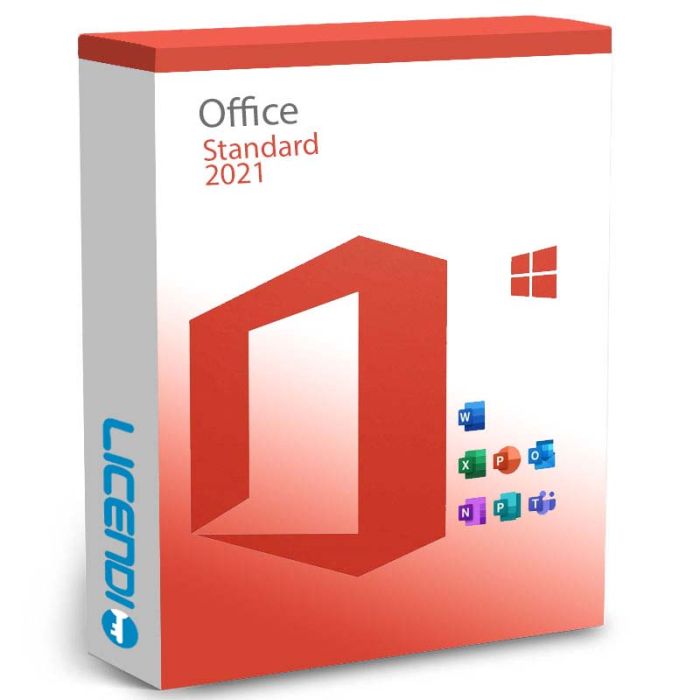
Office LTSC Standard 2021
-
Office LTSC Standard 2021RRP: €399.00As low as €45.83
-
Quantity discount
| Quantity | % discount |
|---|---|
| 2+ | 1% |
| 3+ | 3% |
| 5+ | 5% |
Office LTSC Standard 2021
Office LTSC Standard 2021 gives small and medium businesses the core productivity tools they need for daily work. It pairs Word, Excel, PowerPoint, OneNote, Outlook, and Publisher with the stability of a long-term servicing channel — perfect for teams that want a one-time purchase with years of reliable operation, rather than a subscription with continuous feature changes.
Key Facts
| License type | Perpetual LTSC licence (one-time purchase, no subscription) |
| Platform | Windows or Mac (select your variant) |
| Devices | 1 device per licence |
| Delivery | Digital key by email — instant during office hours, within 24 hours at all other times |
| Included apps | Word, Excel, PowerPoint, OneNote, Outlook, Publisher (Windows only), Teams (separate free download) |
| Language | Multilingual |
Delivery and activation
All Licendi licences are delivered digitally by email. Here's how it works:
- Purchase — complete your order at Licendi
- Receive your licence key — by email, instantly during office hours or within 24 hours at all other times
- Download and activate — follow the included instructions to install and activate Office LTSC Standard 2021
Your purchase includes a licence key and step-by-step installation instructions. Internet access is required for activation.
Frequently Asked Questions
What does LTSC mean?
LTSC stands for Long-Term Servicing Channel. This Office version receives security updates only — no feature changes or interface updates. It's designed for businesses and environments that need long-term stability.
Is this a subscription or a one-time purchase?
Office LTSC Standard 2021 is a one-time purchase (perpetual licence). You pay once and use it indefinitely — no recurring fees.
Does it work on Windows and Mac?
Yes. There are separate Windows and Mac variants. Select your operating system when adding the product to your cart.
Which apps are included?
Word, Excel, PowerPoint, OneNote, Outlook, Publisher (Windows only), and Microsoft Teams (separate free download).
What's the difference from Office 2021 Professional Plus?
Professional Plus also includes Access and Skype for Business alongside the Standard apps. Office LTSC Standard 2021 does not include Access.
Can I reinstall it?
Yes. The LTSC licence can be reinstalled on the same device. To transfer it to a new device, contact our support team.
Other Office editions: Office 2019 Standard · Office 2019 Professional Plus · Office 2021 Professional Plus · Microsoft 365 Business Standard
Office LTSC Standard 2021 is sold as a perpetual LTSC licence — you pay once and keep the software with no recurring subscription. LTSC (Long-Term Servicing Channel) receives security updates only, with no feature changes — ideal for environments that need long-term stability. Each licence activates one device (PC or Mac).
Languages: Office LTSC Standard 2021 supports all Microsoft-supported languages — the interface language is chosen during install.
Platform coverage: runs on Windows 10 (supported versions), Windows 11, Windows Server 2019/2022, and the three most recent macOS versions. See the Requirements section for full specifications.
What you receive
- Office LTSC Standard 2021 product key (by email)
- Download link for the official Microsoft installer
- PDF invoice with licence details
- Step-by-step activation guide
Digital key delivery — instant during office hours, within 24 hours at all other times.
How to activate
- Download Office LTSC Standard 2021 using the link in your Licendi email
- Install Office on your PC or Mac
- Launch any Office app (e.g. Word) and enter the product key from your Licendi email when prompted
Support
Support is available 24/7 by email and live chat. If anything goes wrong with your key or activation, contact us and we'll work on a solution for you.
As of 2026-04-17 the requirements are as follows:
| Processor (PC) | 1.6 GHz or faster, 2 cores |
| Processor (Mac) | Apple silicon (M1/M2/M3/M4) or Intel |
| Operating system (PC) | Windows 10 (supported versions), Windows 11, or Windows Server 2019/2022 |
| Operating system (Mac) | Three most recent macOS versions |
| Memory | 4 GB RAM |
| Hard disk | 4.0 GB of available disk space |
| Display | PC: 1280 × 768 · Mac: 1280 × 800 |
| Internet | Required for activation and cloud features |
Requirements change over time — the latest official list is on the Microsoft LTSC 2021 deployment site.
| Delivery | Digital |
|---|