EN
 FR
 DE
 IT
 PT
 ES


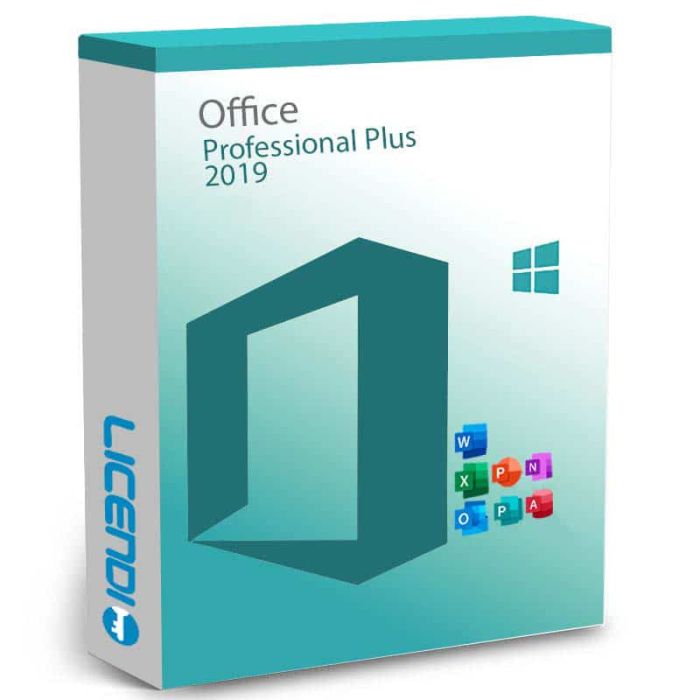
Microsoft Office 2019 Professional Plus
- One-time purchase for one Windows PC; OEM (Digital) or Bound
- Word, Excel, PowerPoint, Outlook, OneNote, Publisher and Access
- Key and official download by email: instant during office hours, within 24 hours outside them
- PDF invoice with VAT shown
- One-month activation guarantee: assistance or replacement if the key does not activate
- Microsoft support ended on 14 October 2025; no further security updates
-
Microsoft Office 2019 Professional PlusRRP: €439.00As low as €31.99
-
Quantity discount
| Quantity | % discount |
|---|---|
| 2+ | 1% |
| 3+ | 3% |
| 5+ | 5% |
Microsoft Office 2019 Professional Plus is a desktop Office suite for one Windows PC, for buyers who need to retain a 2019 installation. You receive a licence key and official download link by email, then activate the supplied edition using the key and instructions; Bound links it to your Microsoft account.
- One-time purchase of the 2019 version
- One Windows PC, not Mac
- OEM (Digital) or Bound
- Key and download by email
- One-month activation guarantee
Should you still buy Office 2019?
Microsoft support ended on 14 October 2025. Office 2019 no longer receives security updates. It suits an existing setup whose files, macros or add-ins have been validated for 2019, or an offline PC with a specific legacy requirement. For a new or internet-connected business PC, choose the supported Office LTSC Professional Plus 2024 option in our Office 2024 range, after checking compatibility.
What your licence includes
| Variant | Use and activation | Reinstallation |
|---|---|---|
| OEM (Digital) | 2019 licence for one PC; one activation tied to its motherboard | May not reactivate after a hardware change or reformat |
| Bound | 2019 licence for one PC, linked to your Microsoft account | Reinstall from that account |
Both are one-time purchases. Bound is the easier installation option. See the differences between OEM, Retail and Bound. Account linking does not promise use on several PCs.
Delivery is instant during office hours and within 24 hours outside them. Your email includes the key, official download link and a PDF invoice with VAT shown. For several units, request a quote by email or chat.
Applications and practical limits
The suite provides seven familiar applications: Word, Excel, PowerPoint, Outlook, OneNote, Publisher and Access. Work with documents, spreadsheets, presentations, email, notes, page layouts and desktop databases. Access is for desktop database work; the old Access web-app service in Microsoft 365 was retired.
Two details matter when planning a replacement: Office LTSC 2024 omits Publisher, and support for Office 2019 connections to Microsoft 365 services ended on 10 October 2023. Buying this licence does not restore supported cloud connectivity.
Download, install and activate
- Check the target Windows PC and any essential add-ins before choosing your variant.
- Use the official download link in the delivery email and follow its installation instructions.
- Activate the matching 2019 edition as instructed. For Bound, keep access to the Microsoft account used.
- Open your working files and check the activation status before relying on the installation.
If activation fails, check that you installed Professional Plus 2019 and contact Licendi with the error message. During the one-month activation guarantee, support helps or replaces a key that does not activate. After a reformat, an OEM key may not reactivate; contact support before assuming it can be reused.
What happens after support ends?
The applications continue to work, but the perpetual right to use 2019 does not extend Microsoft's support period. Licendi's activation assistance does not provide Microsoft security fixes or an upgrade to a later edition.
Buyer questions
Does Office 2019 Professional Plus come on DVD?
No. Both variants are delivered digitally by email; no DVD is supplied.
Is this a Microsoft 365 subscription?
No. You buy the right to use this version with a single payment; it is not a subscription to future Office versions.
Can I install this Professional Plus licence on a Mac?
No. This product is the Windows edition. Do not use it to activate Office for Mac.
Checked by Licendi on 29 October 2026. Sources: Microsoft Support, Office applications service description, Office end-of-support resources, Office LTSC 2024 overview; Licendi delivery and variant terms.
Microsoft Office 2019 Professional Plus is a perpetual licence — a one-time purchase with no recurring subscription. It installs on one Windows PC and includes Word, Excel, PowerPoint, Outlook, OneNote, Access, and Publisher. Choose OEM (single activation, bound to one PC) or Bound (reactivable and transferable to another PC).
Platform: Windows only — Windows 10, Windows 11, and Windows Server 2019. Office 2019 for Mac is sold separately under different SKUs.
Lifecycle: Office 2019 reached the end of Microsoft's extended support on 14 October 2025. The software keeps working, but no longer receives security updates. If you need ongoing security patching, we recommend Office 2021 or Office 2024.
What you receive
- Microsoft Office 2019 Professional Plus product key (by email)
- Download link for the official Microsoft installer
- PDF invoice with licence details
- Step-by-step activation guide
Digital key delivery — instant during office hours, within 24 hours at all other times.
How to activate
- Download Office 2019 from Microsoft using the link in your Licendi email
- Run the installer and sign in if prompted
- Open any Office app → File → Account → Activate, then enter the product key from your Licendi email
Support
Support is available 24/7 by email and live chat. If anything goes wrong with your key or activation, contact us and we'll work on a solution for you.
| Processor | 1.6 GHz or faster, 2 cores |
| Operating system | Windows 10, Windows 11, or Windows Server 2019 |
| Memory | 4 GB RAM (2 GB for 32-bit) |
| Storage | 4.0 GB of available disk space |
| Display | 1280 × 768 resolution |
| Graphics | DirectX 9 or later, with WDDM 2.0 or higher driver |
| .NET | .NET 3.5 and 4.6 or higher (required for some features) |