EN
 FR
 DE
 IT
 PT
 ES


- Licence type
- Perpetual, one-time purchase
- Devices
- 1 PC
- Validity
- Permanent
- Platform
- Windows
- Version
- OEM
- Delivery
- Digital key by e-mail
Included apps
 Word
 Excel
 PowerPoint
 Outlook
 OneNote
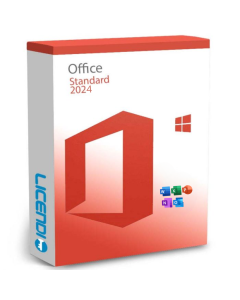
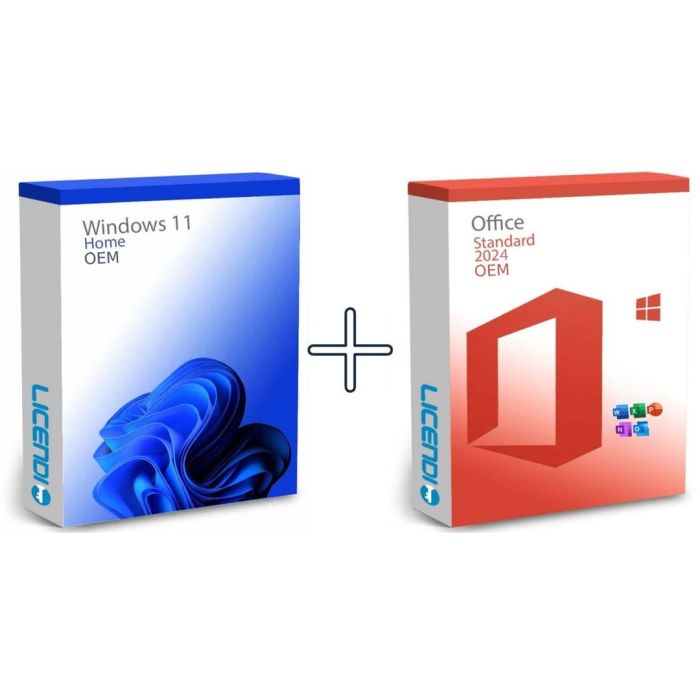
Windows 11 Home OEM + Office Standard 2024 OEM
- Windows 11 Home OEM + Office Standard 2024 OEM in one value bundle.
- For Windows only: one installation of each product on the same PC.
- Perpetual licences for the purchased versions, with no subscription.
- Both OEM licences are non-transferable and remain tied to the first PC.
- Choose your preferred available language during installation.
- Digital delivery; no physical software boxes are shipped.
Windows 11 Home OEM + Office Standard 2024 OEM in one value bundle. For Windows only: one installation of each product on the same PC. Perpetual licences for the purchased versions, with no subscription.
Purchase process
Get your software licence(s) in just 4 simple steps
- Step 1
1. Add your product to the cart
Find the licence you need and add it to your cart with one click.
- Step 2
2. Select your payment method
Choose the payment method that suits you and complete your order.
- Step 3
3. Receive your licence immediately
Your key, download link and installation guide arrive by e-mail and in your account.
- Step 4
4. We are here to help you
Support by chat, e-mail or phone, plus a lifetime warranty with Licendi.
Licendi customer reviews
Showing selected 4 and 5 star reviews from Trustpilot and Google.
Quantity discount
| Quantity | % discount |
|---|---|
| 2+ | 1% |
| 3+ | 3% |
| 5+ | 5% |
Windows 11 Home and Office Standard 2024: one bundle for your PC
Set up your computer for everyday tasks with Windows 11 Home OEM and Office Standard 2024 OEM. This value bundle brings the operating system and essential desktop office applications together, offering a more economical way to equip one compatible PC than purchasing the products separately.
Windows 11 Home for everyday computing
Use Windows 11 Home as the foundation for browsing, managing files, studying and running your applications. Combine it with Office to move from a document to a spreadsheet or presentation on the same computer. This bundle includes the Home edition of Windows, not Windows Pro.
What does Office Standard 2024 include?
- Word: create and format letters, reports and other documents.
- Excel: organise figures, calculate budgets and present data in charts.
- PowerPoint: build presentations with text, images and slides.
- Outlook: organise email, calendars and contacts.
- OneNote: keep notes and information together in digital notebooks.
Office Standard 2024 includes these five desktop applications. Microsoft Access and Publisher are not included. The bundle is for Windows PCs, not macOS.
A practical bundle with perpetual licences
Buy Windows and Office together in one offer instead of arranging two separate purchases. The perpetual licences cover the versions purchased, with no monthly or annual subscription. They do not include future paid major versions or a Microsoft 365 subscription.
One PC, one installation, your chosen language
This offer permits one installation of each product on the same PC. Windows 11 Home OEM and Office Standard 2024 OEM are non-transferable: both remain linked to the computer on which they are first activated. You can select an available installation language. Delivery is digital, without physical packaging.
System requirements for the Windows and Office bundle
The same PC must meet the requirements for both Windows 11 Home and Office Standard 2024. The combined minimum requirements are:
| Component | Requirement |
|---|---|
| Platform | Compatible Windows PC; Office is installed on Windows 11 Home. |
| Processor | Compatible 64-bit processor or SoC supported by Windows 11, with at least 2 cores and 1.1 GHz. |
| Memory | At least 4 GB RAM. |
| Storage | Storage device of 64 GB or more for Windows, plus 4 GB of available space for Office. Allow additional space for updates and your files. |
| Firmware and security | UEFI firmware with Secure Boot capability and TPM 2.0. |
| Graphics | DirectX 12-compatible graphics with a WDDM 2.0 driver. |
| Display | At least 1280 × 768 pixels, larger than 9 inches diagonally, with 8 bits per colour channel. Office requires its 64-bit version for 4K and higher displays. |
| Internet and account | Internet access and a Microsoft account for the initial Windows 11 Home setup. Internet access for software downloads, online activation and updates. |
| Installation | One installation per product on one PC; select the available language during setup. Windows Home must not be in S mode to install Office desktop applications. |
| Delivery | Digital |
|---|