EN
 FR
 DE
 IT
 PT
 ES


- Users
- 1 Device
- Version
- Bound
Purchase process
Get your software licence(s) in just 4 simple steps
- Step 1
1. Add your product to the cart
Find the licence you need and add it to your cart with one click.
- Step 2
2. Select your payment method
Choose the payment method that suits you and complete your order.
- Step 3
3. Receive your licence immediately
Your key, download link and installation guide arrive by e-mail and in your account.
- Step 4
4. We are here to help you
Support by chat, e-mail or phone, plus a lifetime warranty with Licendi.
Licendi customer reviews
Showing selected 4 and 5 star reviews from Trustpilot and Google.

Quantity discount
| Quantity | % discount |
|---|---|
| 2+ | 1% |
| 3+ | 3% |
| 5+ | 5% |
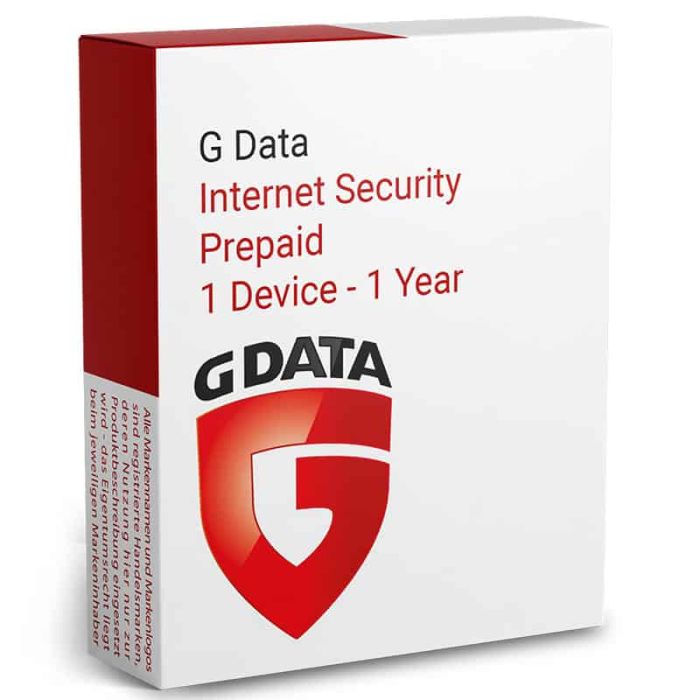
G DATA Internet Security is security software for Windows PCs. You receive a new licence key and the official download link by email, then activate the full version by registering the key with G DATA.
- Platform: Windows
- Antivirus, firewall and parental controls
- Key and official download by email
- 1-month Licendi activation guarantee
Is Internet Security the right edition?
Choose this edition for a Windows PC that needs antivirus, a configurable firewall and parental controls together. For local file encryption or a performance tuner, compare Total Security in the G DATA range.
What the Windows software includes
The firewall checks incoming and outgoing connections. BankGuard targets manipulation of the browser during banking and shopping; it is not a separate banking browser. Anti-spam filters unwanted mail, and parental controls set browsing times and permitted websites. DeepRay adds AI-based malware detection and BEAST monitors suspicious behaviour. G DATA lists 2 GB RAM, about 5 GB free storage and an x86/x64 processor.
Download, activate and first steps
- Download Internet Security from the official link in your delivery email and run the installer.
- Select full-version activation, enter the registration number and complete the requested details; keep the username and password G DATA sends you.
- Restart, update the virus signatures and check the licence status.
A registration number is used once: do not register it again on each PC. If “licence invalid” appears after a password reset, update the password stored in the application too.
Delivery and support
You receive a new licence key, the vendor's official download link and a PDF invoice showing VAT by email, instantly during office hours and within 24 hours outside them. If the key does not activate within the one-month guarantee period, Licendi support helps or replaces it.
Buying questions
Does it work on Windows 7 or 8?
G DATA lists Windows 7 SP1, 8.1, 10 and 11, not Windows 8.
Is this Total Security?
No. Internet Security includes the firewall and parental controls, but local encryption and the performance tuner belong to Total Security.
What do I receive after purchase?
A new licence key, the vendor's official download link and a PDF invoice showing VAT, all by email.
Checked by Licendi on 8 November 2026. Sources: G DATA Internet Security product page; G DATA online documentation on installation, requirements and licensing; Licendi delivery terms.