EN
 FR
 DE
 IT
 PT
 ES


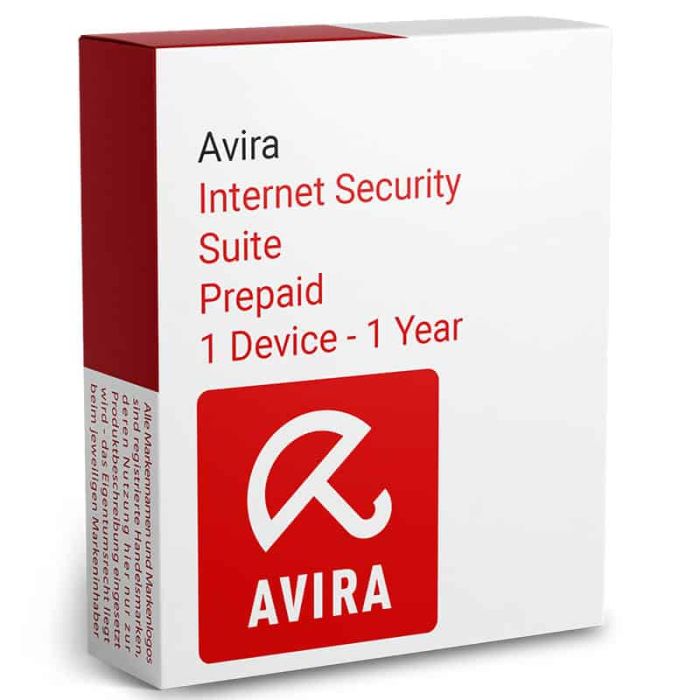
- Devices
- 1 Device
- Users
- 1 USER CAL
Purchase process
Get your software licence(s) in just 4 simple steps
- Step 1
1. Add your product to the cart
Find the licence you need and add it to your cart with one click.
- Step 2
2. Select your payment method
Choose the payment method that suits you and complete your order.
- Step 3
3. Receive your licence immediately
Your key, download link and installation guide arrive by e-mail and in your account.
- Step 4
4. We are here to help you
Support by chat, e-mail or phone, plus a lifetime warranty with Licendi.
Licendi customer reviews
Showing selected 4 and 5 star reviews from Trustpilot and Google.
Quantity discount
| Quantity | % discount |
|---|---|
| 2+ | 1% |
| 3+ | 3% |
| 5+ | 5% |
Find the product description, additional information and configuration options directly from the manufacturer. Software support is also guaranteed by the manufacturer. Find more information and details about the software here.
You can find more information on the official product website. If you have any questions left, we will be happy to help you through our live online chat right now.
System requirements
Operating systems: -Microsoft Windows 7 Service Pack 1 or higher with the latest updates, patches and service installed RAM: -2 GB of RAM or more Disc space: -That less 2 GB of free disk space (additional space is needed for temporary and quarantine files) CPU type: -For Windows teams: Intel Pentium 4 / AMD ATHLON 64 or more powerful processor (compatible with the SS2 instructions set) Browser: -Internet Explorer 8 or more recentADDITIONAL REQUIREMENTS
-For you can install it you will need to have administrator rights, Internet connection and web browser. To enjoy automatic antivirus updates and optimal detection of malicious programs, you will need an Internet connection."Write your own Review!