 EN
 FR
 DE
 IT
 PT
 ES


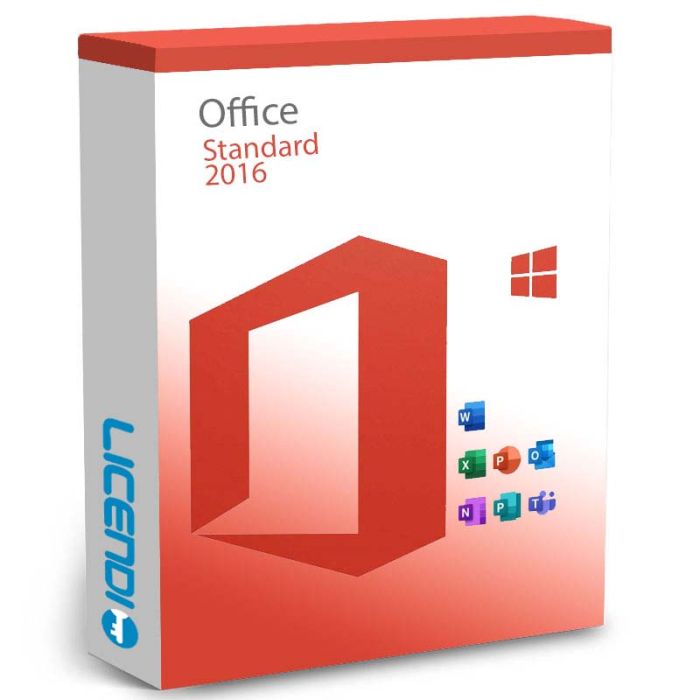
Office 2016 Standard
- Perpetual OEM licence — pay once, one-time activation
- Word, Excel, PowerPoint, OneNote, Outlook (+ Publisher on Windows)
- For 1 PC or 1 Mac (choose at checkout)
- Digital delivery by email with activation guide
- Office 2016 — extended support ended October 2025; still activates
-
Office 2016 StandardRRP: €329.00As low as €26.66
-
Quantity discount
| Quantity | % discount |
|---|---|
| 2+ | 1% |
| 3+ | 3% |
| 5+ | 5% |
Office 2016 Standard
Office 2016 Standard is a perpetual OEM licence bundle of the core Microsoft Office apps — one payment, one activation, no subscription. Available for Windows or Mac, selected at checkout.
What's included
- Word 2016 — documents, reports, and long-form writing
- Excel 2016 — spreadsheets, calculations, and data analysis
- PowerPoint 2016 — slides and presentations
- OneNote 2016 — notes, sketches, and clippings
- Outlook 2016 — email, calendar, and contacts
- Publisher 2016 — desktop publishing (Windows only — not included in the Mac edition, as Publisher has never been released for Mac)
Windows or Mac — choose at checkout
Office 2016 Standard is sold in two platform-specific editions. Select "Windows" or "Mac" above before adding to cart. Each product key is platform-locked:
- Windows edition — for 1 Windows PC (Windows 10 or Windows 11 current; Windows 7/8/8.1 supported at original release). Includes Publisher.
- Mac edition — for 1 older Intel Mac running macOS 10.14 Mojave or earlier. Does not include Publisher. Apple silicon Macs are not supported natively.
Core Word, Excel, PowerPoint, OneNote, and Outlook functionality works the same on both platforms. See the Requirements tab for full per-platform specifications.
Office 2016 vs newer Office releases
Office 2016 is an older release. Microsoft's extended support ended on 2025-10-14 for Windows and earlier on Mac. The software still installs and activates on compatible systems, but you will not receive new features or security updates from Microsoft. Choose Office 2016 Standard if you need a specific older compatibility (for example, an existing document workflow or an older Mac) and want a one-time purchase. For current support and features, consider Office 2021 Professional Plus or Microsoft 365.
Frequently asked questions
Is Publisher included for Mac?
No. Publisher has never been released for Mac. The Mac edition of Office 2016 Standard includes Word, Excel, PowerPoint, OneNote, and Outlook — Publisher is Windows-only.
Is this a subscription or a one-time purchase?
One-time purchase. You pay once and keep the software — no monthly or annual fees. Office 2016 is past Microsoft's support window, so no new features or security updates are issued.
Can I transfer the licence to a new computer later?
No. Office 2016 Standard is an OEM licence that allows one activation on one device. If the device fails or is reformatted, the key cannot be re-used on a different machine.
Can I install both 32-bit and 64-bit versions?
You install one of the two — 64-bit is the default on modern systems; 32-bit is available for older machines or for specific add-in compatibility. You choose during installation.
Can I open files from Microsoft 365 or Office 2024?
Yes, .docx / .xlsx / .pptx remain compatible. Some newer features (dynamic arrays, certain co-authoring behaviours) won't be available when editing, but the files open.
What if my key doesn't activate?
Contact Licendi support with your order number. We'll check the key and work on a solution. The most common cause is installing the wrong platform variant (a Windows key on a Mac, or vice versa).
Buy Office 2016 Standard with Licendi
Questions about Office 2016 Standard? Our team is happy to help — contact us by email or live chat and we'll walk you through whether the Windows or Mac edition is right for you.
Other Office editions: Office 2019 Standard · Office 2021 Professional Plus · Office Home and Business 2021 · Microsoft 365 Business Standard
Office 2016 Standard is sold as a perpetual OEM licence — you pay once and keep the software with no recurring subscription. Each licence activates one device, one time only. If the device fails or is reformatted, the key cannot be re-activated — plan accordingly.
Choose your platform: select Windows or Mac when you order — the product key is issued for the platform you select and cannot be moved between Windows and Mac.
Languages: Office 2016 Standard supports all Microsoft-supported languages — the interface language is chosen during install.
Platform coverage: Windows 10 or Windows 11 on the PC side; macOS 10.14 Mojave or earlier (Intel Mac only) on the Mac side. See the Requirements section for full specifications and post-support notes.
What you receive
- Office 2016 Standard product key (by email)
- Download link for the Microsoft installer
- PDF invoice with licence details
- Step-by-step activation guide
Digital key delivery — instant during office hours, within 24 hours at all other times.
How to activate
- Download Office 2016 Standard using the link in your Licendi email
- Install Office on your Windows PC or Mac
- Launch any Office app (e.g. Word) and enter the product key from your Licendi email when prompted
Support
Support is available 24/7 by email and live chat. If anything goes wrong with your key or activation, contact us and we'll work on a solution for you.
As of 2026-04-21, Microsoft's published requirements for Office 2016 are:
| Windows | Mac | |
|---|---|---|
| Operating system | Windows 10 or Windows 11 (Windows 7/8/8.1 also supported at release) | macOS 10.14 Mojave or earlier (Intel Mac only) |
| Processor | 1 GHz or faster, x86 or x64 | Intel processor |
| Memory | 2 GB RAM (64-bit) or 1 GB RAM (32-bit) | 4 GB RAM |
| Hard disk | 3.0 GB available | 6 GB available, HFS+ format |
| Display | 1280 × 800 resolution | 1280 × 800 resolution |
| Graphics | DirectX 10 graphics card | — |
| Internet | Required for activation and updates | Required for activation |
Post-support status: Microsoft extended support for Office 2016 on Windows ended 2025-10-14. Office 2016 for Mac was deprecated earlier (2020-10-13). The software still installs and activates, but Microsoft no longer issues security updates or technical support. If you need an officially supported release, see Office 2021 Professional Plus or Microsoft 365.
| Delivery | Digital |
|---|