EN
 FR
 DE
 IT
 PT
 ES


- Licence type
- Perpetual, one-time purchase
- Version
- OEM
- Delivery
- Digital key by e-mail
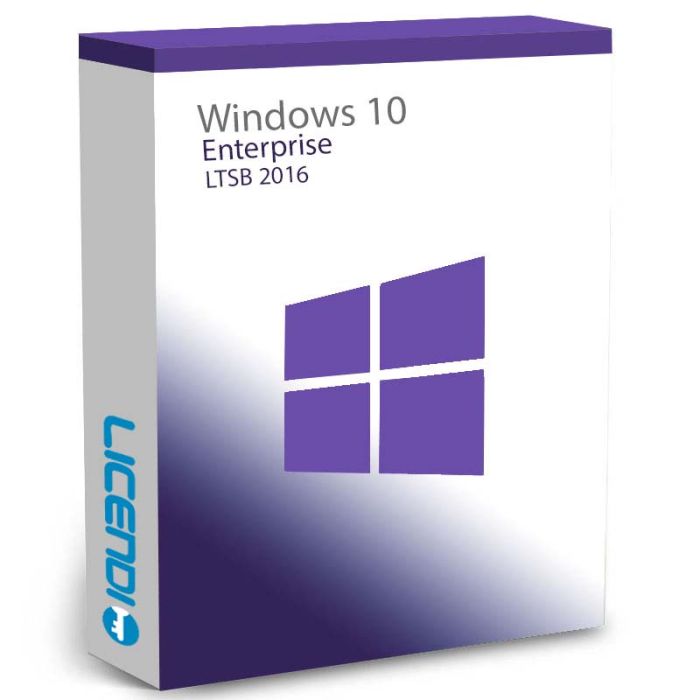
Windows 10 Enterprise LTSB 2016
Windows 10 Enterprise LTSB 2016 (version 1607) is the long-term stability edition for business devices: security updates only, no feature changes. Perpetual license for 1 PC, 32-bit and 64-bit, digital key by email. Microsoft security updates until October 13, 2026.
Windows 10 Enterprise LTSB 2016 (version 1607) is the long-term stability edition for business devices: security updates only, no feature changes. Perpetual license for 1 PC, 32-bit and 64-bit, digital key by email.
Purchase process
Get your software licence(s) in just 4 simple steps
- Step 1
1. Add your product to the cart
Find the licence you need and add it to your cart with one click.
- Step 2
2. Select your payment method
Choose the payment method that suits you and complete your order.
- Step 3
3. Receive your licence immediately
Your key, download link and installation guide arrive by e-mail and in your account.
- Step 4
4. We are here to help you
Support by chat, e-mail or phone, plus a lifetime warranty with Licendi.
Licendi customer reviews
Showing selected 4 and 5 star reviews from Trustpilot and Google.
Quantity discount
| Quantity | % discount |
|---|---|
| 2+ | 1% |
| 3+ | 3% |
| 5+ | 5% |
Windows 10 Enterprise LTSB 2016 (Long-Term Servicing Branch) is the long-term stability edition of Windows 10 Enterprise, based on Windows 10 version 1607 — the Anniversary Update, released in August 2016. It receives security updates only, never feature updates, which makes it the right choice for devices that must run unchanged for years: industrial PCs, medical workstations, kiosks, ATMs and point-of-sale systems.
What makes LTSB different
- Security updates only — the interface and feature set never change
- No Microsoft Edge, no Cortana, no Microsoft Store and no preinstalled modern apps (Internet Explorer 11 is included)
- Available as 32-bit and 64-bit editions
- Full Enterprise feature set: AppLocker, BitLocker, Credential Guard, Device Guard, DirectAccess and BranchCache
Support lifecycle — read before you buy
A note on naming: Microsoft renamed LTSB to LTSC (Long-Term Servicing Channel) from the 2019 release onward. LTSB 2016 and LTSC 2019/2021 follow the same servicing model.
Mainstream support for LTSB 2016 ended on October 12, 2021. Extended support — security updates — ends on October 13, 2026. After that date the system keeps working, but it no longer receives security patches. For a new long-term deployment, consider Windows 10 Enterprise LTSC 2019 (supported until January 2029) or Windows 11 Enterprise.
LTSB 2016 vs standard Enterprise
| Enterprise LTSB 2016 | Enterprise (standard) | |
|---|---|---|
| Feature updates | None — security updates only | Regular feature updates |
| Edge, Store, Cortana | Not included | Included |
| Servicing model | Fixed for the full lifecycle | Continuous |
| Best for | Devices that must not change (kiosks, industrial, medical) | Office workstations |
LTSB 2016 vs LTSC 2019 vs LTSC 2021
| LTSB 2016 | LTSC 2019 | LTSC 2021 | |
|---|---|---|---|
| Based on | Version 1607 (Aug 2016) | Version 1809 (Nov 2018) | Version 21H2 (Nov 2021) |
| End of support | October 13, 2026 | January 9, 2029 | January 12, 2027 |
| Architectures | 32-bit and 64-bit | 32-bit and 64-bit | 64-bit only |
| Microsoft Edge (Chromium) | No | No | Yes |
Frequently asked questions
Is this a subscription or a one-time purchase?
A one-time purchase. The license is perpetual — you pay once and the installation remains usable without renewal fees.
What do I receive after purchase?
Your product key by email after payment confirmation, together with official download links for the 32-bit and 64-bit editions and a VAT invoice in your name or your company's name.
What does LTSB mean, and how does it relate to LTSC?
LTSB stands for Long-Term Servicing Branch. Microsoft renamed the model to LTSC (Long-Term Servicing Channel) starting with the 2019 release — the servicing concept is the same.
Is Windows 10 Enterprise LTSB 2016 still supported?
Yes, until October 13, 2026 (extended support, security updates only). Mainstream support ended on October 12, 2021. If you need a longer support window, Windows 10 Enterprise LTSC 2019 is supported until January 2029.
How is LTSB different from standard Windows 10 Enterprise?
LTSB never receives feature updates and ships without Edge, Cortana, the Microsoft Store and modern apps. Standard Enterprise receives regular feature updates and includes them.
Is a 32-bit edition available?
Yes. LTSB 2016 is available in both 32-bit and 64-bit editions, and your key covers either installation.
Can I move to LTSC 2019 or LTSC 2021 later?
Yes — each LTSC release requires its own license. An in-place upgrade to a newer LTSC version is supported by Microsoft's installer.
Delivery
You receive your original product key by email after payment confirmation, together with official download links and a VAT invoice. Our support team is available via live chat and email if you have any questions about installation or activation.
License model
Perpetual license for 1 PC — a one-time purchase, not a subscription. Covers a 32-bit or 64-bit installation.
What you receive
Your product key, official download links for the 32-bit and 64-bit editions, a PDF invoice with VAT, and an installation guide.
Activation
Enter the key during or after installation. Online activation requires an internet connection.
Support
Our team helps with installation and activation questions via live chat and email.
Support lifecycle
Microsoft provides security updates for LTSB 2016 until October 13, 2026 (extended support). Feature updates are not part of the LTSB model — by design.
System requirements — Windows 10 Enterprise LTSB 2016
| Component | 32-bit | 64-bit |
|---|---|---|
| Processor | 1 GHz or faster (x86) | 1 GHz or faster (x64) |
| Memory (RAM) | 1 GB | 2 GB |
| Storage | 16 GB | 20 GB |
| Graphics | DirectX 9 or later with WDDM 1.0 driver | |
| Display | 800×600 minimum resolution | |
TPM and UEFI Secure Boot are not required for installation. An internet connection is required for online activation.
| Delivery | Digital |
|---|