EN
 FR
 DE
 IT
 PT
 ES


- Licence type
- Subscription
- Devices
- 1 Device
- Version
- Bound
- Delivery
- Digital key by e-mail
Included apps
 Word
 Excel
 PowerPoint
 Outlook
 OneNote
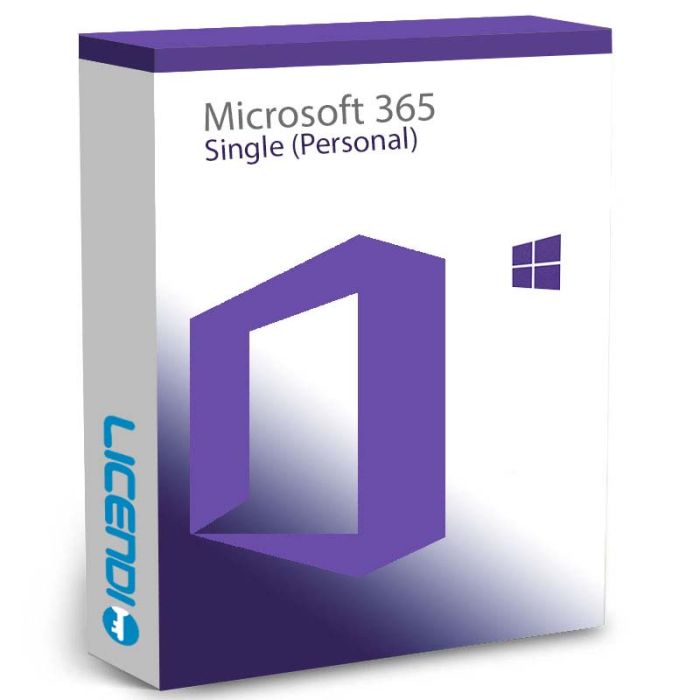
Microsoft Office 365 Personal
Annual Microsoft 365 Personal subscription for 1 user — the full desktop Office apps (Word, Excel, PowerPoint, Outlook) on up to 5 devices, plus 1 TB of OneDrive storage. Digital delivery.
Annual Microsoft 365 Personal subscription for 1 user — the full desktop Office apps (Word, Excel, PowerPoint, Outlook) on up to 5 devices, plus 1 TB of OneDrive storage. Digital delivery.
Purchase process
Get your software licence(s) in just 4 simple steps
- Step 1
1. Add your product to the cart
Find the licence you need and add it to your cart with one click.
- Step 2
2. Select your payment method
Choose the payment method that suits you and complete your order.
- Step 3
3. Receive your licence immediately
Your key, download link and installation guide arrive by e-mail and in your account.
- Step 4
4. We are here to help you
Support by chat, e-mail or phone, plus a lifetime warranty with Licendi.
Licendi customer reviews
Showing selected 4 and 5 star reviews from Trustpilot and Google.
Quantity discount
| Quantity | % discount |
|---|---|
| 2+ | 1% |
| 3+ | 3% |
| 5+ | 5% |
Microsoft Office 365 Personal
With a one-time subscription to Microsoft Office 365 Personal (also known as Microsoft Office 365 Single), you get the latest version of all Office programs for 1 year. Additionally, upgrades to new versions are included for the duration of your subscription. It also allows you to install Office on all your devices. When the software is installed, a user can log in, and the software will be connected to the Office account. You can also be logged in on up to 5 devices at the same time. If a user logs out on one device, they can log in on another.Uses of Microsoft Office 365 Personal (Microsoft Office 365 Single)
You will be able to install the package on Windows and Mac computers, mobile phones with Android or iOs and tablets with Android or iOs. It should be mentioned, that this Microsoft package is suitable only for families, students and home users. However, for families we recommend the Microsoft Office 365 Family version, which allows you to use the licence on a total of up to 30 devices and 6 users.Advantages of Microsoft Office 365 Personal (Microsoft Office 365 Single)
The big advantage of Office 365 Personal over Office 2019 is Onedrive. So every user gets 1000GB (1TB) of OneDrive storage when purchasing this package. Use it to back up, sync files and take them with you on your device. There's nothing like being able to view and edit a Word or Excel file on your smartphone or tablet. In addition, each user receives 60 minutes of calling time (per month) on Skype for free calls to landlines and mobiles across Europe.At the end of the year, you can decide whether you want to extend this period, so it does not automatically renew.What's included with Microsoft Office 365 Personal
With the purchase of Microsoft Office 365 Personal (also known as Microsoft Office 365 Single), you use the latest Office and can enjoy 1000 gigabytes of free cloud storage. In addition, with this licence you can install Office 365 Personal on your PC, Mac, tablet or smartphone.This software version can be installed on up to 5 devices at the same time.Similarly, if you purchase Office 365 Personal, you will be up to date with the latest versions of the Office programs listed below:- Word
- Excel
- PowerPoint
- Outlook
- OneNote
- Publisher (Windows only)
- Access (Windows only)
Languages
During installation, you can choose any of the languages offered by Microsoft. For example, you can choose between English, French, German or Spanish (many more languages are available). It is possible to activate the spell checker in another language.| Delivery | Digital |
|---|