 EN
 FR
 DE
 IT
 PT
 ES



Office 2019 and 2016
















Buying guide
Which Office 2019 or 2016 edition do I need?
Buy an Office 2019 licence or Office 2016 licence for a familiar, permanent version of Microsoft Office. At Licendi, we offer editions for home users, students, professionals and businesses. Choose the applications you need, check the operating system and pay once for the selected version.
We send your genuine Microsoft key, official download link and PDF invoice with VAT shown by email. Delivery is instant during office hours and takes no more than 24 hours outside them. Every order also has our one-month activation guarantee.
- Key and download by email
- Invoice with VAT shown
- One-time payment, no subscription
- Support by email and chat
Start with the applications you use. Home and Student covers Word, Excel and PowerPoint. Home and Business adds Outlook. Standard is designed for office work with email, while Professional Plus adds Access for databases. Then choose the edition made for your operating system.
| Edition | For whom | What it adds | Price from | Buy |
|---|---|---|---|---|
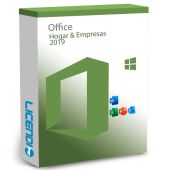
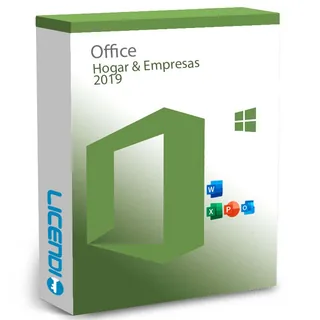 | Home workers and small businesses using Windows | Word, Excel, PowerPoint and Outlook | from57,84 € | Buy |
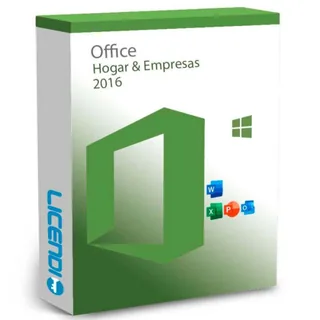 | Professionals keeping an Office 2016 setup on Windows | Word, Excel, PowerPoint and Outlook | from38,01 € | Buy |
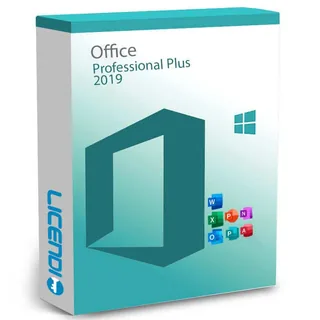 | Windows users who work with databases | Word, Excel, PowerPoint, Outlook, Access and Publisher | from31,99 € | Buy |
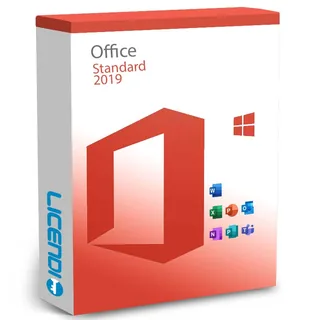 | Businesses needing documents, spreadsheets, presentations and email | Word, Excel, PowerPoint, Outlook and Publisher | from37,49 € | Buy |
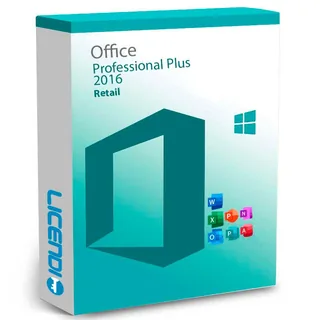 | Windows users maintaining a 2016 environment | Word, Excel, PowerPoint, Outlook, Access and Publisher | from33,05 € | Buy |
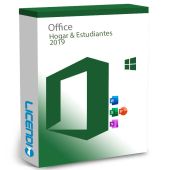
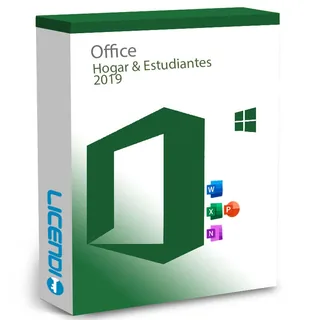 | Households and students who do not need Outlook | Word, Excel and PowerPoint | from74,99 € | Buy |
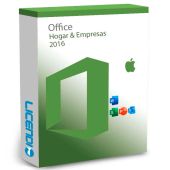
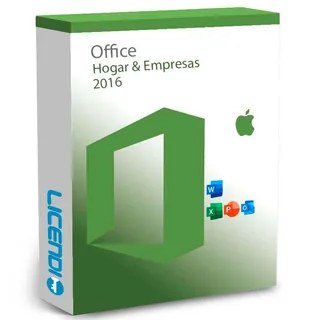 | Mac users who need Office and email | Word, Excel, PowerPoint and Outlook | from28,09 € | Buy |
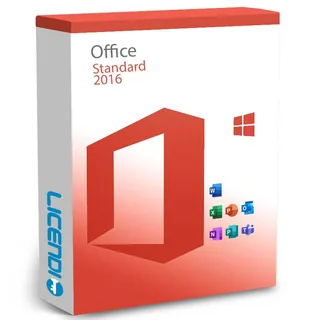 | Businesses maintaining a 2016 office setup | Word, Excel, PowerPoint, Outlook and Publisher | from26,66 € | Buy |
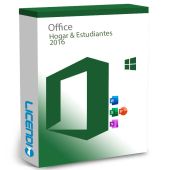
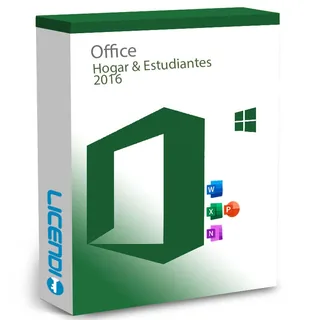 | Households and students with basic document needs | Word, Excel and PowerPoint | from60,83 € | Buy |
7 of 10 Office orders at Licendi are for Microsoft Office 2019 Professional Plus (last 12 months).
All amounts are starting prices. Open the product page to check the available licence variant and choose the correct number of installations. If you are unsure, tell us which computer and Office edition you currently use.
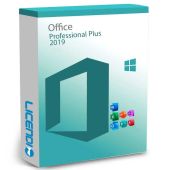
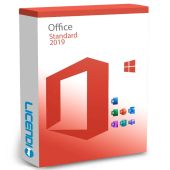
Office 2019 Professional Plus or Standard
Choose Professional Plus when Access is essential for creating or opening business databases. Choose Standard when your work centres on Word documents, Excel workbooks, PowerPoint presentations, Outlook email and Publisher layouts. Both are one-off purchases for the selected version, so there is no subscription renewal.
Office 2019 Home and Business or Home and Student
Home and Business is the practical choice for a Windows user who needs Outlook alongside Word, Excel and PowerPoint. Home and Student suits personal work and study when Outlook is not required. The application difference matters more than the edition name: check your everyday tasks before buying.
Office 2016 editions for an existing setup
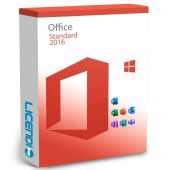
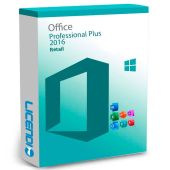
Office 2016 can fit a computer, document workflow or add-in that already depends on that release. Professional Plus includes Access; Standard covers office applications and email; Home and Business combines the core applications with Outlook. The Mac option in this category is Office 2016 Home and Business for Mac.
Compare Office 2019 and Office 2016 applications
The table shows the practical differences between the editions in this category. “Yes” means the application is included in the stated edition; “No” means you should choose another edition if that application is essential.
| Edition | Word | Excel | PowerPoint | Outlook | Access | Publisher |
|---|---|---|---|---|---|---|
| Microsoft Office Home and Business 2019 for Windows | ✓ | ✓ | ✓ | ✓ | — | — |
| Microsoft Office 2019 Professional Plus | ✓ | ✓ | ✓ | ✓ | ✓ | ✓ |
| Office 2019 Standard | ✓ | ✓ | ✓ | ✓ | — | ✓ |
| Microsoft Office Home and Student 2019 | ✓ | ✓ | ✓ | — | — | — |
| Office Hogar y Empresas 2016 for Windows | ✓ | ✓ | ✓ | ✓ | — | — |
| Office 2016 Home and Business for Mac | ✓ | ✓ | ✓ | ✓ | — | — |
| Microsoft Office 2016 Professional Plus | ✓ | ✓ | ✓ | ✓ | ✓ | ✓ |
| Office 2016 Standard | ✓ | ✓ | ✓ | ✓ | — | ✓ |
| Office 2016 Home and Student | ✓ | ✓ | ✓ | — | — | — |
These permanent editions do not include Copilot or real-time co-authoring. Those services belong to Microsoft 365 according to the selected plan. If collaboration is more important than keeping a fixed desktop version, compare the wider Microsoft Office licence range before ordering.
Why are these Office licences cheaper?
These offers are for permanent licences that can be resold under EU law when the required conditions are met. You pay for the edition and version you need instead of subscribing to an ongoing service. That makes an older release a focused option for a compatible existing setup.
At Licendi, the lower price does not remove the essentials. We provide a genuine Microsoft key, an official download link, a PDF invoice showing VAT and help by email and chat. Check the applications and operating system rather than choosing on price alone.
Is it legal to buy a resold Office licence?
Legal basis
Yes. The Court of Justice of the European Union judgment in UsedSoft v Oracle, case C-128/11 of 3 July 2012, established that permanent software licences may be resold in the EU under specific conditions:
- The first sale in the EU must have been made by the rights holder or with the rights holder’s consent.
- The right to use the copy must be granted for an indefinite period in return for a price enabling the rightholder to obtain remuneration corresponding to the economic value of the copy.
- The seller must make its own copy unusable when reselling the licence.
- A multi-user licence must not be split and sold in parts.
This rule applies to permanent licences, not subscriptions. We give you a PDF invoice with VAT shown and a one-month activation guarantee. If the key does not activate on the first installation, write to us and we will fix it.
Office 2019 and 2016 requirements to check
- Confirm whether the product is for Windows or Mac before ordering.
- Check that your operating system supports the chosen Office release.
- Make sure the computer has enough processor capacity, memory and free storage for that edition.
- Have an internet connection available for the official download and activation.
- Check that your essential templates, add-ins, Access databases and macros work with the selected version.
- Remove conflicting Office installations if the installation instructions require it.
Tip: send us your operating system and current Office edition before buying if compatibility is unclear. Back up your documents and Outlook data before changing an existing installation.
How to buy, download and activate Office
- Choose your edition. Compare the applications, operating system and number of installations, then place your order with the correct billing details.
- Receive the email. We send the genuine key, official download link and PDF invoice instantly during office hours, or within 24 hours outside them.
- Install and activate. Download the installer, follow the supplied instructions and enter the key. Contact us by email or chat if you need help.
Support status and your upgrade options
Microsoft support for Office 2016 for Windows and Office 2019 ended on 14 October 2025. Office 2016 for Mac support ended on 13 October 2020. The permanent right to use the purchased version continues, but these releases no longer receive security updates under their normal support lifecycle. Windows 10 support also ended on 14 October 2025.
These licences are best suited to compatible systems where the version is a deliberate requirement. For an internet-connected computer handling sensitive or business data, consider a supported current Office release or an appropriate Microsoft 365 plan. We can help you compare a fixed-version purchase with a subscription before you decide.
Office 2019 and 2016 licences for businesses
Businesses receive a PDF invoice with VAT shown for their records. If you need licences for several computers, contact us with the number of devices, their operating systems and the applications each user needs. We will help you separate users who require Access or Outlook from those who only need Word, Excel and PowerPoint, so you can choose suitable editions without unnecessary applications.
Frequently asked questions about Office 2019 and 2016
Is an Office 2019 licence permanent?
Yes. It grants indefinite use of the purchased Office 2019 version under its licence conditions, but it does not include future Office versions.
Does Office 2019 still receive security updates?
No. Microsoft support for Office 2019 ended on 14 October 2025, although the permanent right to use the version continues.
Does Office 2016 still work after support has ended?
Yes. The permanent licence continues to work on a compatible system, but Office 2016 no longer receives normal security updates.
Which edition includes Outlook?
It depends on the edition: Home and Business, Standard and Professional Plus include Outlook, while Home and Student does not.
Which edition includes Access?
It depends on the edition: Professional Plus includes Access. Choose it when you need to create or use Access databases.
Can I install these licences on a Mac?
It depends on the edition: Office 2016 Home and Business for Mac is the Mac product listed here. Choose a Windows-labelled product only for a compatible Windows computer.
Do Office 2019 or Office 2016 include Copilot?
No. Copilot and real-time co-authoring belong to Microsoft 365 according to the plan, not these permanent Office editions.
How quickly will I receive my Office key?
Instantly during office hours. Outside office hours, we deliver the key, official download link and invoice by email within 24 hours.
What happens if my key does not activate?
Write to us. Our one-month activation guarantee covers a key that does not activate on the first installation, and we will fix it.
Will I receive an invoice for my business?
Yes. We send a PDF invoice with VAT shown, and our team can help you choose editions for several business computers.