 EN
 FR
 DE
 IT
 PT
 ES


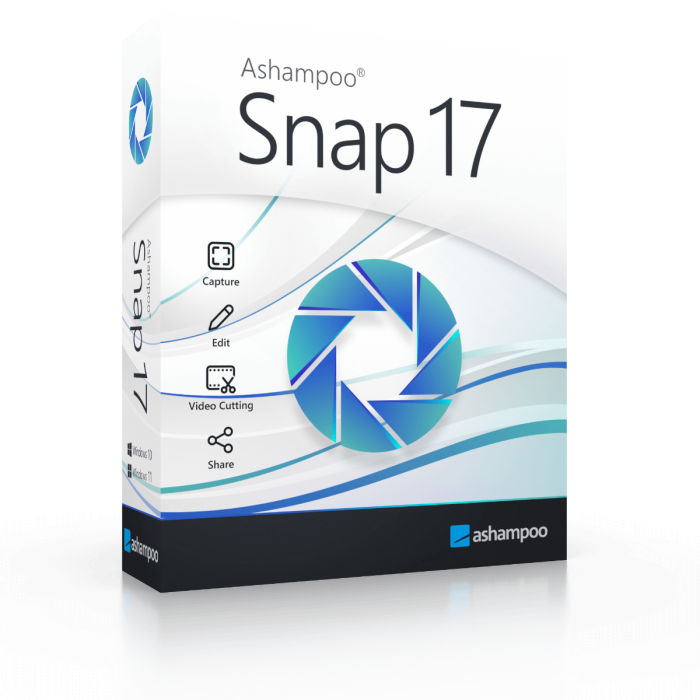
Ashampoo Snap 17
- Screenshots, scrolling capture and screen video editing
- 1 PC
- Windows 11 / Windows 10 (x64)
- One-off licence for this major version; no subscription
- New licence key and official download link by email
- 1-month activation guarantee from Licendi
Quantity discount
| Quantity | % discount |
|---|---|
| 2+ | 1% |
| 3+ | 3% |
| 5+ | 5% |
Ashampoo Snap 17 captures screenshots and screen recordings for people creating instructions or documenting problems on one Windows PC. This one-off licence for version 17 comes as a key and official download link by email; enter the key in the program to activate it online.
- One-off licence for this major version; no subscription
- 1 PC
- Windows 11 / Windows 10 (x64)
- New licence key and official download link by email
- 1-month activation guarantee from Licendi
Is this the right version for you?
Choose Snap for illustrated support requests, software walkthroughs and recordings you need to trim before sharing. For an occasional still screenshot, the capture tool you already have may suffice. If your priority is organising photographs, consider Photo Commander 18 instead.
What your purchase includes
| Product | Ashampoo Snap 17 |
|---|---|
| Licence | One-off licence for this major version; no subscription |
| Devices | 1 PC |
| Platform | Windows 11 / Windows 10 (x64) |
Licendi emails the key and the vendor’s official download link instantly during office hours, or within 24 hours outside them. A PDF invoice showing VAT is included.
Tools and practical limits
Capture a desktop area, the whole screen or a scrolling web page, then add arrows, numbering and highlights. Video capture supports up to 60 frames per second; achievable results depend on your computer and recording settings.
The editor can extract individual frames, produce animated GIFs and save audio separately as MP3 or WAV. Multiple cut marks let you select segments before export. This is useful for a short demonstration; assess your wider editing needs before choosing it for a complete vlog workflow. Ashampoo lists 64-bit Windows 10 or 11, .NET Desktop Runtime 9 x64 and Microsoft Edge WebView2 x64.
Activation and first steps
- Download the version named on this page from the link in your email and install it.
- Connect to the internet and enter the supplied key when the program requests activation; follow any Ashampoo account prompts.
- Record a short test, check any required audio, then export and replay the file before recording a full tutorial.
If activation fails, check the installed version and paste the key again without extra spaces. Send the error message to Licendi by email or chat: within the 1-month activation guarantee, support helps or replaces a key that will not activate.
Version, updates and support
This purchase covers version 17, without a subscription renewal. A later major version is a separate paid upgrade, not included here. The reviewed Ashampoo documentation gives no fixed end-of-support date for this version; ongoing updates and compatibility with future Windows releases are not promised. Activation and recurring licence checks require internet access.
Questions before buying
Can Snap capture a long web page?
Yes, scrolling capture is included. Review the saved image to check that the sections you need were captured before sending it.
Can I keep only the sound from a recording?
Yes. The video editor can export audio separately in MP3 or WAV format, and selected video segments can be saved individually.
Is this Snap 17 or Snap Pro 26?
This purchase is for Snap 17. Features advertised for a later product or a different edition are not included by implication.
Checked by Licendi on 30 October 2026. Sources: Ashampoo Snap 17 product information and system requirements; Ashampoo activation documentation; Licendi delivery terms.
| Delivery | Digital |
|---|