 EN
 FR
 DE
 IT
 PT
 ES


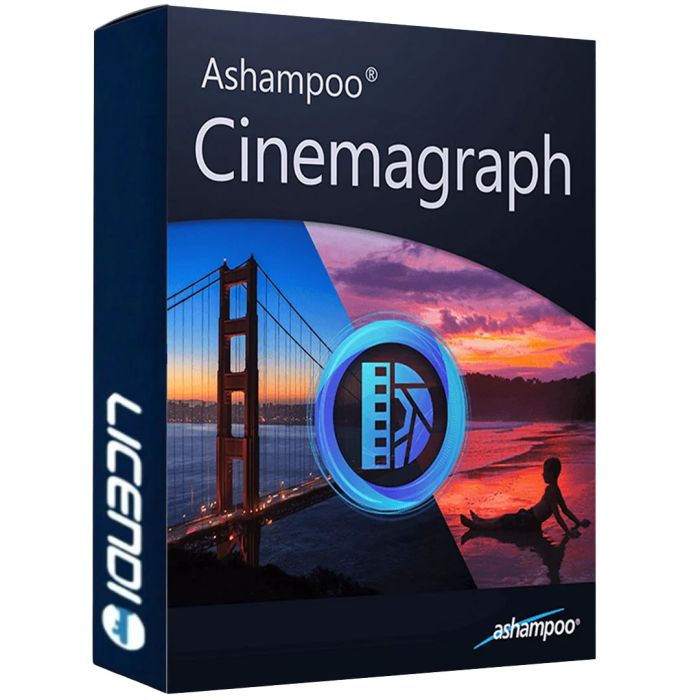
Ashampoo Cinemagraph
- Ashampoo Cinemagraph for Windows creates cinemagraphs from video, combining still areas with moving details.
- Licence for 1 PC.
- One activation on one PC is guaranteed.
- The licence is non-transferable.
- Digital delivery within 24–72 hours.
Quantity discount
| Quantity | % discount |
|---|---|
| 2+ | 1% |
| 3+ | 3% |
| 5+ | 5% |
Ashampoo Cinemagraph: turn video into cinemagraphs
A cinemagraph combines the appearance of a photograph with motion in a selected part of the scene. Ashampoo Cinemagraph lets you create this effect on Windows using a video as your starting point. Choose which regions remain frozen and which retain their movement. Steam rising from a cup, ripples on water or a detail in a landscape can become the focus of the composition while the surrounding image stays still.
Choose the moving and stationary areas
Define the regions with a brush whose size, hardness and opacity can be adjusted to suit the scene. This gives you control over which details move and how the selection follows their boundaries. Stable footage, preferably recorded using a tripod, provides a useful starting point. The workflow uses source video; it does not generate motion from a single still photograph with artificial intelligence.
Refine colour, composition and timing
Adjust exposure, saturation, shadows, tonal values and white balance to shape the overall appearance. Rotation, cropping and aspect-ratio controls help you frame the result. Speed adjustments let you explore slow motion or time-lapse-style effects, depending on the source material and the composition you want to create.
- Add text overlays to accompany the visual.
- Explore 23 effects and six transition effects with adjustable strengths.
- Save your own settings as presets for later projects.
- Create looping animations and set export size, quality and the number of repetitions.
Export animated GIFs and video files
Ashampoo Cinemagraph supports output as animated GIF, MP4 (H.264), WMV, Motion JPEG, WebM, OGG and uncompressed AVI. Export controls also let you retain audio where appropriate. Choose the format for your intended use and check that the destination website or application supports it. A loop's visual continuity depends on the recording and project settings; different clips will produce different results.
Use these tools to explore visual compositions, prepare elements for a presentation or create moving images for a web page. Before sharing your work, check the rights to the footage, music and other source materials you use. Selecting a suitable clip and a clear focal point helps keep the effect purposeful rather than distracting.
One-PC licence and digital delivery
This offer is for 1 PC. One activation on one PC is guaranteed, and the licence cannot be transferred. Delivery is digital within 24–72 hours. Check the Windows requirements and the separate hardware requirements for DVD-quality and HD-quality work before purchasing.
System requirements
- Operating system: Windows 11 or Windows 10, 64-bit. The publisher also lists Windows 8 and Windows 7; this historical compatibility does not imply current security support or a recommendation to use them.
- Processor for DVD-quality editing and production: dual-core processor at 2.4 GHz or faster.
- Processor for HD-quality editing and production: Intel Core i5/i7 or a similar quad-core processor.
- RAM: 2 GB or more for DVD quality; 4 GB or more for HD quality. 8 GB or more is recommended.
- Required components: Windows Media Player 10 and .NET Framework 4.0.
- Graphics: DirectX 9, Pixelshader v2.0 and at least 128 MB of graphics memory.
- Minimum display resolution: 1280 × 1024; this is not an export-resolution limit.
- Internet connection for program activation, recurring licence checks and some services.
| Delivery | Digital |
|---|