 EN
 FR
 DE
 IT
 PT
 ES


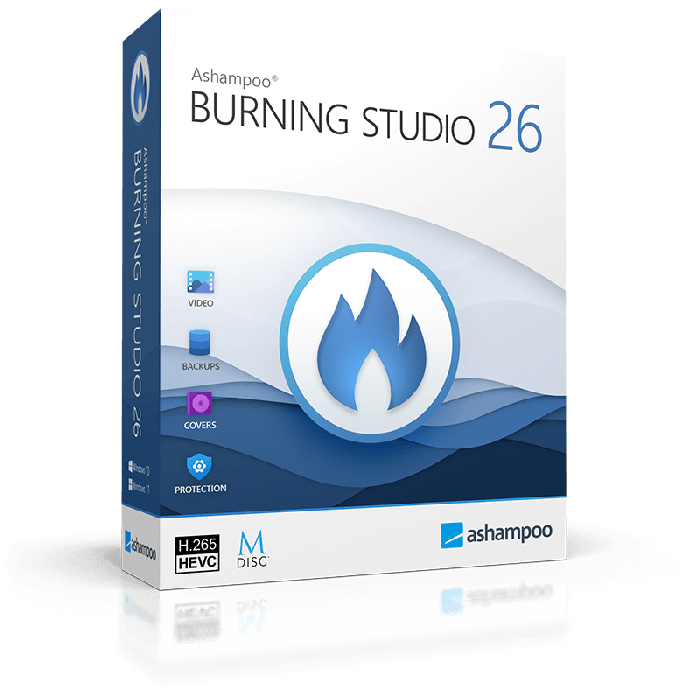
Ashampoo Burning Studio 26
- CD, DVD and Blu-ray burning; audio-CD extraction
- 1 PC
- Windows 11 / Windows 10 (x64)
- One-off licence for this major version; no subscription
- New licence key and official download link by email
- 1-month activation guarantee from Licendi
Quantity discount
| Quantity | % discount |
|---|---|
| 2+ | 1% |
| 3+ | 3% |
| 5+ | 5% |
Ashampoo Burning Studio 26 is disc-burning software for people who archive files or create music and video discs on one Windows PC. This one-off version licence is delivered as a key and official download link by email, and you enter the key in the program to activate it online.
- One-off licence for this major version; no subscription
- 1 PC
- Windows 11 / Windows 10 (x64)
- New licence key and official download link by email
- 1-month activation guarantee from Licendi
Is this the right version for you?
Choose version 26 for recurring disc projects, cover design and backups spread across several discs. For occasional data discs, Ashampoo Burning Studio FREE may already cover your needs. Compare other PC tools if your main task is unrelated to optical media.
What your purchase includes
| Product | Ashampoo Burning Studio 26 |
|---|---|
| Licence | One-off licence for this major version; no subscription |
| Devices | 1 PC |
| Platform | Windows 11 / Windows 10 (x64) |
Licendi emails the key and the vendor’s official download link instantly during office hours, or within 24 hours outside them. A PDF invoice showing VAT is included.
Tools and practical limits
Burn data to CD, DVD or Blu-ray, extract audio CDs and work with ISO, CUE/BIN and ASHDISC images. A compatible writer and blank media are separate requirements: software cannot turn a DVD drive into a Blu-ray burner.
Disc spanning distributes a large archive across several discs. Scratch protection writes redundant copies plus a recovery tool, so some capacity is used for recovery data; it does not physically protect the disc. Allow 1 GB for installation and 25 or 50 GB of temporary space for Blu-ray projects. Ashampoo lists 2 GB RAM and excludes ARM processors.
Activation and first steps
- Download the version named on this page from the link in your email and install it.
- Connect to the internet and enter the supplied key when the program requests activation; follow any Ashampoo account prompts.
- Start with a small data-disc project, select the correct writer and check that the finished disc opens on the intended device.
If activation fails, check the installed version and paste the key again without extra spaces. Send the error message to Licendi by email or chat: within the 1-month activation guarantee, support helps or replaces a key that will not activate.
Version, updates and support
This purchase covers version 26, without a subscription renewal. A later major version is a separate paid upgrade, not included here. The reviewed Ashampoo documentation gives no fixed end-of-support date for this version; ongoing updates and compatibility with future Windows releases are not promised. Activation and recurring licence checks require internet access.
Questions before buying
Can it copy Blu-ray discs?
It supports disc-copy projects with compatible hardware. Do not buy it on the assumption that it removes commercial film copy protection or turns every DVD into a video file.
Can I digitise music CDs?
Yes. Audio-CD extraction is a separate task from copying a disc image; choose the audio ripping function when you want individual music files.
Does this version run on a Mac?
No. The listed platform is Windows 11 or Windows 10 x64. This purchase does not include a macOS edition.
Checked by Licendi on 30 October 2026. Sources: Ashampoo Burning Studio 26 product information and system requirements; Ashampoo activation documentation; Licendi delivery terms; Ashampoo Burning Studio 26 manual; Ashampoo Burning Studio FREE.
| Delivery | Digital |
|---|