 EN
 FR
 DE
 IT
 PT
 ES


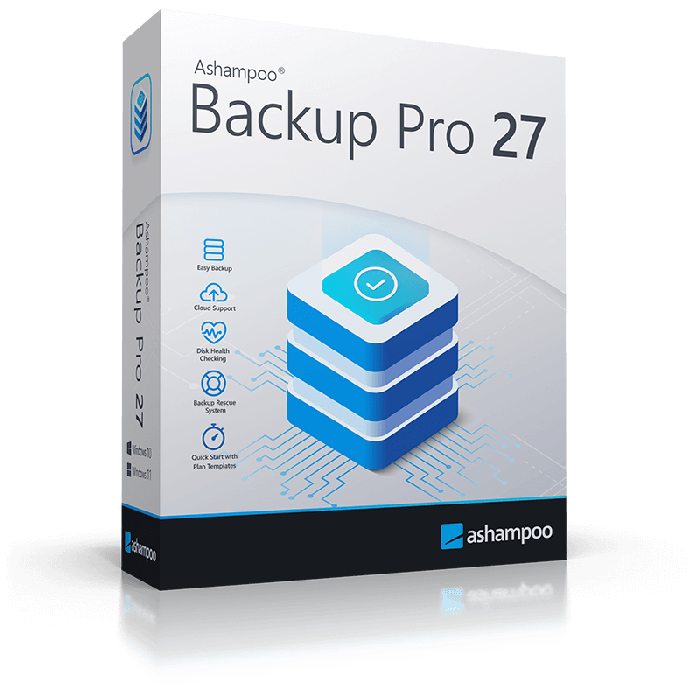
Ashampoo Backup Pro 27
- One-off licence for the named version
- 1 PC
- Windows 11 / 10 (x64)
- File backups, partition images and bootable rescue media
- Key and official download link by email
- One-month activation guarantee
Quantity discount
| Quantity | % discount |
|---|---|
| 2+ | 1% |
| 3+ | 3% |
| 5+ | 5% |
Ashampoo Backup Pro 27 creates file and system backups for Windows users who need to restore a PC or recover saved data. You receive a one-off version 27 licence for one PC, a key and an official download link by email; activate the installed software online with the supplied key.
- One-off licence for the named version
- 1 PC
- Windows 11 / 10 (x64)
- Key and official download link by email
- One-month activation guarantee
File backup or whole-system recovery?
Windows File History can suit basic file-version needs. Backup Pro 27 adds partition imaging and bootable rescue media for restoring a system that will not start. This is desktop backup software; Windows Server is excluded. Compare our PC tools if your goal is cleaning or organising files.
What you receive
| Product | Devices | Licence | Platform |
|---|---|---|---|
| Ashampoo Backup Pro 27 | 1 PC | One-off licence for the named version | Windows 11 / 10 (x64) |
Licendi supplies a new licence key from European distribution, the official vendor download link and a PDF invoice showing VAT. Email delivery is instant during office hours and within 24 hours at the latest outside them. Business buyers can request a multi-unit quote by email or chat.
Backup destinations and limits to check first
Save individual files or whole partitions to local drives or supported cloud services such as OneDrive, Google Drive and Dropbox. A cloud destination requires your own suitable account and storage capacity. Plug & Play plans can start when the configured drive is connected; create the plan before relying on this automation.
Two requirements matter for larger systems: ARM processors are unsupported, and partitions or storage devices of 8 TB or more are excluded. The installer needs 500 MB of free space, separate from the space for backups. Windows 10 x64 and Windows 11 are listed.
Activation and first steps
- Download the named edition using the link in your delivery email and install it with administrator rights.
- Enter the supplied key in the activation screen. An internet connection is required; Ashampoo also checks the licence periodically.
- Create a backup on separate storage, prepare rescue media and test restoring a sample file before relying on the plan.
If activation fails, check the product version and paste the key without extra spaces. Contact Licendi by email or chat with the error message. During the one-month activation guarantee, support helps or replaces a key that will not activate.
Licence duration and future versions
This is a one-off licence for version 27 on one PC. The vendor’s three-device subscription is a different offer. Later major versions are paid upgrades. No fixed support-end date for version 27 was identified in the reviewed documentation; cloud-provider changes can affect future compatibility.
Questions before buying
Can I recover a computer that will not boot?
The bootable rescue system is intended for this. Prepare it beforehand and keep an accessible backup of the required system partitions.
Is online storage included?
No storage allowance is specified in this licence offer. Use your own supported cloud account or local storage.
Can I back up an 8 TB drive?
Ashampoo excludes partitions or storage devices of 8 TB or more. Check both the device and partition sizes before buying.
Checked by Licendi on 30 October 2026. Sources: Ashampoo product pages, system requirements and activation guidance. Backup Pro 27 overview, requirements and licence selector. Microsoft Support: built-in Windows tools.
| Delivery | Digital |
|---|