 EN
 FR
 DE
 IT
 PT
 ES


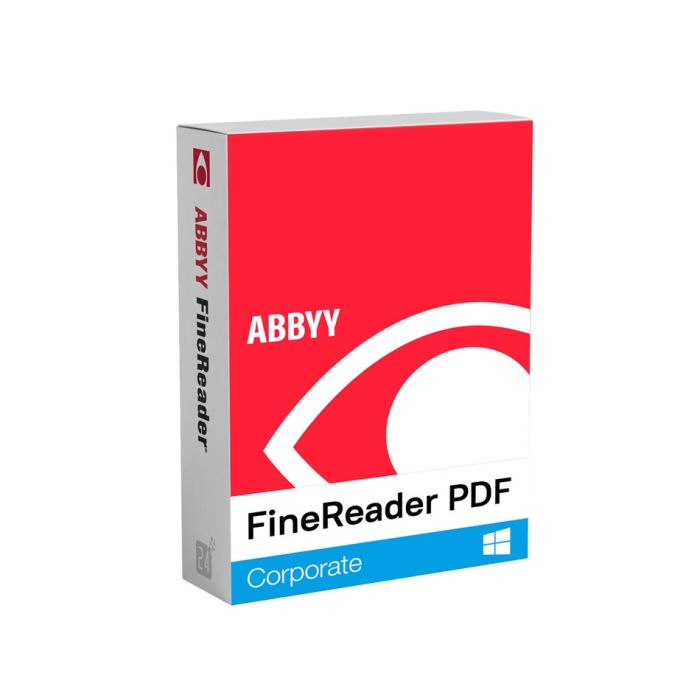
ABBYY FineReader PDF Corporate 16 - 1 Year
- Fixed-term subscription: 1 year
- 1 device: Windows PC
- Windows 11 or 10, 64-bit x64
- Licence key and vendor download by email
- 1-month activation guarantee
Quantity discount
| Quantity | % discount |
|---|---|
| 2+ | 1% |
| 3+ | 3% |
| 5+ | 5% |
ABBYY FineReader PDF Corporate 16 - 1 Year is an OCR and PDF application for people comparing document revisions or automating scans on one Windows PC. You receive a one-year subscription key and the official download link by email; enter the serial number in the application to activate it online.
- Fixed-term subscription: 1 year
- 1 device: Windows PC
- Windows 11 or 10, 64-bit x64
- Licence key and vendor download by email
- 1-month activation guarantee
Which edition fits your work?
Choose Corporate for checking a revised contract against a scan or processing files arriving in a watched folder. For manual OCR and everyday PDF editing, Standard already supplies the core tools. Compare document tools.
Your licence and the alternatives
| Edition | Subscription | Devices / platform |
|---|---|---|
| FineReader PDF Corporate 16 | 1 year | 1 / Windows |
| FineReader PDF Corporate 16 | 3 years | 1 / Windows |
| FineReader PDF Standard 16 | 1 year | 1 / Windows |
| FineReader PDF Standard 16 | 3 years | 1 / Windows |
Licendi supplies a new key through European distribution, with a PDF invoice showing VAT. Email delivery is instant during office hours and within 24 hours outside them. For several units, request a quote by email or chat.
OCR and PDF tools: what is included?
Both Windows editions recognise 198 languages and convert scans to Word, Excel or searchable PDF. Both include password protection, redaction and Bates numbering: those are not Corporate-only features. Review recognised figures and table columns before using converted invoices.
Corporate compares text across different formats, including a scan and a Word document. Hot Folder processes up to 5,000 pages per month; the allowance resets every 30 days and applies only to automated Hot Folder processing.
Activation and first steps
- Download the matching FineReader PDF 16 installer from the vendor link in your email.
- Install it on your licensed PC, start FineReader and enter the serial number in the activation wizard.
- Choose internet activation, then test OCR on a representative page before converting a full folder.
If the key is rejected, check the edition and copied characters. If activation remains blocked, send Licendi the error by email or chat; within the one-month activation guarantee, support helps or replaces the key.
Subscription term
ABBYY states that FineReader PDF subscriptions begin on the purchase date, not when you first activate them. Continued use of the paid functions requires a valid subscription after the term ends.
Questions before buying
Is this a portable download?
No. Licendi supplies the vendor installer for installation and serial-number activation, not a portable package.
Can I scan a book or invoices?
Yes, with a TWAIN- or WIA-compatible scanner, or by importing existing scans. Check the scanner driver and review OCR output; conversion does not validate invoice data.
Does it work on a Mac?
This key covers Windows. Choose the separate FineReader PDF for Mac product for macOS.
Do I need this just to read PDFs?
A free PDF viewer may be enough for reading and basic annotation. This subscription is for OCR, conversion and PDF editing.
Checked by Licendi on 30 October 2026. Sources: ABBYY FineReader PDF specifications, full feature list, subscription and activation help, product lifecycle table.
| Delivery | Digital |
|---|