 EN
EN FR
FR  DE
DE  IT
IT  PT
PT  ES
ES 

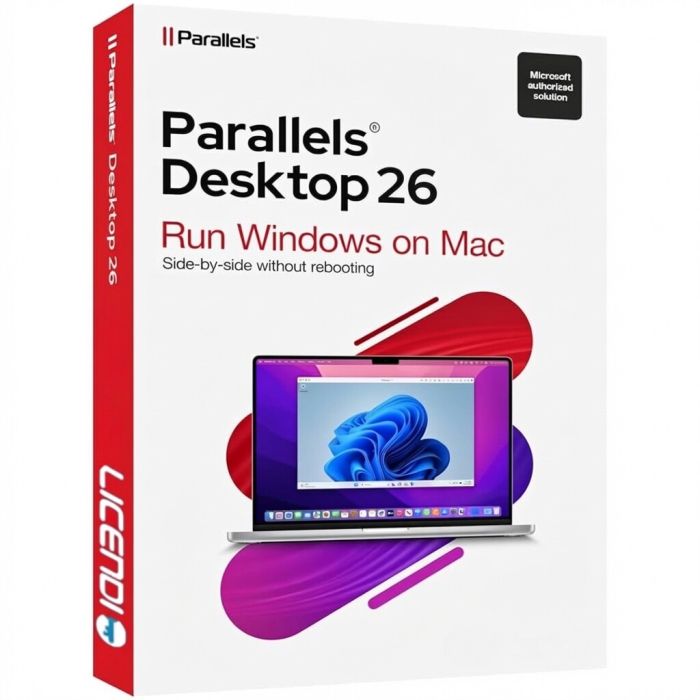
Parallels Desktop 26
UVP:
€130.00
€120.00
SKU
73260
- Single installation per PC
- Permanent license
- Non-transferable
- Choose your language during installation
- Digital delivery
- Permanent license
- Non-transferable
- Choose your language during installation
- Digital delivery
Quantity discount
| Quantity | % discount |
|---|---|
| 2+ | 1% |
| 3+ | 3% |
| 5+ | 5% |
Parallels Desktop 26 for Mac
Run Windows on your Mac like never before. Parallels Desktop 26 is the most advanced and powerful solution to run Windows, Linux, and other operating systems on your Mac without rebooting. Designed for Apple Silicon and Intel-based Macs, it delivers unparalleled performance and seamless integration.
Key Features
- Seamless Integration: Run Windows applications side-by-side with macOS apps without restarting
- Optimized for macOS: Full support for the latest macOS versions and Apple Silicon M1, M2, M3, and M4 chips
- Enhanced Performance: Up to 25% faster than previous versions, with improved graphics and resource management
- Coherence Mode: Use Windows apps as if they were native Mac applications
- Easy Setup: Install Windows in minutes with the guided setup assistant
- Multi-OS Support: Run Windows 11, Windows 10, Linux distributions, and more simultaneously
- Full DirectX Support: Enjoy Windows games and graphic-intensive applications with enhanced GPU support
- Drag and Drop: Seamlessly move files between macOS and Windows
What's New in Parallels Desktop 26
- Native Apple Silicon optimization with enhanced ARM-to-x86 translation
- Improved memory management for better multitasking
- New AI-powered performance tuning that adapts to your workflow
- Enhanced security features with TPM 2.0 support for Windows 11
- Redesigned user interface for a more intuitive experience
- Faster virtual machine startup and shutdown times
Digital Delivery
This product is delivered digitally. After purchase, you will receive your license key and download instructions via email.
Who Is This For?
- Professionals: Run essential Windows business software on your Mac
- Students: Access Windows-only educational tools and applications
- Developers: Test cross-platform applications in real Windows environments
- Everyday Users: Enjoy the best of both worlds with macOS and Windows on one machine
Looking for more Parallels products? Browse our complete Parallels Desktop collection and find the version that fits your needs.
You can find more information on the official product website. If you have any questions left, we will be happy to help you through our live online chat right now.
Graphics: Apple M1, M2, M3, M4 chip. Intel, AMD Radeon or NVIDIA graphics card
Operating System:
- macOS Sequoia 15 or later
- macOS Sonoma 14 or later
- macOS Ventura 13 or laterRecommended for best performance:
Processor: Apple M2 chip or later; Intel Core i5 or better
RAM: 8 GB minimum (16 GB recommended)
Storage: 16 GB free disk space for Parallels Desktop + space for virtual machines (minimum 16 GB per VM)Note: Internet connection required for product activation and updates.
| Delivery | Digital |
|---|
Write your own Review!