EN
EN FR
FR  DE
DE  IT
IT  PT
PT  ES
ES 

- Windows 12 has NOT been officially announced by Microsoft
- Expected release: Late 2025 or 2026
- Codename: "Hudson Valley"
- Heavy focus on AI and Copilot integration
- Rumored 8GB RAM minimum requirement (up from 4GB)
- Expected to be a free upgrade from Windows 11
Last updated: February 2026. We update this article as new information emerges.
Microsoft has been unusually quiet about the successor to Windows 11. While the tech world buzzes with rumors about Windows 12, the company has not made any official announcements.
But that does not mean nothing is happening behind the scenes.
This comprehensive guide covers everything we know about Windows 12 so far: the rumored release date, expected features, system requirements, and most importantly, what it means for your Windows licenses and upgrade path.
What is Windows 12?
Windows 12 is the rumored next major version of the Windows operating system, expected to succeed Windows 11. While Microsoft has not confirmed its existence, multiple leaks, insider reports, and industry sources point to a significant Windows update in development.
The project has been internally referred to by the codename "Hudson Valley" and is expected to bring major AI-powered features and interface changes to the Windows experience.
Windows 12 Release Date: What We Know
Official announcement: None yet
Rumored timeline:
- Originally expected: Mid-2024
- Current expectation: Late 2025 or early 2026
- Some features already appearing in Windows 11 24H2 updates
Why the Delay?
Microsoft appears to be taking a different approach with Windows 12. Rather than launching a completely new operating system, the company has been rolling out major features through Windows 11 updates. The Windows 11 24H2 update (codenamed "Hudson Valley") contained many features originally expected in Windows 12.
This suggests Microsoft may be moving toward a more iterative update model, similar to how macOS operates with yearly named releases that are essentially major updates rather than complete overhauls.
Windows 12 Expected Features
Based on leaks, patents, and Microsoft recent direction, here are the features most likely to appear in Windows 12:
1. Advanced AI Integration
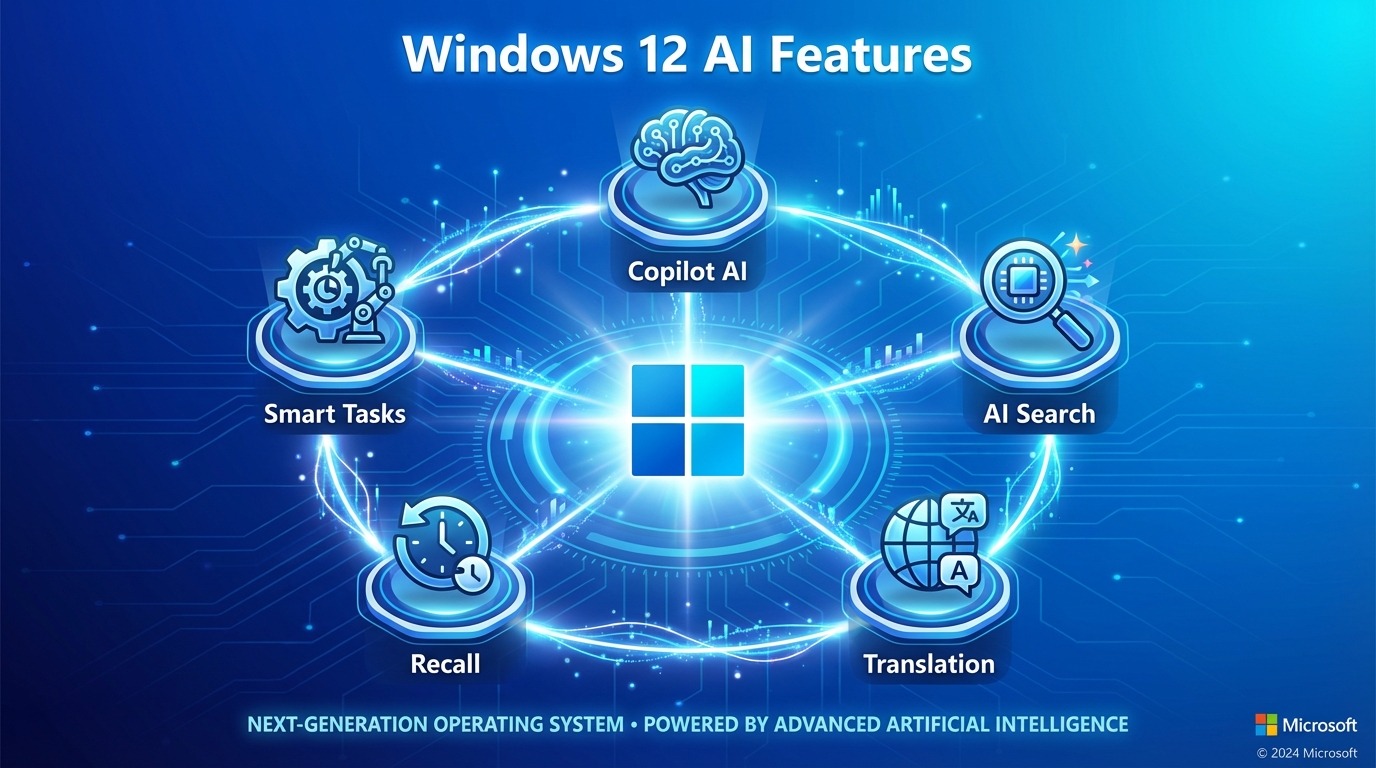
Windows 12 will likely double down on artificial intelligence. Microsoft has invested billions in OpenAI, and we expect deep Copilot integration throughout the operating system:
- AI-powered search across files, emails, and apps
- Intelligent task automation
- Real-time translation and transcription
- Enhanced Recall feature (AI-powered activity history)
- Context-aware assistance for everyday tasks
2. Redesigned User Interface
Rumors suggest significant UI changes:
- Floating taskbar (detached from screen edge)
- Modernized system tray
- New widget system
- Improved snap layouts and virtual desktops
- More customization options
3. Performance Improvements
- Better memory management
- Faster boot times
- Improved battery life on laptops
- Optimized for ARM processors (Qualcomm Snapdragon)
- Enhanced gaming performance
4. Security Enhancements
- Stronger hardware-based security requirements
- Improved Windows Hello authentication
- Better malware protection
- Enhanced privacy controls
Windows 12 System Requirements
Microsoft has not announced official requirements, but based on rumors and the direction of recent updates, here is what we expect:
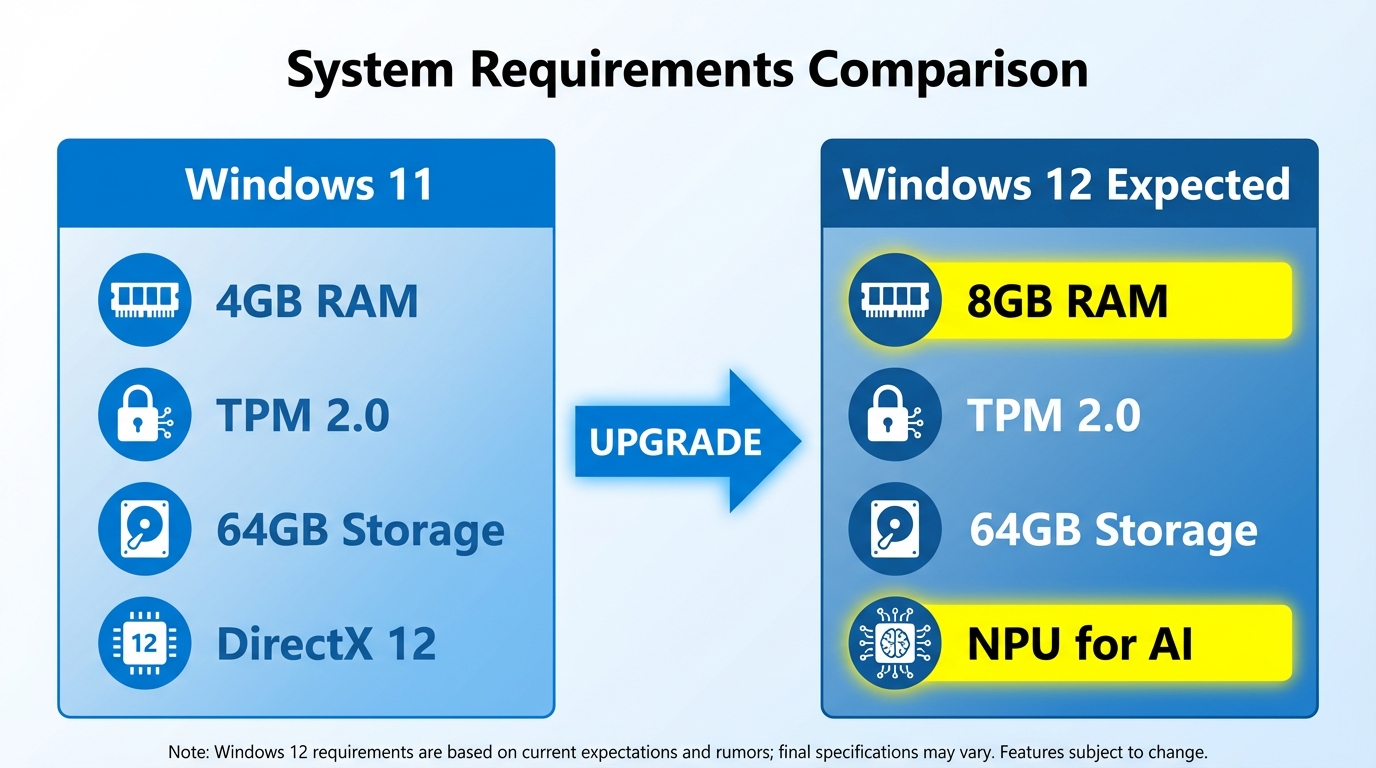
| Requirement | Windows 11 | Windows 12 (Expected) |
|---|---|---|
| Processor | 1 GHz, 2+ cores, 64-bit | 1 GHz, 2+ cores (8th gen+) |
| RAM | 4 GB | 8 GB (rumored) |
| Storage | 64 GB | 64 GB minimum |
| TPM | Version 2.0 | Version 2.0 |
| Secure Boot | Required | Required |
| NPU (AI chip) | Not required | May be required for AI features |
Key change: The rumored jump from 4GB to 8GB RAM minimum would affect older computers and budget devices. This aligns with Microsoft push toward AI features that require more memory.
Do You Need a New License for Windows 12?
This is the question many users are asking. Based on Microsoft historical approach and current licensing model, here is what we expect:
Free Upgrade Scenario (Most Likely)
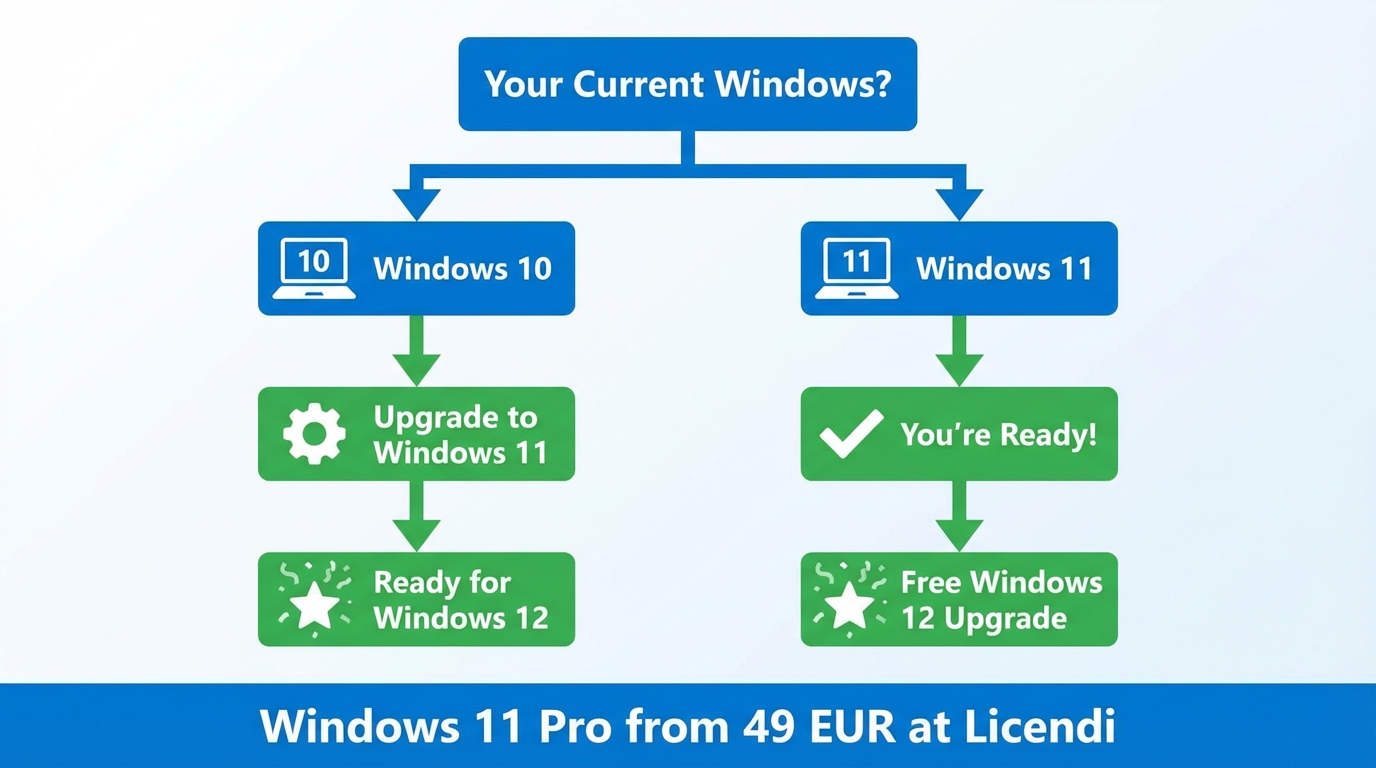
If you have a valid Windows 11 license, you will likely receive Windows 12 as a free upgrade, just as Windows 10 users could upgrade to Windows 11 for free.
When You Might Need a New License
- Upgrading from Windows 10: If you are still on Windows 10 and skip Windows 11, you may need to purchase a license
- New PC builds: Building a new computer will require purchasing Windows
- Edition upgrades: Moving from Home to Pro will require a new license
The Smart Move: Upgrade to Windows 11 Now
If you are still on Windows 10, the best strategy is to upgrade to Windows 11 now. This way:
- You establish upgrade eligibility for Windows 12
- You get security updates (Windows 10 support ended October 2025)
- You can take advantage of current Windows 11 license prices
At Licendi, Windows 11 Pro licenses start from EUR 49 - a fraction of Microsoft retail price of EUR 259. These are genuine, legally resold licenses under EU law.
How to Prepare for Windows 12
Step 1: Check Your Hardware
Ensure your PC meets Windows 11 requirements. If it does, you are likely ready for Windows 12:
- TPM 2.0 enabled in BIOS
- Secure Boot enabled
- Supported processor (8th gen Intel or newer)
- At least 8GB RAM (to be safe)
- SSD recommended for best performance
Step 2: Upgrade from Windows 10
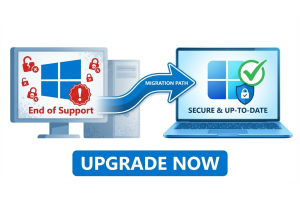
Do not wait. Windows 10 no longer receives security updates. Upgrade to Windows 11 now to stay protected and establish Windows 12 upgrade eligibility.
Step 3: Back Up Your Data
Before any major OS upgrade, back up important files, note your installed applications, and save your license keys.
Frequently Asked Questions
When is Windows 12 coming out?
Microsoft has not announced an official release date. Current rumors suggest late 2025 or 2026. The company may also continue releasing major features through Windows 11 updates instead.
Will Windows 12 be free?
Most likely yes, for Windows 11 users. Microsoft has historically offered free upgrades between major Windows versions for licensed users.
Can I run Windows 12 on my current PC?
If your PC runs Windows 11, it will likely run Windows 12. The core requirements are expected to remain similar. However, advanced AI features may require newer hardware.
Should I wait for Windows 12 or upgrade to Windows 11 now?
Upgrade to Windows 11 now. Windows 10 is no longer supported, leaving your PC vulnerable. Windows 11 licenses are affordable, and you will likely get a free upgrade to Windows 12 when it releases.
Conclusion
Windows 12 remains shrouded in mystery, but the direction is clear: AI will be at the center of Microsoft next major Windows release. Whether it arrives as a distinct "Windows 12" or continues evolving through Windows 11 updates, significant changes are coming.
The smartest move right now is to ensure you are on Windows 11 with a valid license. This protects you with security updates, establishes upgrade eligibility, and prepares you for whatever Microsoft announces next.