EN
EN FR
FR  DE
DE  IT
IT  PT
PT  ES
ES 


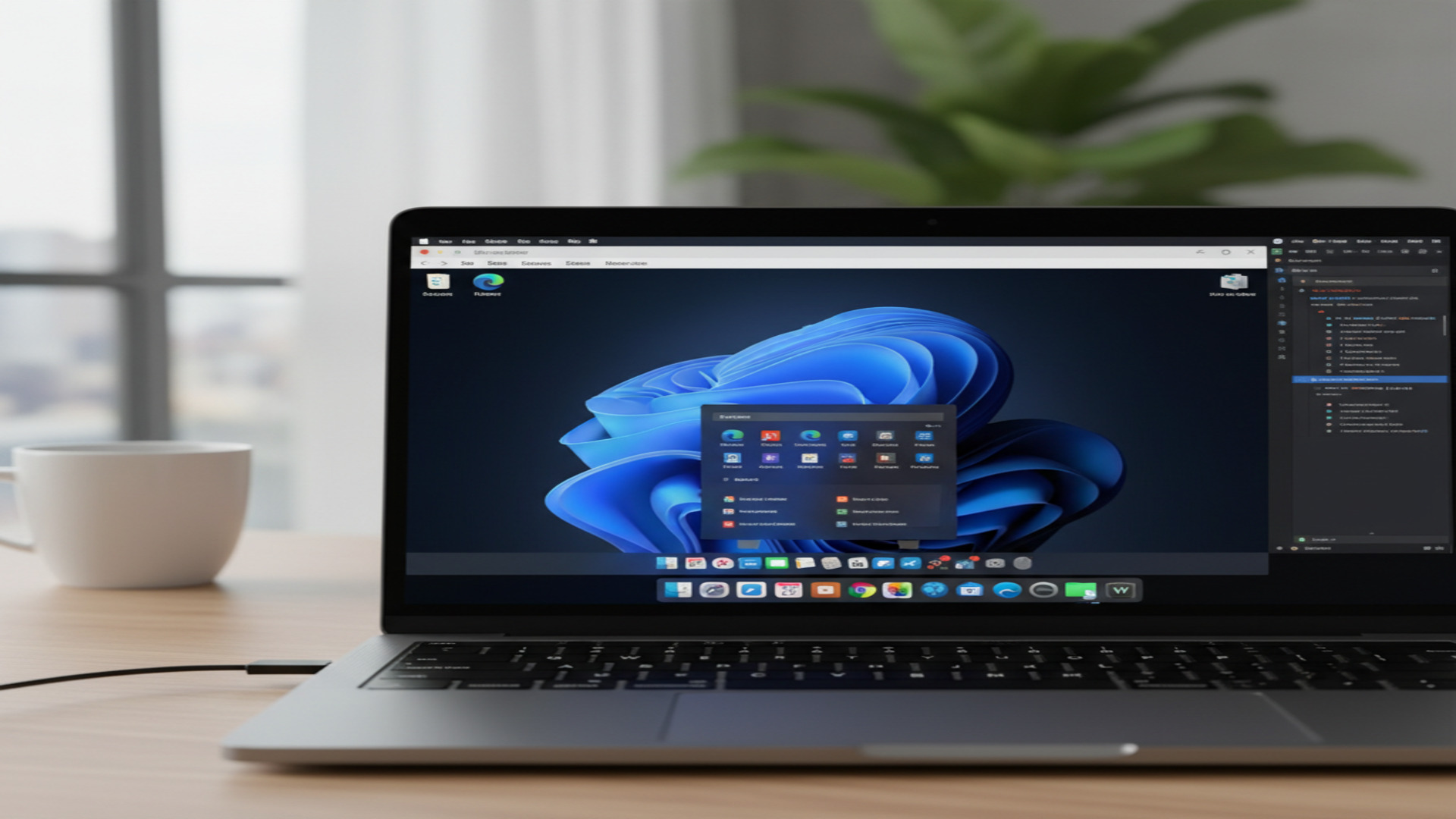
Parallels Desktop 26 has arrived, and it brings a set of meaningful updates for anyone who runs Windows on a Mac. Optimised for macOS Tahoe 26 and fully compatible with Windows 11 25H2, this release focuses on reliability, enterprise management, and a smoother experience for everyday users. Whether you are a creative professional, a developer, or an IT administrator managing a fleet of Macs, here is everything you need to know about what has changed.
What Is Parallels Desktop?
For those new to the software, Parallels Desktop is the leading virtualisation solution for macOS. It allows you to run Windows, Linux, and other operating systems inside a virtual machine directly on your Mac, without rebooting. You can run Windows applications side by side with Mac apps, drag and drop files between the two systems, and even play many Windows-only games.
With over 7 million users worldwide and nearly two decades of development, Parallels Desktop has become the go-to solution for Mac users who need access to Windows software. It supports both Intel and Apple Silicon Macs, and is authorised by Microsoft and SOC 2 certified.
New Features in Parallels Desktop 26 for Individual Users
Full Compatibility with macOS Tahoe 26 and Windows 11 25H2
The headline feature of Parallels Desktop 26 is day-one support for Apple's latest operating system, macOS Tahoe 26, and Microsoft's Windows 11 version 25H2. This means you can upgrade your Mac to macOS Tahoe and continue running your Windows virtual machines without any issues. Parallels has tested and optimised the software to ensure that all features work seamlessly with both new operating systems.
This is particularly important for users who rely on their virtual machines for work. In previous major macOS updates, some virtualisation features would break temporarily until a compatibility patch was released. With Parallels Desktop 26, that transition is handled from day one.
Accurate Mac Disk Space Visibility from Windows
One of the most practical improvements in this release addresses a long-standing annoyance. In previous versions, Windows virtual machines would sometimes display incorrect information about available storage on the Mac host. This could lead to unexpected freezes, slowdowns, or even crashes during large file operations or software installations.
Parallels Desktop 26 now provides accurate disk space visibility, allowing Windows to see exactly how much storage is available on your Mac. This gives you better control over your storage and helps prevent the kinds of disruptions that caught users off guard in earlier versions.
Support for macOS Tahoe Background Process Changes
Apple introduced new restrictions on how background processes run in macOS Tahoe. These changes affect how applications can operate behind the scenes, and without proper support, they could disrupt features that depend on background services.
Parallels Desktop 26 has been designed to work with these new restrictions. Key features like Coherence Mode — which lets you run Windows apps as if they were native Mac apps, without showing the full Windows desktop — continue to function normally. Setup routines and other background processes also run without interruption.
New Versioning Scheme
Starting with this release, Parallels has adopted a new naming convention. The version number now matches both the year it was designed for and the version of macOS it supports. So Parallels Desktop 26 is designed for macOS 26 (Tahoe) and was released in the 2025-2026 cycle.
This makes it much easier to know at a glance whether your version of Parallels is compatible with your current macOS version. No more cross-referencing version numbers with release dates.
Updated Visual Design
To match the refreshed aesthetic of macOS Tahoe, Parallels Desktop 26 includes updated Dock icons and visual elements. While this is a minor change, it shows attention to detail and ensures the application feels native to the latest macOS environment.
New Features for Businesses and IT Teams
The enterprise-focused improvements in Parallels Desktop 26 are arguably the most significant part of this release. If you manage Macs in a corporate environment, these features will make your life considerably easier.

Renewed SOC 2 Type II Compliance
Security is non-negotiable in enterprise environments. Parallels Desktop 26 has passed its latest SOC 2 Type II audit, confirming that the software meets rigorous standards for security, availability, and data privacy. This certification gives IT teams and procurement departments the confidence they need to deploy Parallels across the organisation.
Enterprise Management Portal with Granular Policy Controls
One of the most anticipated additions is the Parallels Desktop Enterprise Management Portal. This new portal allows IT administrators to enforce settings across all virtual machines in the organisation, including:
- Shared folders: Control which folders are shared between macOS and Windows
- USB access: Define which USB devices can be connected to virtual machines
- Clipboard sharing: Enable or disable clipboard sharing between the host and guest OS
- Network modes: Enforce specific network configurations for security compliance
This level of granular control means IT teams can ensure that all virtual machines follow the same security policies as the rest of the corporate infrastructure.
Single-App Deployment Guide
Not every user needs a full Windows environment. Sometimes, employees just need access to one or two specific Windows applications. Parallels Desktop 26 includes new documentation that guides IT administrators through deploying individual Windows apps on Mac without exposing users to the full Windows or Parallels interface.
This approach results in lighter, more focused deployments that consume fewer resources and are simpler for end users to manage.
Jamf Integration for Windows Update Management
IT teams using Jamf Pro or other MDM (Mobile Device Management) systems can now monitor and manage Windows OS updates within virtual machines. This includes the ability to:
- Track which Windows updates are installed across the fleet
- Check update status remotely
- Initiate update scans without accessing individual virtual machines
Parallels also provides scripts on their GitHub repository that administrators can use to automate these tasks.
Editions and Pricing
Parallels Desktop 26 is available in four editions, each designed for different use cases:
| Edition | Best For | Key Specs | Price |
|---|---|---|---|
| Standard | Home users | 8 GB vRAM, 4 vCPUs | $99.99/year |
| Pro | Developers, power users | 128 GB vRAM, 32 vCPUs | $119.99/year |
| Business | Teams, small businesses | 128 GB vRAM, 32 vCPUs + admin tools | Contact sales |
| Enterprise | IT-managed deployments | Full management portal + SSO | Contact sales |
All editions are subscription-based. Parallels no longer offers perpetual licences for new versions, although users with older perpetual licences can continue to use their existing version.
System Requirements
Parallels Desktop 26 works with all modern Macs, including both Intel-based and Apple Silicon models:
- macOS: macOS Tahoe 26, macOS Sequoia 15, macOS Sonoma 14, or macOS Ventura 13
- Processor: Apple M1, M2, M3, M4 chip or Intel Core i5 or higher
- RAM: 4 GB minimum (8 GB recommended for Windows 11)
- Storage: 600 MB for Parallels Desktop + space for virtual machines (at least 16 GB recommended for Windows 11)
- Display: Any resolution supported by macOS
Parallels Desktop 26 vs Previous Versions
| Feature | PD 19 | PD 20 | PD 26 |
|---|---|---|---|
| macOS Tahoe 26 support | ❌ | ❌ | ✅ |
| Windows 11 25H2 support | ❌ | ✅ | ✅ |
| Mac disk space visibility | ❌ | ❌ | ✅ |
| Background process support (Tahoe) | ❌ | ❌ | ✅ |
| Enterprise Management Portal | ❌ | ❌ | ✅ |
| Jamf update management | ❌ | ❌ | ✅ |
| SOC 2 Type II renewed | ✅ | ✅ | ✅ |
| Apple Silicon support | ✅ | ✅ | ✅ |
Frequently Asked Questions
Is Parallels Desktop 26 compatible with Apple Silicon Macs?
Yes. Parallels Desktop 26 is fully compatible with all Apple Silicon chips, including M1, M2, M3, and M4. It uses ARM-based virtualisation technology optimised for these processors.
Can I upgrade from an older version of Parallels Desktop?
Yes. Parallels offers upgrade pricing for users with active subscriptions or perpetual licences of previous versions. Visit the Parallels website for current upgrade options.
Does Parallels Desktop 26 support macOS Tahoe from day one?
Yes. Parallels Desktop 26 was released with full macOS Tahoe 26 support, including compatibility with the new background process restrictions introduced by Apple.
Is a perpetual licence available for Parallels Desktop 26?
No. Starting from recent versions, Parallels Desktop is only available as a subscription. However, if you already own a perpetual licence for an older version, such as Parallels Desktop 19, you can continue using that version indefinitely.
What happens to my virtual machines if I don't upgrade?
Your existing virtual machines will continue to work with your current version of Parallels Desktop. However, if you upgrade macOS to Tahoe, older versions may experience compatibility issues. It is recommended to upgrade Parallels before upgrading macOS.
Conclusion
Parallels Desktop 26 is a solid update that prioritises compatibility and enterprise management. For individual users, the macOS Tahoe and Windows 11 25H2 support ensures a smooth transition to the latest operating systems, while the improved disk space visibility addresses a genuine pain point. For IT teams, the new Enterprise Management Portal, Jamf integration, and single-app deployment guide represent significant steps forward in making Mac deployments more manageable.
If you are already running Parallels Desktop on a subscription, the upgrade to version 26 is included. If you are looking to get started with Parallels or prefer a perpetual licence, consider the options available at Licendi.