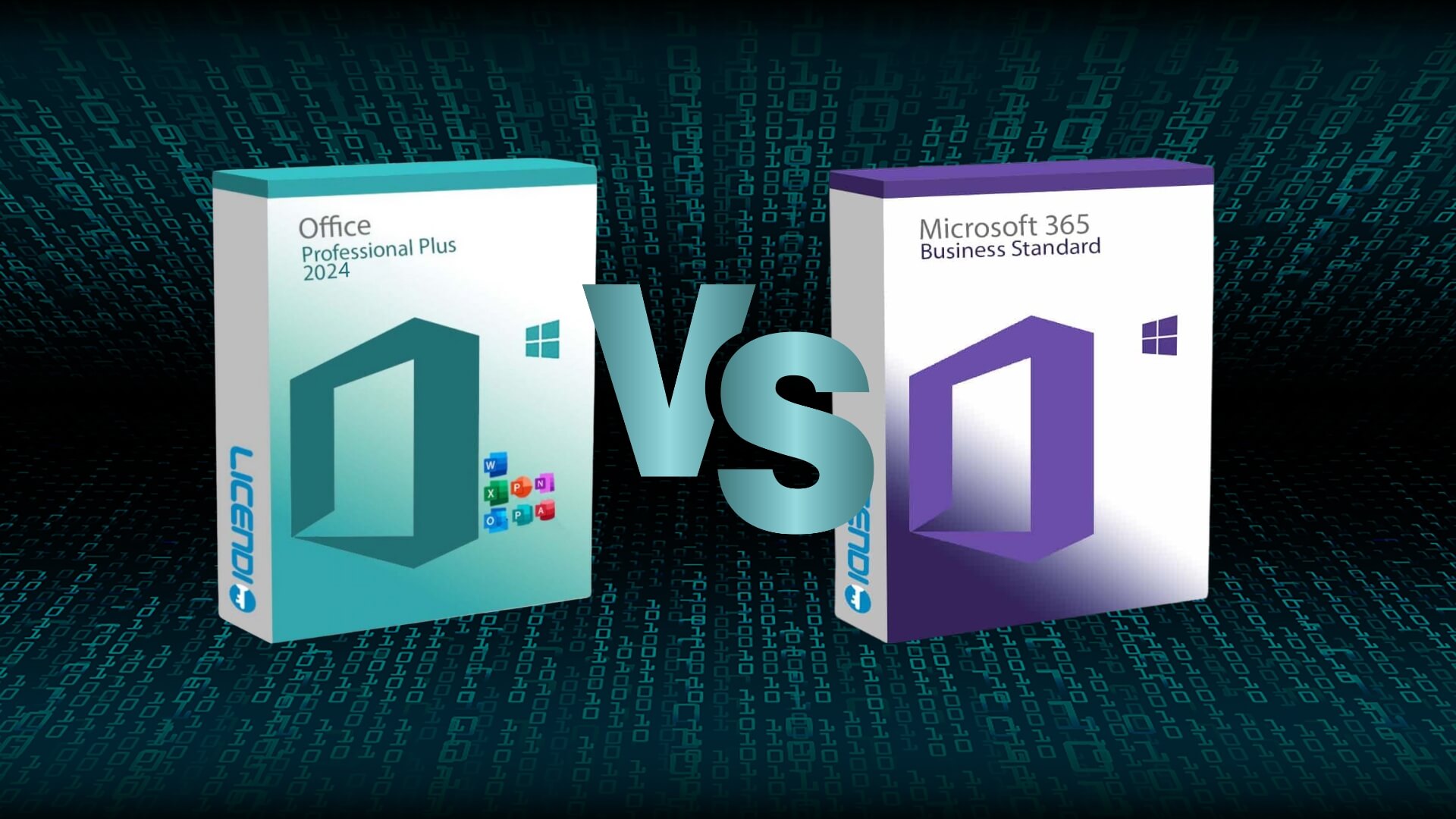
Office LTSC 2024 vs Office 365: Complete Guide
Introduction
The choice between Office LTSC 2024 and Office 365 is crucial for companies and individual users seeking to optimize productivity and efficiency in their daily tasks. Both products offer powerful and effective tools, but they differ significantly in pricing models, specific features, subscription systems, and included applications. In this comprehensive guide, we will analyze each option in detail to help you choose the one that best suits your specific needs.
In an increasingly digital work environment, the office suite you choose can make a significant difference in your work processes and results. While Office 365 is positioned as a modern cloud-based solution designed to foster real-time collaboration and continuous innovation, Office LTSC 2024 represents the continuation of a traditional one-time purchase model focused on stability, control, and operational predictability.
It is important to consider factors such as the nature of the work, team size, connectivity level, internal IT policies, and the available short- and long-term budget. In addition, with the constant evolution of AI-based tools like Microsoft Copilot and integration with platforms like Teams, OneDrive, or SharePoint, choosing the right version can unlock new opportunities to increase efficiency, automate routine tasks, and improve decision-making.
Throughout this article, we will cover key aspects such as total cost of ownership (TCO), privacy, security, compatibility, and daily productivity impact. This will help you make a well-informed and strategic decision about which version of Office best aligns with your professional or personal environment.


What is Office LTSC 2024?
Office LTSC (Long Term Servicing Channel) 2024 is a perpetual edition of the well-known Microsoft Office suite, primarily designed for organizations and individuals who prefer to make a one-time upfront investment and avoid recurring payments. This version offers functional stability, remaining largely unchanged throughout its lifecycle, except for critical patches related to security and performance. Office LTSC 2024 is specifically aimed at users and companies that value consistency and predictability in their technological tools.
The main advantages of Office LTSC 2024 lie in the ability to make a single purchase with no additional future payments, guaranteed stability which makes it ideal for controlled environments, and extended compatibility supported by assured long-term support. However, it does have some notable limitations, such as the absence of frequent updates that could bring new features, and reduced integration with cloud services, which significantly limits real-time collaboration capabilities.
What is Office 365?
On the other hand, Office 365 is a cloud-based solution provided by Microsoft, offered through a monthly or annual subscription. This option provides continuous access to the full Office suite, as well as constant updates that include improvements and new features. Office 365 is specifically designed to support advanced collaborative work through cloud services and additional storage included in the subscription.
The main advantages of Office 365 include frequent updates, allowing users to benefit from the latest improvements and features. Its advanced cloud integration greatly facilitates real-time collaboration, enabling flexible access from various devices and platforms. In addition, it includes extra services such as OneDrive for cloud storage, Teams for team collaboration, Exchange Online for email, and several other tools depending on the chosen plan. However, this model requires an ongoing subscription, which results in recurring costs, and relies heavily on internet access to take full advantage of all its features.
Detailed Comparison: Features and Applications
Regarding the available applications, Office LTSC 2024 includes essential and widely known tools such as Word, Excel, PowerPoint, Outlook, and Access, which are sufficient to cover both basic and advanced needs in controlled environments. On the other hand, Office 365 offers these same applications but adds exclusive tools focused on collaboration and automation such as Microsoft Teams, Planner, Forms, Power Automate, and Power BI, especially in more comprehensive business plans.
In terms of updates, Office LTSC 2024 receives very limited updates, focused solely on critical security patches, which keeps it stable and predictable. Office 365, in contrast, receives continuous updates that include both security improvements and the regular addition of new tools and features that can significantly boost productivity.
From an economic perspective, Office LTSC 2024 requires a considerably higher initial investment, although it does not incur additional ongoing costs. In contrast, Office 365 has a much lower upfront cost, but requires ongoing periodic payments to continue enjoying services and updates.
Cloud integration is another key differentiating factor. Office LTSC 2024 offers limited integration with cloud services, making it suitable mainly for users operating in controlled environments or with low technological dependence. Office 365, on the other hand, is specifically designed to maximize collaborative work and document management in the cloud, making it an ideal tool for remote or highly dynamic teams.
Moreover, artificial intelligence plays an increasingly important role in the Office 365 ecosystem, enabling features such as smart suggestions, intelligent writing, predictive analysis, and assistance through Copilot—a tool powered by AI that transforms the way users interact with their documents and data. Office LTSC, in contrast, does not include these features, which can be a disadvantage in sectors that require advanced automation or real-time data analysis.
Lastly, Office 365 offers better compatibility with other Microsoft products and services, such as Azure, Dynamics 365, and Viva, facilitating integration into broader enterprise ecosystems. This platform connectivity can be crucial for organizations looking to centralize the management of their technological and administrative operations.
Ideal Scenarios for Office LTSC 2024
Office LTSC 2024 is particularly well-suited for companies operating in highly regulated environments, where stable technological solutions that do not change frequently are required. It is also ideal for users who do not need advanced real-time collaboration features, such as independent professionals or small businesses with tasks carried out primarily on local systems. Lastly, this option is attractive for organizations with controlled budgets that prefer one-time expenditures and full control over their technology investments.
In addition to these scenarios, Office LTSC 2024 is especially useful in situations where constant updates could negatively impact specific workflows or critical programs. For instance, industrial or production environments using specialized or customized software can greatly benefit from this stability. In such cases, even minor changes in the office suite platform could result in high adaptation and staff training costs. Office LTSC provides the certainty that features will remain unchanged, avoiding unexpected additional costs and ensuring uninterrupted operational continuity.
It is also ideal for public and governmental organizations that manage confidential or highly sensitive information, as fewer updates can reduce the potential risk of vulnerabilities introduced by frequent software changes. These entities often seek long-lifecycle technological solutions with clearly defined support policies that allow them to strictly comply with specific regulations and security standards.
Another area where Office LTSC 2024 excels is in geographic regions or business sectors where internet connectivity is limited or unstable. Unlike cloud-based versions like Office 365, which rely heavily on a strong internet connection, Office LTSC operates fully without the need for constant connectivity, making it a reliable option even in remote locations.
Finally, Office LTSC is the perfect choice for companies looking to avoid reliance on continuous subscriptions. By acquiring a perpetual license, these organizations ensure full control over the purchased software, avoiding cost fluctuations associated with monthly or annual subscriptions, thus enabling better financial planning and reducing long-term budget uncertainty.
Ideal Scenarios for Office 365
On the other hand, Office 365 is especially advantageous for companies with a high demand for constant collaboration between geographically distributed teams, benefiting from advanced real-time tools like Microsoft Teams. It is also ideal for highly mobile users who require constant access from different devices and locations. Lastly, this model perfectly suits organizations that aim to keep their technological tools up to date and fully leverage ongoing market innovations.
In addition, Office 365 is optimal for rapidly growing companies that need immediate scalability and flexibility in their technological resources. Thanks to its subscription-based model, organizations can quickly adjust the number of licenses according to the number of employees or temporary collaborators, avoiding unnecessary overcosts and simplifying administrative management. This is especially relevant for startups, emerging tech companies, or businesses working on project-based models with varying periods of high demand.
This platform is also particularly useful for organizations focused on continuous innovation and digital transformation, where the constant incorporation of new features and improvements represents a clear competitive advantage. Office 365 regularly introduces advanced features in artificial intelligence and automation that simplify routine tasks, optimize internal processes, and increase overall productivity. For example, tools like Microsoft Copilot leverage generative AI to assist with content creation, data analysis, and the automation of repetitive tasks.
Another ideal use case for Office 365 is in educational organizations, such as universities or online training centers. These institutions need robust collaborative tools to manage virtual classes, share educational content in real time, and facilitate effective interaction between students and teachers across various geographic locations.
Finally, in business sectors where continuous communication and interaction with clients and business partners is essential, Office 365 provides significant value through services like Exchange Online and SharePoint, enabling secure document management, instant updates, and shared access from any location. This ensures that both employees and external collaborators always have access to the most up-to-date and relevant information, thereby contributing to agile, coordinated, and effective decision-making at all levels of the organization.
Economic Analysis: Which Is More Cost-Effective?
Evaluating the cost-effectiveness of Office LTSC 2024 versus Office 365 involves considering the intended use of the software. In the long run, Office LTSC 2024 may prove more economical for users who do not require constant updates or advanced cloud services. In contrast, in the short to medium term, Office 365 offers greater added value for dynamic companies that frequently use additional services and require regular updates and advanced collaborative tools.
Privacy and Security
In terms of privacy and security, Office LTSC 2024 offers a more controlled environment with minimal updates, which reduces exposure to changes that could introduce additional vulnerabilities. However, the limited update frequency could pose a risk if available security patches are not properly managed. In contrast, Office 365 provides constant security updates, although it requires active and proactive security management, especially due to its broad exposure to online environments.
Additionally, Office LTSC 2024, operating primarily outside the cloud, significantly reduces attack vectors associated with permanent internet connections. This makes it ideal for regulated or sensitive environments such as government institutions, hospitals, or critical infrastructure, where confidentiality and control over internal data are priorities. Since it does not rely on constant integration with external services, the risks of data leaks due to misconfigurations or third-party vulnerabilities are minimized.
On the other hand, Office 365 is cloud-based and requires frequent connectivity, which brings advantages in terms of resilience, data encryption, and real-time protection against emerging threats. Microsoft implements artificial intelligence to detect attack patterns and apply automated mitigation measures, which is essential in today’s landscape of sophisticated cyber threats. However, this cloud dependency requires IT administrators to implement additional controls, such as multi-factor authentication, continuous monitoring, and strict access policies to keep security under control.
In summary, the choice between Office LTSC 2024 and Office 365 in terms of privacy and security will depend on each organization’s risk profile and specific needs. One offers stability and control, while the other delivers agility and dynamic protection in modern, connected environments.
Impact on Productivity
Office 365 significantly boosts productivity through collaboration tools and constantly updated features, along with cloud storage that greatly facilitates teamwork and remote work. Office LTSC 2024, while less dynamic in this regard, offers stability and predictability, ideal for controlled and repetitive tasks.
One of the main advantages of Office 365 is its seamless integration between applications such as Teams, Outlook, Word, Excel, and PowerPoint, which enables real-time communication, document co-authoring, and workflow automation via Power Automate. These features are crucial for companies managing collaborative projects, geographically distributed teams, or hybrid work models. Access from multiple devices and cloud synchronization allow users to continue tasks from anywhere, enhancing performance and operational continuity.
In contrast, Office LTSC 2024 is designed for environments where software stability is a higher priority than constant innovation. Sectors such as manufacturing, logistics, public entities, or organizations with heavily regulated IT environments value the consistency of interface, features, and behavior over time. This reduces the learning curve, minimizes operational errors, and avoids disruptions caused by unexpected updates.
However, this same rigidity limits adaptability to new ways of working. For instance, the lack of native integration with tools like SharePoint or OneDrive hampers collaborative work. Moreover, features like voice dictation, smart templates, AI-based data analysis, or integration with Copilot are absent in LTSC, which can result in lower efficiency for analytical or creative tasks.
Ultimately, the choice directly influences productivity depending on the business context: innovation and collaboration versus control and consistency.


Recommended Use Cases
The decision between Office LTSC 2024 and Office 365 should not be based solely on price or individual features, but rather on the actual usage context. Each work environment, user type, and operational model has specific needs that make one solution more suitable than the other. Below, we explore different scenarios to help you determine which version might be the best fit for your particular situation.
Small and Medium-Sized Businesses with Low Technological Turnover
Organizations that prioritize system stability and do not require frequent software changes will find Office LTSC 2024 to be an ideal solution. This includes professional offices, consulting firms, workshops, and companies in the industrial or logistics sectors, where a fixed set of applications is used over long periods. By not relying on the cloud, the infrastructure can remain simpler and more controlled, and costs are more predictable.
Large Enterprises or Corporations with Distributed Teams
In environments where collaboration between teams in different locations is essential, Office 365 provides a key advantage. With tools like Microsoft Teams, SharePoint, and OneDrive, employees can work together in real time, share documents, and coordinate projects more efficiently. Additionally, its integration with services such as Power BI or Dynamics 365 makes it a more scalable and flexible option for growing organizations.
Freelancers and Independent Professionals
Independent professionals may choose Office LTSC if they work in isolation and do not require frequent collaboration or cloud storage. This option allows them to make a one-time payment for the software without committing to recurring fees. However, if their work involves multiple devices, mobility, or collaborative projects with clients, Office 365 may represent a better investment.
Education Sector
Educational institutions often benefit from special Office 365 plans, which allow students and teachers to access the latest tools from any device. Moreover, collaboration between students and educators is smoother through Teams, OneNote, and Forms. In contrast, Office LTSC could limit these dynamics due to the lack of native cloud connectivity and functional updates.
Environments with Strict Security and Control Requirements
Hospitals, government agencies, military facilities, or critical infrastructure often operate in closed networks or under strict data management regulations. For these cases, Office LTSC 2024 is the most recommended option, as it does not require constant connectivity or rely on external servers, which reduces the risk of exposure.
Startups and Tech Companies
For organizations born with a digital mindset and aiming to scale quickly, Office 365 is the most versatile alternative. The ability to add or remove licenses according to team growth, access to advanced tools like Power Automate, and compatibility with cloud-native environments make it an ideal partner during rapid development phases.
In summary, the key is to align the solution with the operational reality of each organization. Neither Office LTSC nor Office 365 is universally better—everything depends on how, where, and how often you use the tools.
Compatibility and Technical Requirements
Another fundamental aspect to consider when choosing between Office LTSC 2024 and Office 365 is system compatibility and the technical requirements of each version. These elements can determine how easy (or difficult) implementation will be, whether hardware or operating systems need to be updated, and the level of support required.
Operating System Compatibility
Office LTSC 2024 requires at least Windows 10 or Windows 11 and is not compatible with earlier versions such as Windows 7 or 8.1. This may present a barrier for organizations still running legacy systems without the immediate budget to upgrade their hardware.
Office 365 also requires a modern environment, but thanks to its cloud-based approach, many features can even run through updated web browsers without needing a full software installation. This makes it more accessible from devices like tablets, Chromebooks, or even hybrid environments (for example, using web apps on Linux).
Hardware Requirements
Both versions run smoothly on modern systems with dual-core processors or higher, 4 GB of RAM (8 GB recommended), and at least 4 GB of free disk space. However, because Office 365 is optimized for cloud-based work, it reduces the local storage load and performs better on lower-end hardware as long as there is a stable internet connection.
Office LTSC, being fully dependent on local installation, requires the device to be more self-sufficient and capable of handling large files without support from cloud services like OneDrive.
Backward Compatibility and Coexistence
One advantage of Office LTSC is that it allows you to maintain a static version of the software without the risk of incompatibilities caused by automatic updates. This is especially useful for businesses that rely on macros, legacy templates, or custom VBA solutions.
Office 365, on the other hand, may cause conflicts if the business environment depends on outdated solutions not adapted to Microsoft’s constant update cycle. In such cases, testing is recommended before migrating full environments.
Installation and Deployment
Office LTSC is installed in a traditional manner using an executable file and a product key. It’s a straightforward option that doesn’t require internet connectivity once installed.
Office 365 requires authentication with a Microsoft or business account, and its installation process can be automated in large environments using tools like Microsoft Endpoint Manager or Intune.
Conclusion
Ultimately, the choice between Office LTSC 2024 and Office 365 will fundamentally depend on the specific needs of your business or personal project, the available budget, and your preference for a subscription model or a one-time purchase. Both options offer significant advantages and their own limitations, so a careful evaluation will be key to maximizing the return on your tech investment.
If your environment demands stability, full control over updates, and a fixed cost with no recurring fees, Office LTSC 2024 is a solid and predictable alternative. It’s ideal for organizations with strict security policies, isolated networks, or longer software refresh cycles. Its perpetual license model offers budgetary peace of mind, especially for those seeking to avoid the accumulating costs of annual subscriptions.
On the other hand, Office 365 is better suited for dynamic business environments where collaboration, mobility, and automation are essential for staying competitive. Its cloud integration, continuous updates, and access to advanced productivity tools like Copilot make it a more forward-looking and flexible platform. If your team needs to collaborate in real time, access from multiple devices, and benefit from frequent innovations, Office 365 is likely the better choice.
Ultimately, this isn’t a question of which version is better, but which one aligns more closely with your organization’s technology strategy. The right choice will not only impact operating costs but also influence your company’s efficiency, security, and competitiveness in the medium to long term. Therefore, we recommend analyzing not only the technical aspects but also the organizational and financial ones before making a decision.