EN
EN FR
FR  DE
DE  IT
IT  PT
PT  ES
ES 

SLM/SAM License Management Tools
Managing software licenses is a big challenge for today's companies. Many businesses use dozens or even hundreds of applications. Trying to track licenses by hand often leads to mistakes, wasted money, or breaking rules. Luckily, special tools can automate and simplify this job.
This blog post looks at the top Software License Management (SLM) and Software Asset Management (SAM) tools. We'll cover their benefits, estimated costs, and how to pick the best one for your company. We'll explore popular commercial tools, free open-source options, and even tools built into products from companies like Microsoft or IBM. We compare their pros and cons to help you decide.
What is Software License Management (SLM/SAM)?
Software license management, or SLM, is also called Software Asset Management (SAM). It means keeping track of and making the best use of software in a company. Simply put, SLM/SAM tools help you record all your installed software, how many licenses you have, and how many are actually in use.
In the past, these tools mainly managed software installed on your company's own computers (on-premise). Now, modern tools also handle cloud software and SaaS subscriptions. Their main goal is to make sure your company follows all software rules. This stops you from getting fines during software checks (audits). Good license management also finds licenses you don't use enough or software installed without permission (called Shadow IT). This saves money and makes your systems safer. Remember, SAM is a wider idea. It covers the whole life of software, from buying it to getting rid of it. SLM focuses only on managing licenses and following rules.
Importance of License Management Tools
Having a special tool to manage licenses is no longer just nice to have; it's a must. Without an SLM/SAM tool, companies often use spreadsheets or count licenses by hand. This can easily lead to mistakes. These mistakes can mean big fines if an audit finds you're using software without a license. Or, you might waste money on licenses no one uses. Studies show that good license management can cut yearly software costs by 10% to 30%. This happens by stopping payments for unused licenses.
A good license management tool gives you a full view of all your company's software. IT managers can quickly see which apps have too few or too many licenses. They can fix issues before they become problems. These tools also help with budget planning. They show exactly how many licenses you truly need. They improve how you work with software companies. You show you are actively and clearly managing how their products are used. It also makes managing unauthorized software (Shadow IT) easier. This boosts security and helps you follow company rules. Finally, an SLM tool saves IT staff time. It automates tracking, so they can work on more important projects instead of counting licenses by hand. In short, buying a license management tool means investing in peace of mind and working smarter.
Advantages of Using SLM/SAM Solutions in Your Company
Implementing a license management solution brings multiple benefits. The most notable include:
- Cost savings: Find unused or extra licenses. You can then cancel or reassign them, which cuts down software costs.
- Legal compliance: Make sure your company follows all license rules. This helps avoid fines if you use too much software during an audit.
- Easier audits: Keep all needed information neat and easy to find. This makes software audits simpler when outside teams check your systems.
- Full visibility: Get a current list of all software and how it's used. This gives IT full control over what apps are installed and how they are used.
- Better operations: The tool tracks licenses automatically and sends alerts (like when a license is about to run out). This reduces manual work and mistakes.
- Less Shadow IT: Find software installed without IT's OK. This lowers security risks and makes sure all apps are approved and managed.
Key Features of License Management Tools
When evaluating different SLM/SAM tools, it is worth focusing on the functionalities they offer. Some key features include:
- Automatic inventory: The tool should find and list all software on company devices by itself. This means no more manual tracking.
- Usage tracking: It should show how many users or devices use each app, and how often. Seeing real usage helps find unused licenses or if you need more.
- Alerts and reminders: Good tools send alerts when a license is about to expire, when you've installed too many copies, or when unapproved software shows up.
- Compliance reports: It's vital to create reports that compare licenses you bought with those you use. These reports should be ready for an audit. They should also list the main points of each agreement.
- Connects with IT systems (ITSM/CMDB): The best tools link with your current IT systems (like help desk tools, Active Directory, cloud platforms). This helps share data and automate tasks. For example, it can free up licenses when an employee leaves.
- Contract management: Store details about license contracts (like vendor, purchase date, end date, and usage rules). This makes it easier to track renewals and get ready to negotiate better deals with vendors.
FlexNet Manager: For Large Companies
FlexNet Manager (by Flexera) is a very well-known SAM tool. It's made for large companies with complex systems and many software providers. FlexNet offers full license management. It handles everything from software on your own computers to cloud apps.
A key strength is its huge database of software and license types. This helps it find almost any installed app. It then figures out how much it's used based on license rules (like per user, per processor core, or per subscription). It also has tools to improve licenses from companies like Oracle, Microsoft, or IBM. This includes managing tricky rules, such as sub-processor licensing for servers.
FlexNet Manager is very powerful and can be changed to fit your needs. But it usually costs a lot. Its high price and complex setup make it best for large companies. For them, the money saved on software and avoiding risks makes the cost worth it. It also has custom dashboards and connects with company inventory systems. This gives a single view of license rules across the whole business.
Snow License Manager: Get the Most from Your Software
Snow License Manager (by Snow Software) is another top tool for managing licenses in big companies. Like FlexNet, it's for medium and large businesses that want strict control over their software. Snow is known for finding software automatically and making data consistent. It can spot all software on computers and servers. Then, it makes names and versions standard to make control easier.
After gathering information, Snow License Manager checks how much software is actually used against available licenses. This creates a clear picture of your license status. The IT team can quickly see if they have too many or too few licenses. The tool handles complex license rules from companies like Microsoft, IBM, or Oracle. This helps avoid accidentally breaking rules.
Snow also helps save money. For example, it finds apps that aren't used much and could be removed. It also spots users with expensive licenses they don't fully need. With easy-to-use dashboards and detailed reports, it helps you get ready for audits. It also helps you make smart choices to cut software costs. You can install Snow License Manager on your own servers or use it in the cloud (Snow Atlas). This means it can fit any company's needs.
ServiceNow SAM: Licenses within Your IT System
ServiceNow SAM is a license management tool built into ServiceNow's popular ITSM platform. If your company already uses ServiceNow for IT services, adding the SAM part makes sense. This tool uses ServiceNow's CMDB (a database of IT items) and special agents to automatically list all software on your network.
Since it's part of the same system, license management works smoothly with other IT tasks. For instance, when new employees join or others leave, licenses can be given or taken back using ServiceNow. You can also create reports on compliance and usage from the same place where you manage other IT operations.
ServiceNow SAM handles both old-style licenses and SaaS subscriptions. Its main benefit is bringing all tools together. It covers a lot, but remember, you need the ServiceNow platform to use it. This platform is usually for large companies with big budgets.
ManageEngine AssetExplorer: Affordable Control on Your Servers
ManageEngine AssetExplorer is an IT asset management tool from Zoho Corp. It handles both hardware and software. It's a good, affordable choice for mid-sized companies. Unlike bigger SAM tools for large businesses, AssetExplorer is fairly easy to install on your own servers. It offers basic license tracking. This includes automatically listing software through network scans or agents, noting purchased licenses, giving them to users or devices, and sending alerts when they expire.
A benefit of ManageEngine is that it works with other tools in its suite, like ServiceDesk Plus. This means license management can connect with support tickets or your company's IT database (CMDB).
For cost, AssetExplorer usually charges based on how many items you manage. You can choose to buy a license once (a license that lasts forever, plus yearly support) or pay yearly (subscription). There's also a free version with limited features. This is good for testing it in smaller setups before buying the full tool.
Ivanti License Optimizer: Part of a Full IT Management Suite
Ivanti License Optimizer is part of Ivanti's IT asset management suite. This suite is known for combining IT asset management, security, and device management. This license tool helps companies use software better and follow rules. It does this by using the platform's central information.
License Optimizer gathers data from many places. It can connect with Ivanti's device management tools or other software to find installations on all devices. Then, it compares this data with your recorded licenses. This shows you clearly if you have too many or too few licenses.
Being part of a larger suite, it offers benefits like automatic updates to your software list. This happens when new software is added or old devices are removed. Its reporting tool creates compliance and cost-saving reports, similar to other top tools. Ivanti usually sells this tool as a subscription. It's especially good for companies already using Ivanti products, as it works perfectly with them.
License Dashboard: For Rules and Audits
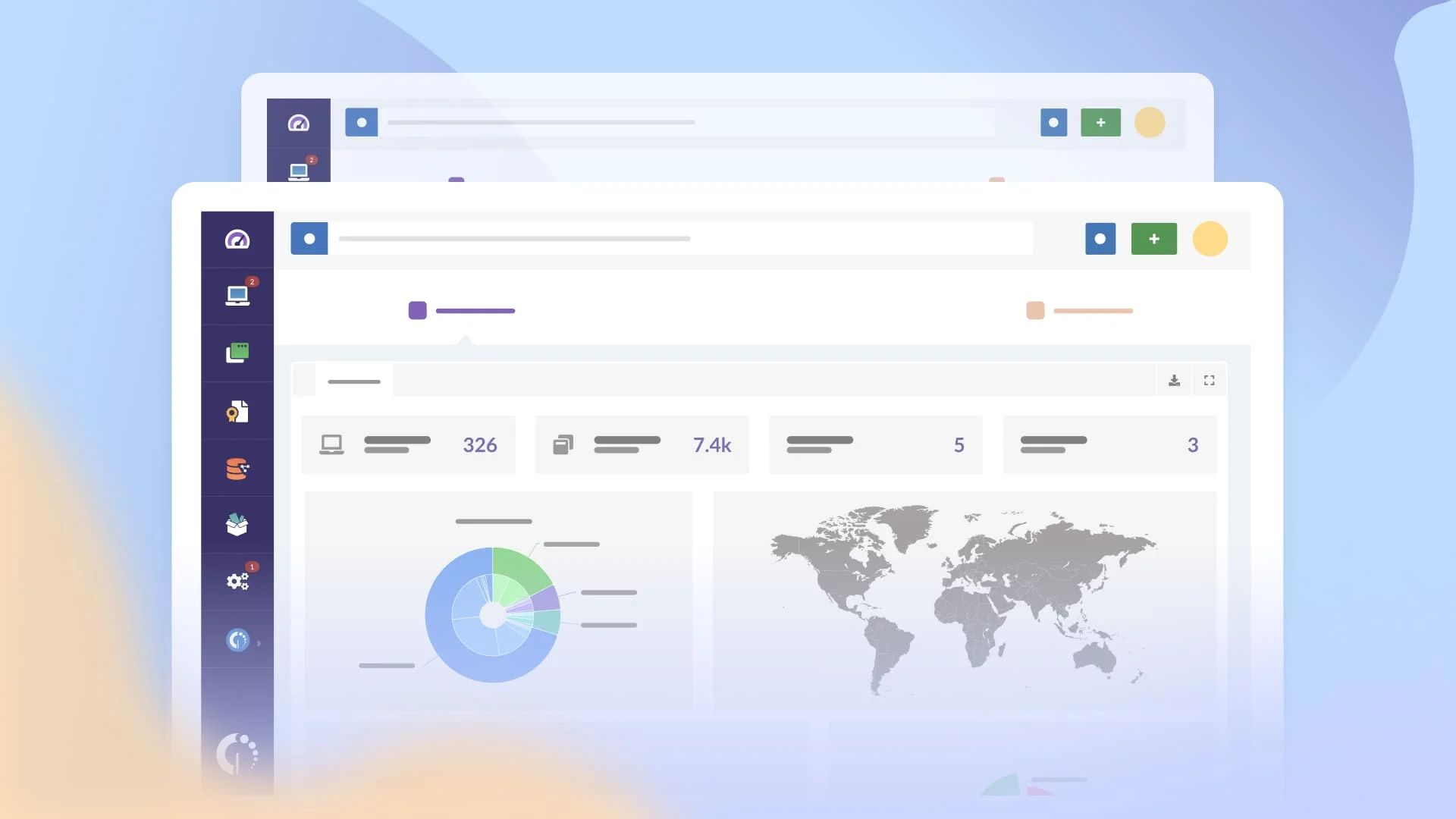
License Dashboard is a special tool for managing licenses. It focuses heavily on following rules and being ready for software audits. It has a very visual dashboard. IT managers can see license status right away: how many are used, how many are free, and if there's any risk of breaking rules.
This tool can bring together information from different places (like lists of PCs, servers, and software purchases). This creates one central license database. Then, it uses license rules from many vendors. This helps figure out if your company has too many licenses (overpaying) or too few (risking rule breaks).
People like License Dashboard for its practical approach. It has features to manage contract renewals, store license papers, and create reports for auditors. It's usually sold as a subscription or cloud service. This makes it easier to set up without big upfront costs. It's a good choice for mid-sized companies that need strong license management but don't want the complexity of bigger tools.
Zluri: Automated SaaS License Management
Zluri is a new type of tool. It focuses on managing licenses for SaaS (Software as a Service) apps. Many companies now use cloud software. Zluri helps organize this growing world of SaaS. The platform links to SSO systems, company email, and other sources. This helps it automatically find which cloud services are in use. It even finds those bought without IT's approval (Shadow IT).
With all information in one place, Zluri shows how many subscriptions you have for each app. It also shows how many are used and which ones are not active. It lets you remove unused accounts, give licenses to others who need them, and get alerts before renewals. This stops you from paying for subscriptions you don't need. By focusing only on SaaS, Zluri makes it easier to save money on these types of costs. Zluri itself is a SaaS tool. Its cost depends on the number of users or apps it tracks. It's very helpful for companies using many cloud tools. Keep in mind, Zluri only manages SaaS licenses. It doesn't handle software installed on your computers. So, you might need other SAM tools for full coverage.
Snipe-IT: A Free Option for License Management
Snipe-IT is a popular free, open-source tool for managing IT assets, including software licenses. Since it's open source, you can download and host it on your own server for free. This makes it a great choice for companies with small budgets. The tool lets you record all your software, link licenses (keys, number of users, end dates), and give them to users or devices.
It doesn't have the advanced automatic features of paid tools. But Snipe-IT offers the basics to keep your inventory organized. It includes helpful features like alerts for expiring licenses, simple reports, and an easy web interface. From there, technicians can easily add or remove licenses.
Since it's open source, support for Snipe-IT comes from its community and your company's own IT team. However, some companies offer cheap hosting and expert support for Snipe-IT. Another free option is GLPI (which has a license part), but it usually needs more setup. In short, Snipe-IT proves you can manage licenses well without buying expensive software.
Tools for Engineering Software Licenses
Some tools are made for very specific needs or industries. For example, there are tools for managing licenses for engineering and CAD software. These often use floating license servers, like FlexLM or RLM. For these situations, special platforms have been created to track and improve how these shared licenses are used.
For example, Altair SAO (Software Asset Optimization) is for companies that use simulation, CAD, and engineering software. It looks at how floating licenses are used to find ways to save money. It also predicts when demand will be high and sends alerts if certain apps are using up all available licenses. OpenLM is another tool (available in free and paid versions). It focuses on getting detailed reports from engineering license servers. This helps managers see who uses expensive licenses and when, so they can share them better.
These special tools usually work with a general SAM system. They are very helpful in industries where design or simulation software costs a lot, and each license is a big investment.
Tools Built into Microsoft, IBM, and Other Products
Remember, many software companies offer their own tools or features to help you manage licenses. For instance, Microsoft has tools like System Center Configuration Manager (SCCM) and Microsoft Endpoint Manager. These can list software. They help you find which Microsoft products (and some other company products) are on your network. Also, Microsoft 365 has dashboards to manage Office 365 subscriptions, users, and cloud license use.
Similarly, IBM also offers the IBM License Metric Tool (ILMT). This tool helps control how its programs are used in virtual systems. It makes sure you follow IBM's complex license rules. This is very helpful to avoid extra fees for using less than full capacity. Other companies, like Oracle or Adobe, also give special reports or tools to check how their products are used.
These built-in tools are often free or come with support plans. But they only work for that specific company's products. If a company mainly uses software from one maker, these basic tools might be enough. However, if you use software from many different companies, you'll still need a full SAM tool to see everything.
Costs and Pricing for SLM/SAM Tools
The cost of license management tools changes a lot. It depends on the company selling it and what the tool does. The biggest tools (like FlexNet, Snow, ServiceNow) are usually sold as yearly subscriptions or for a large number of users. Prices are often based on how many items or users you manage. Many times, there isn't a public price list. Companies need to ask for a custom quote based on their size and needs. These tools can be a big investment (tens of thousands of euros per year for large companies). But the money they save on software usually makes them worth it.
Tools for mid-sized companies, like ManageEngine AssetExplorer or License Dashboard, cost less. You might find versions you buy once (a license that lasts forever, plus yearly support) or pay yearly (subscription). It's also common to find free versions with limited features to try out the product. For example, AssetExplorer has a free version for up to 25 devices.
For free, open-source tools like Snipe-IT, the software itself costs nothing. But you still need to think about other costs. These include servers to run it and the time to set it up and keep it running. Some companies hire outside help for these open tools. This is usually still cheaper than a paid software suite.
Lastly, tools built into products from companies like Microsoft or IBM often come free with certain licenses or support plans. However, they offer fewer features than special license management tools.
Tips for choosing a license management tool
With so many options available, choosing the right license management tool can feel overwhelming. Here are some practical tips to guide your decision:
Assess the size and complexity of your inventory
If your company is small and uses only a few main software programs, a simple tool (even a free one) might be enough. But a large company with thousands of devices and software from many different makers will need a strong, enterprise-level system.
Consider your technology ecosystem
Think about the IT systems you already use. For example, if you use ServiceNow, its SAM tool might be a good fit. If you mostly use Microsoft products, SCCM could handle some of your needs. For companies with many different types of software, a tool that works with all vendors (like Flexera or Snow) will be better.
Define clear objectives
Figure out your most urgent problem. Do you need to cut costs from unused software? Get ready for a specific audit? Or control many SaaS apps? Each tool is good at different things. Match your needs with the tool's best features.
Try before you buy
If you can, try out demos or free trials. Many paid tools offer trials for 15 to 30 days. This lets your tech team check the interface, how easy it is to connect, and how much it can automate tasks in your real system.
Consider support and community
For paid tools, good support from the vendor is key for a smooth setup. For free, open-source tools, check if there's an active community or companies that can offer help if you need it.
Lastly, include everyone involved in the decision (IT, purchasing, security, and main users). The best tool will fit your company's ways of working. It will also offer the right balance of cost, features, and ease of use.
New Trends in Software License Management
The SAM discipline continues to evolve alongside changes in the technology landscape. Some trends to keep in mind include:
Focus on SaaS
More and more companies are using Software as a Service (SaaS). So, SAM tools are changing to manage cloud subscriptions as well as traditional licenses. This has led to special SaaS Management platforms. Soon, the difference between SAM and SaaS management will likely become less clear.
Integration with FinOps
License management is more and more connected with saving money on cloud services (FinOps). Companies want to see all their IT spending in one place. This includes software licenses on their own servers, SaaS subscriptions, and public cloud use. This helps them make smarter money choices.
Automation and AI
New tools are starting to use smart computer programs. These can guess how many licenses you'll need in the future. They can also automatically spot strange ways software is being used. Artificial intelligence (AI) might help suggest which licenses to move or which subscriptions to cancel based on how users act.
New licensing models
As new tech like containers and microservices appear, software companies are creating new ways to license their products. SAM tools will need to change. They'll have to track new types of measurements (like virtual cores or temporary instances) while still making sure you follow all rules correctly.
To sum up, license management is always changing. IT leaders must stay updated and improve their tools and methods as new things come out. This will ensure the company keeps getting the most value and control over its software.

Licendi: Your Partner for License Management
Beyond having a strong SAM/SLM tool, it's key to work with a trusted provider. This provider should offer licenses at the best price and with full legal safety. Here, Licendi is a vital partner for IT professionals.
Licendi makes it simple to buy real licenses from Microsoft, Adobe, and other big brands. You get them at lower prices with instant delivery. This helps IT managers improve not just how they manage licenses, but also how they buy software. By using a license management tool with Licendi, companies can save the most money. They control what software is truly needed, and then buy those licenses cheaply and safely.
Also, Licendi has a special team that understands what IT managers and pros need. They don't just sell licenses. They help companies move to software management that is more efficient, clear, and made for their specific needs.
With Licendi, managing licenses stops being a problem and becomes a chance to save money and gain control.
Conclusion: Smart License Management is Key
To sum up, managing software licenses well is now a core part of IT. Without good control, companies might waste money on unused licenses or face fines for breaking rules. But with the right SLM/SAM tool, businesses can manage subscriptions, use each app best, and always be ready for audits.
There's no single best solution; the choice depends on your company's situation and needs. The important thing is to start actively managing your licenses. With the right plan and system, IT pros can turn a tough task into a business advantage. In today's digital world, controlling licenses not only stops problems. It also frees up resources and helps new ideas grow. This is because the right tools are ready when users need them. In the end, license management changes from a necessary chore to a smart business partner.