Best Antivirus Software 2026: 9 Programmes Tested, Compared and Ranked
Choosing the right antivirus can feel overwhelming — dozens of brands, confusing tiers, and prices ranging from free to €100+. We tested and compared nine of the most popular antivirus programmes available in 2026, using independent lab results from AV-TEST and AV-Comparatives, to help you find the best protection for your PC, budget and needs.
Looking for a Lizengo alternative? You are not alone. The German software reseller shut down in 2024, leaving thousands of customers searching for reliable alternatives. In this guide we compare the best options for buying Microsoft licences (Windows 11 Pro, Office 2024, antivirus) in 2026, ranked by price, reliability and EU legal compliance...
Parallels Desktop 26 has arrived, and it brings a set of meaningful updates for anyone who runs Windows on a Mac. Optimised for macOS Tahoe 26 and fully compatible with Windows 11 25H2, this release focuses on reliability, enterprise management, and a smoother experience for everyday users. Whether you are a creative professional, a developer, or an IT administrator managing a fleet of Macs, here is everything you need to know about what has changed.
What Is Parallels Desktop?
For those new to the software, Parallels Desktop is the leading virtualisation solution for macOS. It allows you to run Windows, Linux, and other operating systems inside a virtual machine directly on your Mac, without rebooting. You can run Windows applications side by side with Mac apps, drag and drop files between the two systems, and even play many Windows-only games.
With over 7 million users worldwide and nearly two decades of development, Parallels Desktop has become the go-to solution for Mac users who need access to Windows software. It supports both Intel and Apple Silicon Macs, and is authorised by Microsoft and SOC 2 certified.
New Features in Parallels Desktop 26 for Individual Users
Full Compatibility with macOS Tahoe 26 and Windows 11 25H2
The headline feature of Parallels Desktop 26 is day-one support for Apple's latest operating system, macOS Tahoe 26, and Microsoft's Windows 11 version 25H2. This means you can upgrade your Mac to macOS Tahoe and continue running your Windows virtual machines without any issues. Parallels has tested and optimised the software to ensure that all features work seamlessly with both new operating systems.
This is particularly important for users who rely on their virtual machines for work. In previous major macOS updates, some virtualisation features would break temporarily until a compatibility patch was released. With Parallels Desktop 26, that transition is handled from day one.
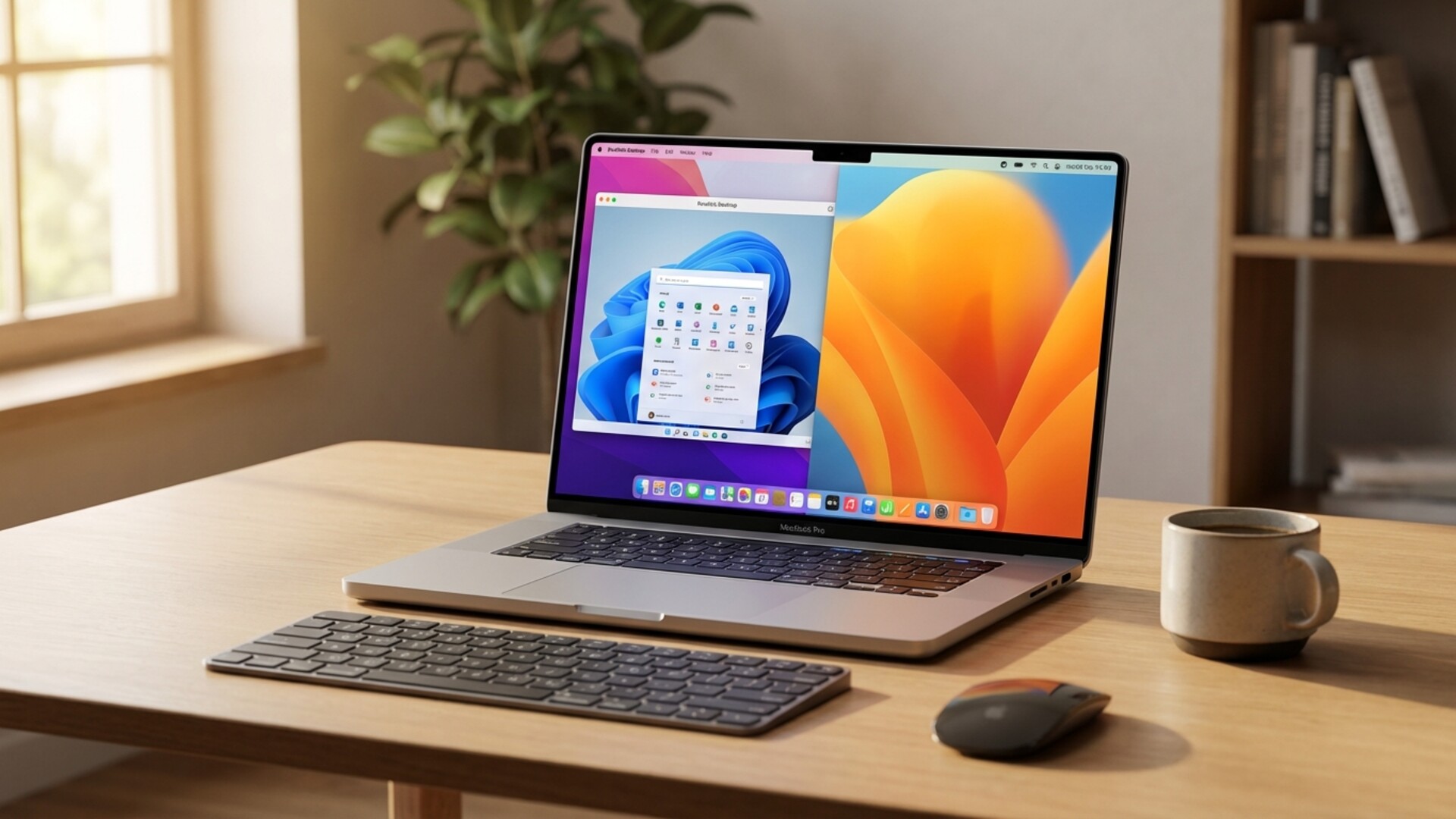
Windows 11 running alongside macOS applications in Parallels Desktop 26
Accurate Mac Disk Space Visibility from Windows
One of the most practical improvements in this release addresses a long-standing annoyance. In previous versions, Windows virtual machines would sometimes display incorrect information about available storage on the Mac host. This could lead to unexpected freezes, slowdowns, or even crashes during large file operations or software installations.
Parallels Desktop 26 now provides accurate disk space visibility, allowing Windows to see exactly how much storage is available on your Mac. This gives you better control over your storage and helps prevent the kinds of disruptions that caught users off guard in earlier versions.
Support for macOS Tahoe Background Process Changes
Apple introduced new restrictions on how background processes run in macOS Tahoe. These changes affect how applications can operate behind the scenes, and without proper support, they could disrupt features that depend on background services.
Parallels Desktop 26 has been designed to work with these new restrictions. Key features like Coherence Mode — which lets you run Windows apps as if they were native Mac apps, without showing the full Windows desktop — continue to function normally. Setup routines and other background processes also run without interruption.
New Versioning Scheme
Starting with this release, Parallels has adopted a new naming convention. The version number now matches both the yea...
If you have ever wondered whether it is legal to buy second-hand software licenses, the answer is a resounding yes. The secondary market for software...
Choosing the right antivirus solution for your computer is one of the most critical decisions you can make for your digital security. With Windows Defender now built directly into Windows 10 and Windows 11, many users wonder whether they really need to invest in a paid antivirus solution or if Microsoft's free offering is sufficient for their needs. This comprehensive comparison will examine both options in detail, helping you make an informed decision based on your specific requirements...
Choosing between Microsoft Office 2024 and Office 2021 can seem like a complicated decision, especially when both versions offer the most widely used productivity tools in the world. In this comprehensive guide, we will analyze in depth the differences, advantages, and disadvantages of each version to help you make the best decision based on your specific needs.
Microsoft Office remains the industry standard for working...
Mastering keyboard shortcuts in Microsoft Excel can radically transform your productivity. If you spend hours working with spreadsheets, every second counts. Professionals who regularly use keyboard shortcuts can complete tasks up to 30% faster than those who rely exclusively on the mouse. In this comprehensive guide, we present over 150 key combinations that will turn you into a true Excel expert.
The security of our personal and professional data has never been more important than it is today. Every day we hear news about information theft, massive hacks, and data losses that affect both large corporations and individual users. In this context, full disk encryption has become a fundamental tool for protecting our sensitive information, and Microsoft's BitLocker is one of the most robust and accessible solutions available on the market...
Cookies In order for this site to function properly, we sometimes place small data files, known as cookies, on users' devices. Most major websites do this too.
 EN
EN FR
FR  DE
DE  IT
IT  PT
PT  ES
ES